

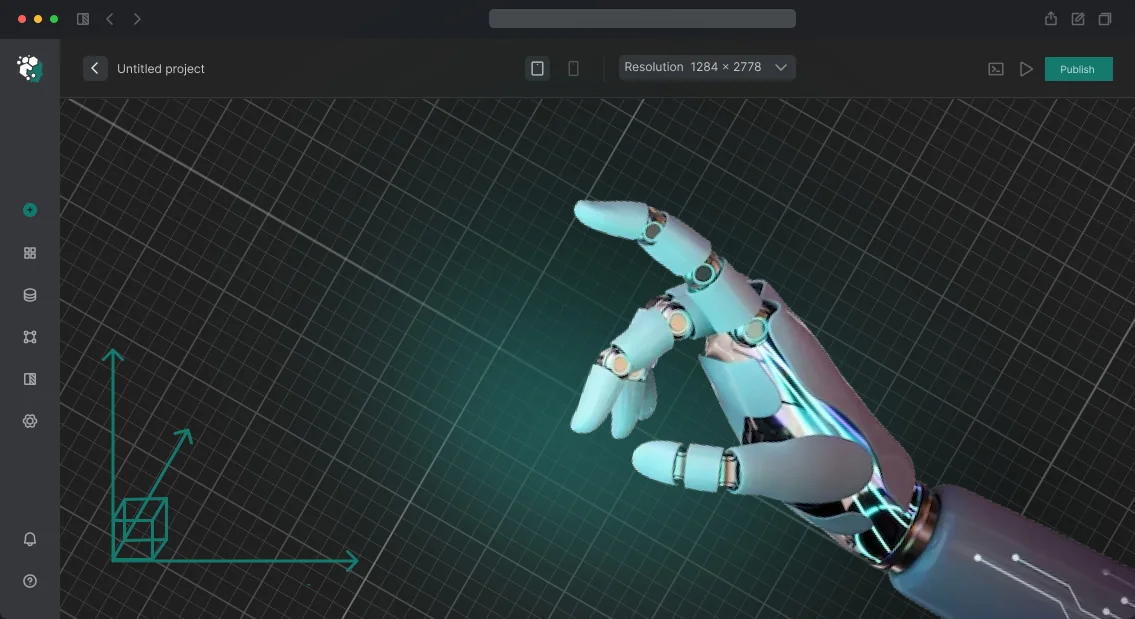
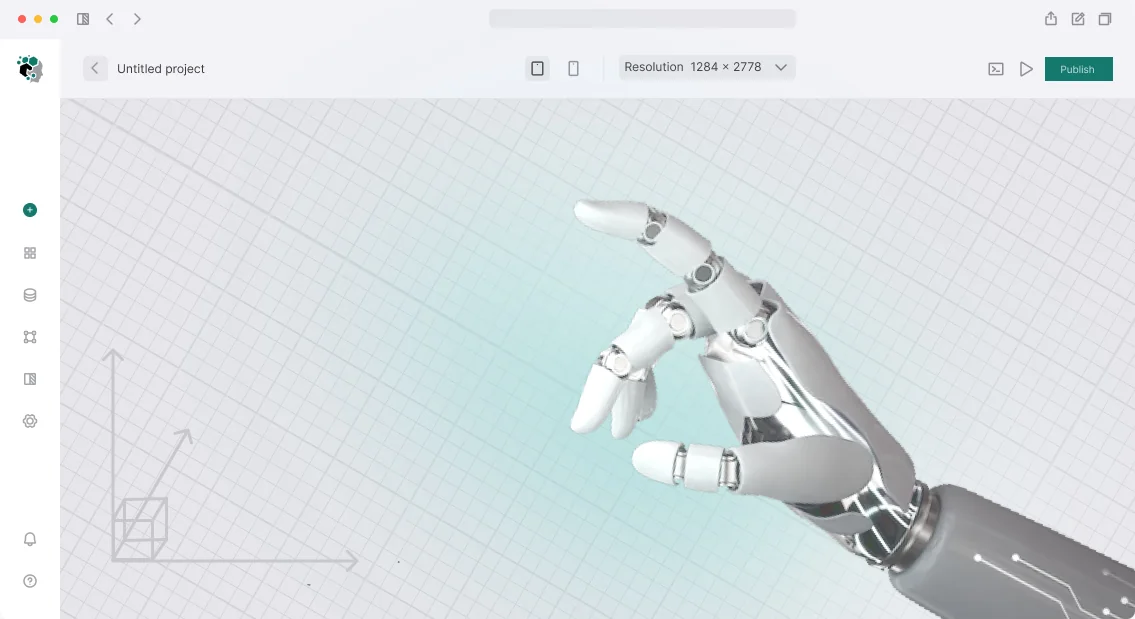






How 3D Animation and Visualization Speed Up Approvals in BIM360
Approvals in BIM360 drag on not because participants are slow, but because they lack a shared picture. Everyone reads drawings and dry 3D models differently: the client sees one thing, the contractor another, and the designer means a third. The result is extra iterations, endless clarifications, and lost weeks at every stage.
Clear 3D animation and visualization solve this problem. Once a render with materials, lighting, and surroundings appears in BIM360, all parties immediately see how the object will look in reality.
Animated scenarios—such as room walkthroughs, facade lighting motion, or assembly sequences—eliminate questions before they even arise. Approvals turn from reading drawings into discussing a ready-made solution.
The “BIM360 + 3D graphics” combination has another effect: decisions are made faster because it is harder to argue with a clear image than with an abstract line on a plan.
Visualization helps spot layout errors, awkward areas, and conflicts between engineering systems in advance, while animation lets you check the functionality of a space “through the user’s eyes.” This reduces the number of revisions at the implementation stage, which means lower project costs and risks.
We create renders and animations that give all participants a unified and understandable picture of the future facility from the very start of approvals.
We work on professional equipment, so the image is stable and realistic: the client sees the real value of the project, and teams see a minimum of ambiguity.
Integration with BIM360 does not require you to reconfigure your processes—the graphic materials simply become part of your familiar approval environment.
The bottom line: instead of repeated calls and edits, you get a focused discussion of the finished solution, fast sign-offs, and a clean approval—two to three times faster than usual.
That is why 3D animation and visualization in BIM360 today are not a decoration but a tool that saves your time and money on every large project.
What Professional 3D Graphics and Animation Bring to Business
Professional 3D graphics are not just a pretty picture but a working tool that accelerates client decisions.
When a person sees a three-dimensional image, they immediately grasp the scale, materials, and spatial logic—questions that would otherwise require long email threads and dozens of clarifying messages disappear.
This clarity directly affects sales speed. Your client does not need to build the object in their head—they receive a ready-made solution and move faster to questions of price and timelines.
As a result, deals close faster, and your team’s resources are not wasted on repeated presentations.
Another plus is brand recognition. High-quality 3D visualization or animation sets you apart from competitors: such content holds attention, and people want to examine it and forward it to colleagues.
On social media and in email campaigns, this generates organic reach that is impossible to achieve with ordinary drawings or static renders. Professional graphics continue to work for your image long after the deal is closed.
3D Model and Graphics Formats for Your Project’s Needs
3D graphics solve different tasks: showing a product before launch, approving a project with a client, training employees, or standing out at an exhibition. The chosen format determines the speed of the result, the budget, and how the model will be used after delivery.
We select the format for your situation, not the other way around—you get exactly the work you need right now, without overpaying for unnecessary detail.
If your project is managed in a BIM environment, for example through BIM360, we account for compatibility with your document flow in advance. The final file integrates into your workflows without rework.
| Format | Who it is for | What it gives the client |
|---|---|---|
| Conceptual 3D models | For early approvals, sketches, quick idea checks | Quickly verify shape and proportions, make changes before large money is invested |
| Photorealistic visualization | For presentations, catalogs, websites, and promotional materials | The product looks finished—the client and investor understand the result before production starts |
| Animated videos | For showing the design, assembly, or mechanism operation | Complex processes become clear in 1–2 minutes, less time spent on explanations |
| Interactive 3D tours | For exhibitions, investors, training | The client explores the model from any angle—higher engagement and trust |
| Graphics for BIM projects | For architects, engineers, construction companies | Models and drawings sync with your environment, less manual work when transferring between departments |
How Your 3D Visualization Work Flows: From Brief to Launch
Your 3D visualization work is structured so that you always know what stage the project is at and when you will receive the final result. We break the path into short steps—this removes uncertainty and allows changes to be made quickly without missing deadlines. Below is what it looks like in practice.
-
Brief and goal setting. You tell us what the visualization is for: presenting the project to an investor, preparing a client presentation, or creating content for social media. We record the goals, audience, and key messages—this is the foundation of the entire project.
-
Analysis and production plan. We study the technical documentation, drawings, and source materials—including data in BIM360 if the project is already managed in that system.
As output, you receive a time estimate and a breakdown of stages so you can plan your own tasks in advance.
-
Visual concept development. We create the style of the video or visualization: camera angles, color solutions, dynamics. Here you see the first sketches and approve the direction before full-scale production begins.
-
3D graphics production. We model objects, set up lighting, textures, and animation. During the process we use professional equipment and proven tools—this guarantees a stable image and on-time delivery.
-
Intermediate reviews and revisions. We show intermediate versions of the video or images—usually 2–3 iterations. You provide comments in a convenient format, and we quickly adjust the project without waiting for the final version.
-
Final render and delivery. We prepare materials in the required formats for your channels: website, social media, presentations, advertising platforms. We hand over the files along with usage recommendations.
-
Post-launch support. If the digital object needs to be changed—showing a different angle or adding seasonal graphics—we stay in touch and make refinements upon separate request.
This process is clear to the client and makes the budget easy to control. You always know what is happening at each stage, and you receive the result exactly on the agreed timeline.
What Is Included in the Delivery: A Package That Works for Your Business
We structure the delivery so the result can be put to work immediately—without finishing touches or back-and-forth. The package includes not just images but ready-made tools for your marketing, sales, and tender teams.
Every element is tested and ready to use, and the structure is clear even to those who were not involved in the project.
- Renders and animations in formats for your website, social media, and presentations—grab and use.
- Source files for all scenes and graphics—make edits or order updates later without losing quality.
- BIM360-compatible versions—models and visualizations that open correctly in your working environment and require no rework.
- Final versions in the required resolutions—from small files for approvals to full-size materials for print or screen.
- Key frames and covers for announcements—ready to publish on social media and in email campaigns.
- Full set of rights—commercial use without restrictions or additional payments.
- Post-delivery support—we help with uploads, answer questions, and advise on how to apply the materials faster.
- A brief guide to the delivery structure—your employees will quickly find the right file and understand where everything is.
Each item solves a specific business problem: speed of launch, graphic relevance, and transparent cooperation with the contractor. You do not get a “folder of files” but a working package that pays for itself from the first use and remains a working tool for months to come.
Case Study: A BIM360 Project That Became 2.5 Times More Visual and Faster
We worked with a contractor who was running a large commercial real estate project in BIM360. The client was a construction project manager, and approvals were done through flat drawings and text reports.
Participants interpreted the same diagram differently, disputes arose, and the team had to go back to engineers. Each approval cycle took weeks.
We put together a 3D scenario based on the project data and showed it to all participants on a single screen. Instead of dozens of sheets, there was one clear model showing every node, the assembly sequence, and dependencies between stages.
The manager saw the entire project, the client saw the result, and engineers saw their tasks without ambiguity. After three meetings with the model demonstration, approval took not three weeks but five days—2.5 times faster.
The number of revisions also decreased: there was no need to redo drawings due to misinterpretation, and all discussion revolved around one visual version. The parties reached decisions faster because they saw the final result before work on site even began.
After that, the client ordered a second phase—a video for investors to show the project’s prospects without technical details. The second phase was ordered without a tender—they simply called and asked us to do the same.
Since then, we use this approach in every BIM360 project: first we show, then we approve. It reduces timelines, removes conflicts, and makes the project transparent for all participants.
How to Choose the Right 3D Animation Format for Your Budget and Timeline?
The 3D animation format determines not only the visual style but also the budget and timeline. A short 2D video for social media is produced quickly and costs little, while a realistic 3D scene for product demonstration requires more time and investment.
Choosing “by eye” leads to overpayment—either for unnecessary detail or for urgent revisions when the result does not meet expectations.
To choose correctly, you only need to understand where the video will live and what it should do to the audience.
For reach in a feed, dynamic 2D graphics deliver results cheaper and faster, while an investor presentation or an architectural project needs 3D visualization: light, materials, scale—the things that build trust. This is a different level of production, but also a different effect.
Budget and timeline directly depend on scene complexity, level of detail, and duration. A competent contractor can reduce the cost: assemble the scene from proven elements, remove what is unnecessary, and use optimal render settings.
It is important to pay for what is visible on screen and works toward the goal, not for processes that do not affect the result.
We create 3D models, animation, and graphics for your tasks, including integration with BIM360 for construction projects. We help you choose a format that solves the problem and fits your budget and timeline, without unnecessary detail.
Tell us what goal you are aiming for—we will suggest the best option and calculate the estimate before work begins.
Frequently Asked Questions and Concerns Before You Start: Our Answers
Questions before launch are normal. Especially when it comes to visualizing objects that need to be integrated into BIM360 workflows.
We have worked with such tasks for a long time and know exactly what usually worries clients: deadlines, rights to materials, number of revisions, and the risk that the result will not match expectations.
Below are honest answers to the most common questions. No fine print and no hidden conditions.
What are the timelines for animation or visualization development?
Everything depends on the complexity of the objects and the format: visualization of one angle takes several days, while a full video takes one to three weeks, including your revisions.
We fix the exact schedule in the contract at the start. You see the stages, approval points, and delivery date—no surprises in timing.
If you have a hard deadline for a reporting event, tell us in advance: we will match the format and production cycle to your date, not the other way around.
How many revisions are included in the cost?
The base package includes two full revision cycles for each stage: first on concept and storyline, then on the visual part and the draft render.
That is enough to bring the material in line with expectations. If new ideas come up after launch, we will discuss and price them separately.
But more often than not, it does not come to that: at the brief stage, we record the task details so you do not pay for rework caused by an inaccurate technical specification.
Who owns the source files and rights to the video?
You do. After final payment, you receive the complete package: finished files in the required formats, source scenes, and all working materials.
This means you can use the video and images in any advertising, on your website, in social media, and in presentations without restrictions. We do not place watermarks and do not use your materials for our portfolio without separate written consent.
What happens if you do not like the result?
We do not declare the project complete unilaterally. The final stage includes acceptance of the result by a signatory on your side—until the material matches the approved technical specification, we continue working within the agreed revisions.
From the start, we structure the work so that the risk of “not liking it” is minimal: we approve the style and references before full-scale production begins. This allows adjustments to be made early on, when it is fast and inexpensive.
Transparent terms are what allow you to delegate the task and focus on your business instead of monitoring every step of the contractor. Let’s discuss your task and record all details in a brief before signing the contract.
Let’s Discuss Your 3D Graphics and Animation Project
We understand that every 3D graphics and animation project is unique: timelines, style, media, and how the result will work for your business all matter.
That is why we do not offer “boxed” solutions—we first analyze the task and then provide a cost estimate and an implementation plan.
Leave a request for a consultation—we will discuss how 3D visualization, animation, and graphics can help draw attention to your product. If you work with BIM360, we will take your data specifics into account and suggest the optimal presentation format.
What you get after contacting us:
- A preliminary cost and timeline estimate based on your specific task, not average market figures.
- Format recommendations: 3D visualization, animated video, or a series of graphics—matched to your channels and goals.
- A clear stage-by-stage plan—from brief to final file, with control points.
- An assessment of how the material will be used: for presentations, website, social media, or BIM360.
- Answers to questions about integration with your workflows—without unnecessary technical complexity.
- Financial terms and working process—transparent, before we start, with no hidden fees.
The request is completely non-binding: you will receive an expert assessment and can compare it with other offers. It is free and takes a couple of minutes.
Fill out the form or write to us—we will send you an estimate in response and offer a time for a short call if you need to discuss details.