

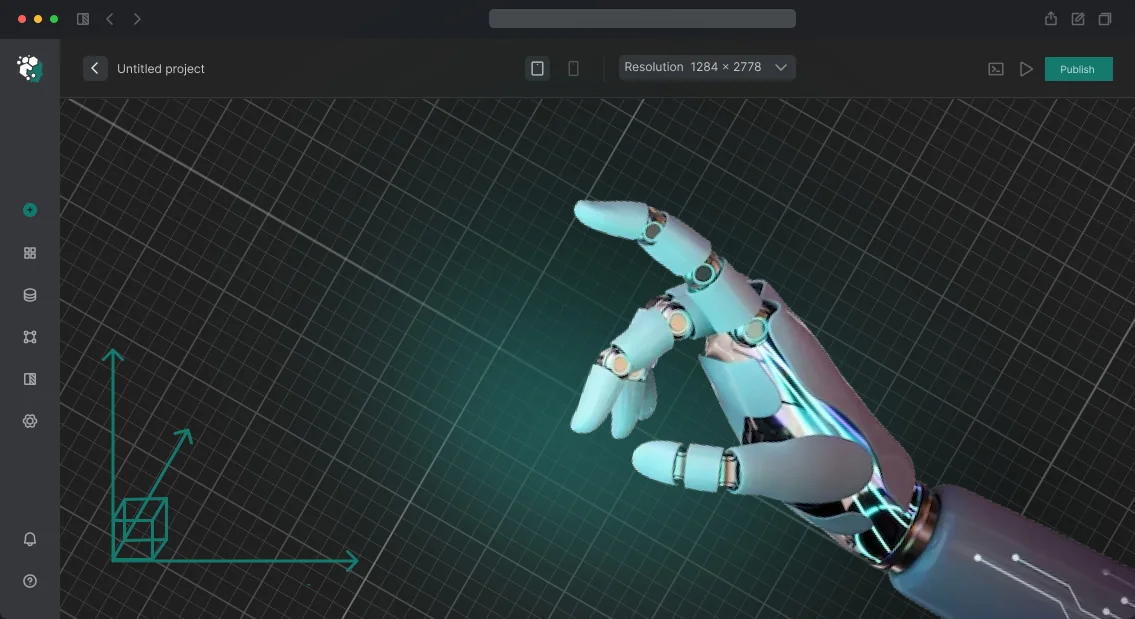






Factory digital twin simulation: insurance against downtime and budget overruns
Every hour of production line downtime means idle equipment, missed deliveries, and direct losses. Errors in workshop layout or material logistics are only discovered at the startup stage, when fixing them costs many times more than a timely check.
As a result, the enterprise faces budget overruns, schedule delays, and management stress—instead of a predictable launch.
The traditional "we'll do it and see" approach no longer works: trial and error is too expensive when it comes to complex production cycles.
Simulating production on a digital twin of the plant lets you "play out" all processes before money is invested in equipment and installation. You make changes in the virtual model, not in concrete and metal—and see how the decision affects performance.
Factory digital twin simulation provides answers to questions that used to be decided "by eye": where bottlenecks will appear, how many staff are needed, what material buffer prevents downtime, and how throughput changes with a new layout.
This is not an abstract 3D picture, but a working management tool that turns production risks into calculated decisions.
We address this need: our engineers build digital models of your processes, test scenarios, and show the results clearly.
You get not a spreadsheet report but a simulation where every section of the workshop is visible and it is clear what to change so the plant runs without failures.
The digital twin becomes your insurance against downtime and a reason to launch production with confidence in the result.
5 benefits an enterprise gets from a digital twin
Every decision at an operating plant is a balance between speed and risk. Changing logistics, changing over a line, or launching a new product requires stops, test batches, and time, while a mistake on real equipment results in downtime and losses.
This is where a digital twin becomes a tool that moves experiments from the workshop floor into a virtual environment.
A digital twin is an accurate 3D copy of your production that follows the same laws and reacts to the same inputs as a real plant. You can change parameters, run scenarios, and observe the result without stopping the workshop.
For a manager, this means strategic decisions are now backed by verified data rather than assumptions.
The first benefit is cost reduction. You see bottlenecks, unnecessary movements, and inefficient routes that go unnoticed in daily routine. By eliminating them in the model, you lower the unit cost of production before real resources are spent.
The second is the ability to test scenarios without stopping production. Need to introduce a new storage system or change the delivery schedule? The simulation will show the impact on the entire cycle in a matter of hours, not months of observation.
The third is faster launch: new equipment and lines are refined in the virtual environment to perfection, so on the real site commissioning is successful on the first attempt.
The fourth benefit is risk reduction. Staff training, emergency response drills, and testing of complex components happen in a safe environment, which reduces the likelihood of injuries and damage to expensive equipment.
The fifth is knowledge accumulation: the plant gets an up-to-date model that is updated along with production and serves as the basis for rapid onboarding of new employees and planning future upgrades.
In the end, management gets not just a 3D picture but a management tool: you see where money is lost, what can be accelerated, and which changes will bring the greatest effect—and you make decisions based on numbers, not intuition.
Digital twin simulation formats for your task
A factory digital twin is not a single product but a set of scenarios that solve different problems. Some need a visual model for staff training, some need layout verification before construction, and others want to see production bottlenecks in motion. We select the simulation format for your goal so you get a result, not just a nice picture.
| Simulation format | For whom | What it gives the client |
|---|---|---|
| Training simulation | For operators, technologists, new employees | Safe practice without risk to equipment, reduced onboarding time |
| Project simulation | For project managers, chief engineers | Layout, logistics, and ergonomics verification before construction—fewer errors and rework |
| Process optimization | For production directors, workshop supervisors | Identification of bottlenecks, justification of decisions to increase output |
| Presentation simulation | For owners, investors, customers | Visual demonstration of the future plant for approvals and raising financing |
We combine formats in one model: for example, a project simulation first helps approve the layout, then a training version for staff is created from it. This way you pay for one digital twin and get several working tools.
How a simulation project goes: 7 steps
Any change in production is a risk to the output plan, budget, and employee safety. Digital twin simulation allows you to test hypotheses and train staff without stopping the line, saving time and money.
We have structured the process so you control every stage and get a predictable result. The project takes seven steps—from brief to support of the finished system—and at each step you see a milestone result.
-
Brief and immersion into production. We study your workshop, traffic routes, and bottlenecks so the model reflects real processes, not an abstract scheme. The result is an approved technical specification you work with until the end of the project. You know exactly what you will get before modeling begins.
-
Data collection and analysis. We collect equipment performance indicators, regulations, and standards. The more accurate the input data, the more reliable the simulation and the more useful the conclusions for your team. At this stage, we identify hidden constraints that hinder productivity growth.
-
Modeling and logic. We build a virtual copy of the line, work out the behavior of mechanisms, and emergency scenarios. You see the system working in motion and can evaluate it before launching on real equipment. This is the basis for further experiments.
-
Interim version review. We show the model before finalizing it so you can make edits while it is still simple and inexpensive. This way we avoid rework at later stages, you save budget, and get a product that exactly meets expectations.
-
Implementation and refinement. We turn the model into a full-fledged tool: we configure scenarios, interface, and parameters for your tasks. Your employees get a convenient system for training and testing that is easy to learn without special preparation.
-
Launch and handover. We deploy the simulation at the production site and train staff to use it. The team practices skills without risk to equipment or delivery deadlines. You receive regulations and instructions that remain with the company.
-
Support and development. After launch, we update scenarios, add new sections, and adapt the model to changes at the plant. The simulation remains relevant and continues to provide value after the project ends.
What is included in the delivery: digital twin simulation package
When you order a factory digital twin simulation, you receive not just an animated video but a ready-made working tool for training, presentations, and analysis.
We hand over a complete package so you can run the simulation immediately and use it in daily operations without constant dependence on the contractor.
Here is what is included in the delivery package:
- Ready 3D model of the plant — an accurate copy of workshops, production lines, and equipment. The model can be rotated, scaled, and shown in any section—convenient for meetings, reports, and training.
- Project source files — all scenes, drawings, and settings are transferred to you. If necessary, you can make changes with your own team or hand the project to any other contractor.
- Technical documentation — a detailed description of the simulation structure, instructions for running, configuring parameters, and typical modifications. The documentation is written in clear language without fluff.
- Staff training — a hands-on session for your specialists. After training, they work with the simulation independently, change scenarios, and train new employees.
- Startup support — for an agreed period after launch, we accompany the project free of charge, help integrate the simulation into your business processes, and quickly resolve any issues.
- Warranty and adaptation — if requirements change over time, we will refine the model for new tasks and help update it without losing accumulated data.
Such a package allows you to recoup your digital twin investment faster and use it for years. All you have to do is set the task—we take care of the rest.
Case study: how simulation paid off for an automotive components manufacturer
Before launching a new line, an automotive components manufacturer faced the typical problem: the designed capacity was calculated "on paper," while the real equipment load threatened downtime due to bottlenecks.
Launching blindly meant losses on every conveyor stop—significant costs per hour. We suggested building a digital twin of the entire section first and "playing out" shifts, emergency stops, and planned maintenance on it.
Payback figures
The simulation showed that with the original layout, the fourth station constantly jammed: because of different machine speeds, operators could not keep up with processing parts. We changed the sequence of operations and staff allocation before purchasing part of the equipment.
As a result, after the line was launched, unplanned downtime fell by 30%, and output increased by 15% relative to the initial plan.
For the client AutoPart, the effect was direct: savings in just the first two months of operation exceeded the simulation development cost by 2.5 times. Full payback took less than four months—after that, every day of line operation generated additional profit.
We also handed the client's team a model they can use to test scenarios themselves when orders change.
This case is a typical example of how a digital twin turns from a "pretty 3D picture" into a cost management tool. The simulation pays off even before launch: it alerts you to problems that are many times more expensive on real production.
Frequently asked questions about digital twin simulation
A factory digital twin is a virtual copy of production where you can test scenarios without stopping workshops. Before starting, managers most often ask about timelines, accuracy, budget, and risks. We answer these questions based on our implementation experience.
How long does development take?
The duration is from 4 weeks for a single section to 4 months for an entire plant. We fix it in the contract and report by stages, so you always know where the project stands.
How accurate is the simulation?
The model is built on your data: layout, equipment, logistics. The deviation is no more than 5% and is reduced after calibration against actual indicators. This is sufficient for planning and restructuring production.
How much does such a project cost?
The cost is calculated after audit—it is comparable to the cost of one line stoppage, while the optimization effect is measured in annual savings. We calculate the exact budget for your task after a short brief.
Is it difficult to integrate the simulation with our systems?
Integration does not require replacing current systems: we connect via secure connectors and set up data exchange. We handle all technical work; your team works in a familiar interface.
What happens if an error is found in the data?
We verify source data before starting and calibrate the model against actual production indicators. If an error is found later, we will fix it under warranty support at no extra charge.
Ready to get a simulation of your plant? Leave a request
A factory digital twin simulation is not just a nice 3D model but a working tool for production optimization. With it, you can test scenarios, find bottlenecks, and reduce risks before changes affect your real workshops.
We handle the turnkey development of the simulation: from analyzing your processes to a ready interactive model. Our engineers have already done such projects for industrial enterprises, so you get a solution that really works, not a demonstration video.
Leave a request for a digital twin—and we will offer an option suitable for your production. Here is what you get after contacting us:
- Consultation: where simulation will bring the most value.
- Data and process audit: what to take into account in the model.
- 3D model of the enterprise with detailing.
- Simulation of lines, logistics, and personnel.
- Integration with your data and accounting systems.
- Employee training.
- Support and model updates.
You can order a simulation right now—send a request through the form on the website. We will contact you within one business day, discuss the task, give timelines and cost.
We will show the first prototype within a few weeks, and the fully finished simulation—turnkey, with training for your team.
How to choose a simulation format for your production specifics?
Choosing a simulation format starts not with technology but with the question "what should the model solve?" One thing is to show a new workshop to investors, another is to train operators for emergency situations or to test logistics before launch.
So first define the goal: sales, training, process debugging, or analytics—and the level of detail and presentation method are selected accordingly.
The specifics of production also affect the decision. If you have a flexible line with frequent changeovers, you need an interactive model with the ability to change parameters. For mass production of similar items, a detailed video presentation is enough.
If the task is rapid response, realistic movement physics is more important than a photorealistic image. Discuss with our engineers what source data you have: drawings, 3D models, movement routes, operation timings. This determines what can be modeled accurately and what will have to be simplified.
Equally important is who will use the simulation. A manager needs a clear overview with key indicators, a technologist needs the ability to "play around" with the model, and a new employee needs a visual scenario.
Different audiences often get several versions: an overview video for the board of directors and a detailed interactive environment for working groups. There is no universal "best format"—only the one that suits the task and the viewer.
A practical tip: don't order a full-scale digital twin of the entire plant right away. Start with a pilot section—one process stage or key equipment. This lets you see results in a couple of weeks, adjust the approach, and calculate the effect for other sites.
We help you choose the format during the brief: we ask the right questions, show examples of similar solutions, and offer an option that will bring value, not just a "nice picture". In the end, you get a simulation that is actually used in work, not a one-off expensive mockup.