


Developing VR Training for Corporate Trainers: The Pain and the Solution
Corporate trainers usually learn how to work with an audience on real people. Mistakes are costly: the training session falls apart, employee motivation drops, and the trainer's reputation along with the employer's internal brand suffer.
At the same time, difficult situations — an aggressive participant, a disengaged group, a tough question — cannot be practiced safely when every mistake costs real learning outcomes.
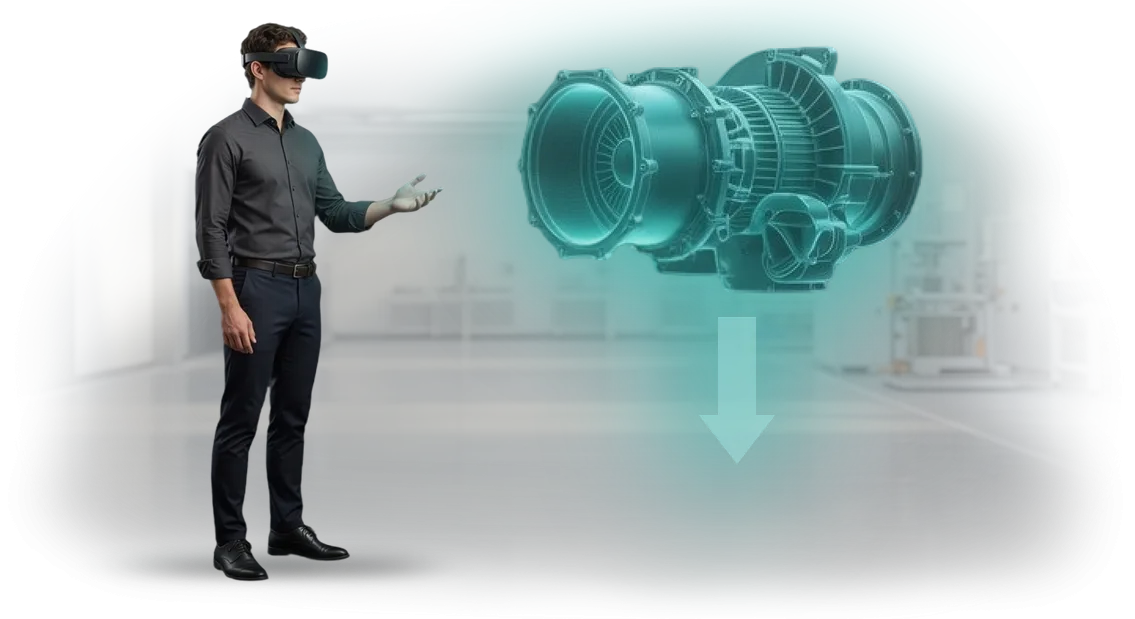
VR training for corporate trainers solves this pain. The specialist enters a realistic virtual audience that reacts to every word and intonation and engages them in dialogue.
Here you can deliberately create stressful scenarios and practice reactions as many times as needed — without risk to real employees and clients.
After each session, the trainer receives feedback on key skills: attention retention, handling objections, and the structure of material delivery.
This approach changes the logic of preparation: instead of long months of observation and costly mistakes — systematic practice with a predictable outcome. Business gets trainers who walk into the room confident, and employee training becomes more effective and faster.
That's a direct saving on budget and higher quality of internal programs without relying on a beginner's luck.
What You Get from VR Training for Employees
Corporate trainers know how hard it is to hold the attention of an adult audience and turn theory into a lasting skill. Conventional lectures and role-plays take many hours, and the result depends on group engagement.
VR training changes that: the employee steps into a realistic scenario and takes action, rather than memorizing slides.
our team develops VR simulators for corporate training, and here is what you get as a result:
-
Increased engagement. Employees control the scenario themselves, make decisions, and see the consequences. Interest in the process lasts until the end of the session instead of fading after 10 minutes.
-
Time savings on training. Skills are practiced in VR faster than in classic formats: fewer pauses, fewer distractions, more actions per minute of the session.
-
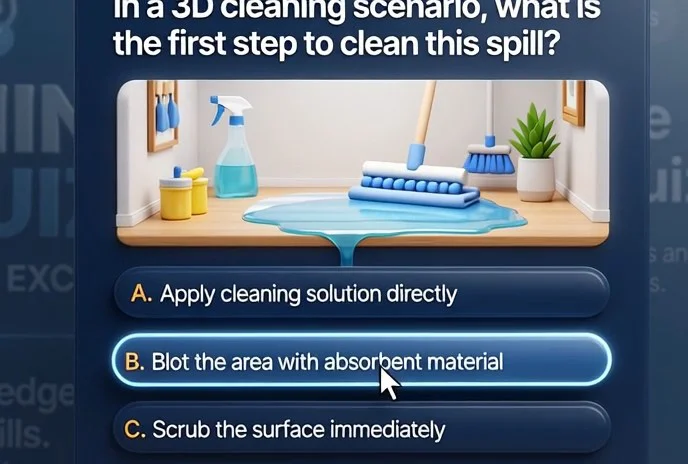
Higher skill quality. VR provides safe practice in situations that are hard to simulate in a classroom — from complex negotiations to emergency situations. A mistake can be analyzed and the correct action repeated immediately.
-
Standardized training. Every employee goes through the same scenarios and evaluation criteria. The trainer gets objective data on each person's progress, not just a general impression.
-
Measurable training effectiveness. Analytics of actions in VR show which skill has already been solidified and where additional practice is needed. This helps plan the next training steps.
The bottom line: instead of theory "for later," employees gain concrete experience, and you get a manageable training process with a clear outcome. This approach pays off by reducing preparation time and increasing staff confidence in real tasks.
VR Simulator Formats for Corporate Trainers
For a corporate trainer, it's important to quickly onboard an employee, build skills to the point of automaticity, and objectively evaluate the result. Ordinary lectures and tests don't give the full picture.
VR simulators solve this problem: the employee is immersed in a realistic situation and acts without risk to the business, and mistakes become part of the learning process.
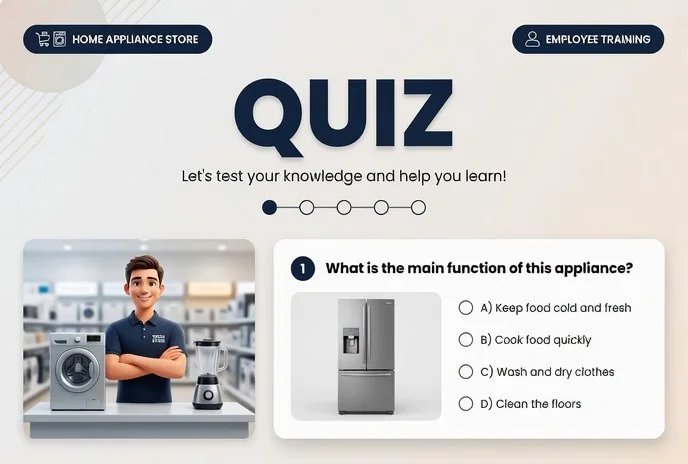
There are several VR training formats, each with its own purpose. The main types of VR training and who they suit are shown in the table.
| VR Simulator Format | Who It's For | What It Gives the Client |
|---|---|---|
| Onboarding of newcomers: virtual tour, introduction to the product and standards | New employees | Quick integration into work, fewer mistakes in the first weeks |
| Skill practice: negotiations, sales, service, difficult dialogues | Line staff, managers | Practice without risk to clients and reputation, repeatable scenarios |
| Personnel assessment: cases and tasks in VR | HR, leaders | Objective data on competencies, time savings on assessment |
These formats can be used separately or combined: for example, start with onboarding, then move on to skill practice, and finish with assessment. The key is that the scenario should be close to the real tasks of your company.
At our team we design VR simulators to fit your specific context: from customer service training to complex technological processes. You get a measurable result — fast onboarding, fewer mistakes, and objective assessment.
How We Create VR Training: Project Stages
Implementing VR training is not about buying a "box" but about a structured process in which we support you from the first brief to launch and maintenance. Over 10+ years, we have refined VR development stages so you can see results at every step.
Project Work Stages
- Brief and task audit. We capture the goals, audience, and scenarios employees need to practice. We define how to measure success.
- Methodology development. Together with your experts, we turn training materials into an interactive scenario with mistakes and hints.
- Prototype and approval. We build a working key scene. You see how an employee interacts with the simulator and make adjustments before full development begins.
- VR simulator development. We develop all scenarios, graphics, and the assessment system on professional equipment — the result is a stable and realistic product.
- Pilot with users. We test on a group of employees or trainers, collect feedback, and refine details.
- Launch and integration. We hand over the simulator, train the trainers, and connect result tracking. We support the first sessions.
- Support and evolution. We update scenarios and add new situations. The simulator stays relevant and useful every day.
This sequence makes VR simulator creation and VR training implementation transparent and predictable. You control the timelines, and employees get exactly the training the business needs.
What's Included in the VR Simulator Delivery: A Business Package
Corporate trainers get not just a program but a ready-made tool that can be immediately integrated into the learning process.
We put together the VR training package so you don't have to figure anything out on your own: scenarios, methodology, the technical part, and support — everything is already packaged for your task.
The VR simulator delivery includes:
- Ready-made training scenarios — well-developed situations from your trainers' practice, from routine negotiations to complex conflicts. Scenarios are adapted to your company's regulations and employee skill levels.
- Methodological guides — instructions for the trainer: how to run the session, how to review mistakes, how to connect virtual experience with real tasks. No improvisation — a clear plan for every lesson.
- Analytics and reporting — you see results for each employee: decision-making speed, number of mistakes, and progress dynamics. The data is exported in a convenient format for HR reports and performance reviews.
- Customization to your standards — we load your cases, corporate norms, and terminology. The simulator speaks your company's language, not some abstract "textbook."
- Integration with your current training system — the VR module connects to your portal or LMS so you don't end up with a separate zoo of tools.
- Training your trainers to work with VR — we run a short workshop after which your specialists can launch sessions and use the analytics on their own.
- VR project support — content updates, technical support, and scenario refinement as business processes change. We stay in touch rather than disappearing after the handover.
The result is a turnkey solution: from the first brief to regular VR sessions. This saves methodologists' time, reduces the load on trainers, and gives leaders a clear picture of employee development.
Results of Implementing VR Training: A Company Case Study
Case Study: How the Vektor Chain Accelerated Onboarding
The Vektor retail chain with 1,500 employees faced a typical problem: onboarding new hires took three weeks and required constant involvement from mentors. Moreover, after passing the tests, a third of the staff still made mistakes when dealing with customers.
Management was looking for a way to shorten preparation time and make the outcome stable — that's when we were invited for a pilot project.
We proposed replacing part of the in-person training with a VR simulator for practicing service standards and difficult situations. Employees practice dialogues, objections, and cash operations in a safe, realistic environment, while the system evaluates every step.
This format lets them make mistakes without consequences and immediately see what was done right and what needs improvement.
The results of the VR simulator were measurable: onboarding time was cut by 30% — from three weeks down to two. Final test pass rates rose from 65% to 90%, and turnover during the probation period dropped by almost half, because new hires feel confident sooner. Mentors stopped spending hours on repetitive explanations and started developing strong employees.
Separately, we helped Vektor's corporate trainers — they received an interface for creating new scenarios without involving developers. This allowed them to update materials to reflect changes in regulations in days, not weeks.
Management is already planning to scale VR training to all regions and add modules for store managers.
Significantly, six months later Vektor came back with an expansion of the project: this confirms that VR gave the business not a one-off effect but a systematic learning tool. For us, a repeat order is the highest validation of our work.
How to Choose a VR Training Format for Your Task?
Choosing VR training starts not with technology but with the task. Ask yourself: what skill should employees build, and in what real situations will they use it?
If the focus is on actions in abnormal circumstances, you need a branching scenario where every decision leads to consequences. If you need to practice negotiations or handling objections, a dialogue simulator with feedback will work.
And when it's important to verify knowledge before allowing someone to work, short cases with action assessment are enough.
The second criterion is the scale and specifics of the audience. Corporate trainers often have to teach dozens or hundreds of employees, so ease of deployment and repeatable results are key.
The optimal approach is a modular program: one base scenario with several difficulty levels. That way, one VR simulator works for both new and experienced employees, and you don't need to rebuild the training for each person. This saves hours of preparation and lets you quickly launch the program for new groups.
Choosing a VR format should be trusted to those who have already implemented similar projects. We start with a brief where we record the goals, audience, and desired outcome — then we offer two or three format options with clear timelines and terms.
At this stage, you don't need to understand the equipment and settings: we use professional headsets and proven software so the experience is stable for all participants, regardless of their technical background.
The main rule is not to chase spectacle. Choose a format that is convenient for the trainer and fits into current processes: a clear control panel, statistics for each employee, and the ability to update scenarios without stopping training.
Such solutions deliver measurable results — faster staff preparation, fewer errors on the job, and higher employee engagement — rather than just a flashy demonstration at an event.
If you're not sure which VR simulator your team needs, contact us. We'll help you choose VR training for your task, show examples from corporate trainer practice, and offer a format that pays off through time savings and higher training quality.
Answers to Frequently Asked Questions About Employee VR Training
Questions about VR training come up with every team that is new to virtual simulators. Most often, the doubts concern complexity, budget, safety, and compatibility with equipment. Let's go through them point by point.
Will employees struggle with VR training — is it complicated?
VR simulators are designed so that getting familiar takes no more than five minutes. Controls are built on natural gestures — grab, look, press. No special training is required; the trainer quickly masters the interface and focuses on the scenarios.
Is it expensive, and will it pay off?
The cost depends on the number of scenarios, but per employee VR training is often cheaper than in-person training. The simulator is used repeatedly, saves on venue rental and travel, and updating scenarios takes days. The project pays off after the first groups.
Is it safe for employees to train in virtual reality?
We use proven methods: a briefing before starting, time-limited sessions, and built-in breaks. Contraindications are taken into account, and an adaptive mode is added if needed. The trainer monitors how participants feel.
Are VR simulators compatible with our equipment?
We determine VR simulator compatibility at the first brief. The solution is matched to your fleet of devices — from standalone headsets to PC-connected setups — and results are synchronized with the learning management system. If needed, we arrange a test session.
If you still have questions about VR training, write to us — we'll show you how it works in your industry.Ready to Discuss a VR Simulator for Your Employees?
The first step toward VR training usually raises questions: will the format fit your task, how long will implementation take, and how will you measure results? That's why we start not with a presentation but with an analysis of your situation.
Leave a request for a VR consultation — and within one business day you will get:
- A consultation with an expert who speaks the language of business: addressing tasks rather than technical details.
- A review of your scenarios: which corporate trainer training topics translate effectively into VR and which are better kept in the classic format.
- A preliminary solution plan: simulator format, session length, and metrics for evaluating employee skills.
- An honest assessment of timelines and budget — with no hidden work or "we'll figure it out later" surprises along the way.
- Examples of projects in your industry: you see how VR training has already strengthened specialist preparation in similar companies.
- A clear answer: whether it's worth investing in virtual reality now, or whether there's a faster tool for your current task.
Ordering VR training from us means getting not a "button," but an implementation strategy that pays off through faster preparation and fewer employee mistakes.
There's no need to prepare a technical specification or research the market — we'll ask the right questions ourselves and guide you on where to start.
Just send your request, and within a day you'll know exactly how a VR simulator will fit into your training system and what results it will bring.