


Employees Forget Training: How Lessonly Helps Retain Knowledge
Any manager knows: employees complete training, and a week later they forget half the material. This isn't laziness — memory works that way: without repetition and active application, knowledge fades.
The company invests money in a course, but workplace behavior doesn't change, and training turns into a formality.
Standard courses with passive viewing of slides or videos only create the illusion of learning. The employee listened, checked the box — and moved on to current tasks. The brain didn't retain the important parts because there was no engagement, comprehension check, or feedback.
The result is repeated mistakes, extra questions from new hires, and mentors forced to explain what was already covered.
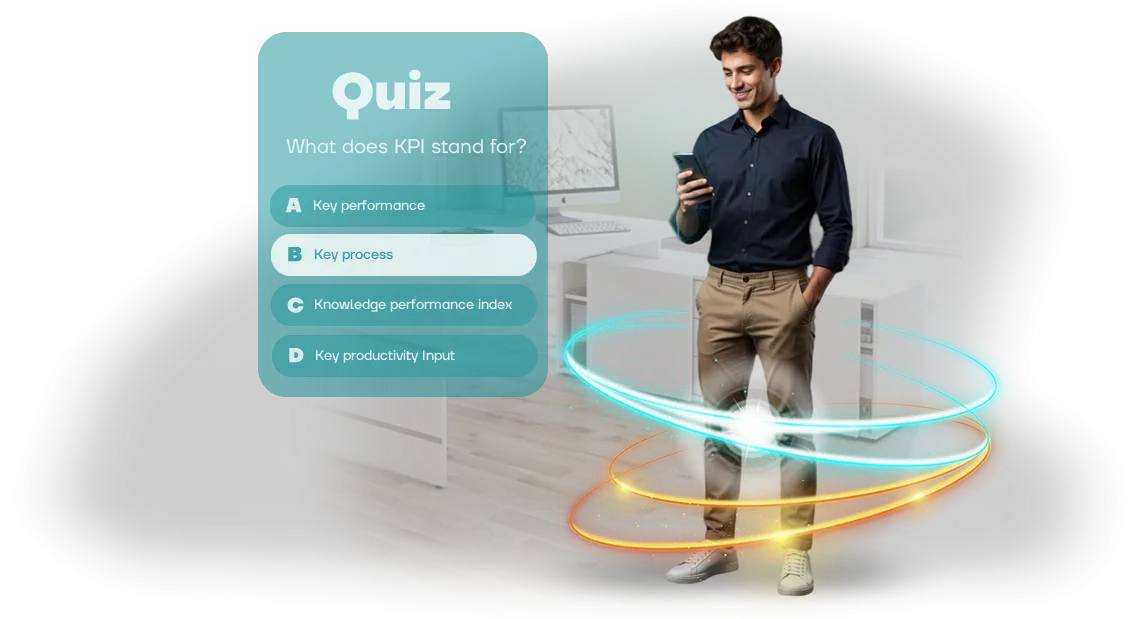
Interactive quizzes in Lessonly solve this problem. They make the employee recall, analyze, and choose the right actions in real work situations. Each question is a micro-repetition that strengthens knowledge and moves it from short-term memory into a long-term skill. And being able to immediately see their mistake and get an explanation makes learning meaningful.
Lessonly allows you to embed such quizzes directly into the learning process, right after a theory block. The employee doesn't just read — they immediately test themselves, get feedback, and return to difficult topics.
This turns a one-time event into a knowledge retention system, where knowledge isn't lost after a few days but stays in practice.
For business, this means training ceases to be a formality and begins to deliver measurable results. A month after the course, employees make the right decisions because the material stayed in their minds.
The manager sees real changes: fewer mistakes, faster onboarding of new hires, stable quality of work without constant supervision.
5 Reasons to Implement Interactive Quizzes in Corporate Training
Corporate training often becomes a formality: employees sit through hours, and a week later forget the material. Interactive quizzes change this approach — they turn learning into a game where everyone gets instant feedback and sees their progress. Here are five reasons why such formats are worth implementing.
The first reason is increased employee engagement. Instead of passively viewing slides, people answer questions, compete, and receive rewards. Game mechanics, timers, and leaderboards hold attention, and training stops being a boring obligation.
The second reason is better retention of material. Active recall and repetition in a quiz format reinforce knowledge more reliably than reading or listening.
When a participant makes a mistake, they immediately see the correct answer and an explanation, so gaps are closed right then and there.
The third reason is time savings. Quizzes are graded automatically, results are calculated instantly. Managers don't need to process tests manually, and employees don't need to wait for feedback. This speeds up corporate training and frees up mentors.
The fourth reason is objective knowledge assessment. The system records each participant's answers and shows which topics were mastered and which cause difficulties. This analytics helps make decisions based on data rather than subjective impressions.
The fifth reason is that gamification creates a positive learning culture. Competition and recognition of achievements motivate people to return to courses again and again. In the end, quizzes become a tool that boosts not only knowledge but also team loyalty.
Quiz Formats for Lessonly: Choose the Right One for Your Task
Personnel training delivers results when the format matches the task. Some need a quick knowledge check before a shift handover, others need deep practice of complex customer situations.
In Lessonly, any of these scenarios can be covered by a quiz that loads like a regular training module — without separate links or extra steps for the employee.
The quiz format determines how the employee absorbs the material and how you see the team's progress. So we select the option for a specific business task rather than making a "quiz for quiz's sake."
| Format | Who Is It For | What It Gives the Client |
|---|---|---|
| Product knowledge test | New employees, sales managers | Quick check of who has mastered the basics, and automatic reports in Lessonly |
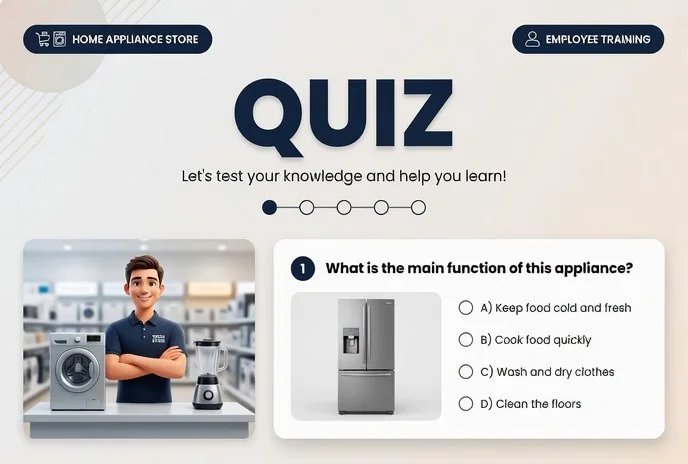
| Scenario-based "customer dialogue" quiz | Frontline staff, support | Practice of real situations without risk to the company's reputation |
| Onboarding quiz | New hires in their first week | Adaptation through a game format, reduced turnover during the probation period |
| Compliance and regulations check | Manufacturing, warehouses, retail locations | Recording knowledge of safety and standards with confirmation from each employee |
| Team speed quiz | Entire department, periodic training | Engagement and healthy competitive spirit, material review without boredom |
All the listed formats work as SCORM modules — the employee takes the quiz inside Lessonly, and you see progress, mistakes, and results in the overall statistics. Nothing needs to be installed or reconfigured.
If you're not sure which format will deliver the right conversion and learning speed — we'll advise you during a consultation. We'll figure out where knowledge is being lost in the team and propose a quiz that addresses exactly that growth point.
How We Create Quizzes for Your Goals: 7 Steps
Every quiz starts with goals, not questions. We find out who needs to learn what, how to measure the result — and only then build the scenario. At each stage, you understand what's happening and who is responsible for what.
Seven Steps from Brief to Launch
- Training brief. You tell us about your employees and the task. We clarify the topics and difficulty level.
- Quiz scenario. We prepare questions, answer options, and mistake explanations. We align the wording to avoid ambiguity.
- Design and presentation. We style it in your brand, build from simple to complex, and add hints. The employee understands why they're taking the course.
- SCORM quiz development. We build the game and set up result reporting. The course uploads to Lessonly in a couple of clicks, and scores appear in reports.
- Testing and upload. We check on different screens, go through it as a first-time user, and make sure everything works. We upload it to your environment and show what it looks like from the employee's side.
- Course launch. We set up access, deadlines, and notifications. Employees receive an invitation, you see progress, and you can send reminders if needed.
- Post-launch support. We collect feedback and update questions. The quiz stays relevant even when the input parameters change.
What's Included in the Delivery: A Kit for Launching the Quiz
After the project is complete, you receive not just a game but a launch-ready kit. All artifacts are organized into a single structure so your team can quickly deploy the quiz in Lessonly and start training employees without involving developers.
Here's what's included in the delivery:
- Quiz scenarios — ready-made sets of questions and answers, adapted to your business tasks. Scenarios can be expanded and changed without rebuilding the game.
- SCORM package — a file that uploads to Lessonly without issues and works for all employees. This guarantees the system will recognize the game and collect results.
- Administrator guide — step-by-step instructions for installation, access setup, and launch. Even someone working with Lessonly for the first time can handle it.
- Lessonly reports setup — we connect completion data transfer so you can see who completed the quiz, with what result, and how many attempts were needed.
- Result report dashboards — ready-made views in Lessonly for tracking performance. You can compare teams, identify gaps, and adjust materials.
- Employee guide — a short reference on how to take the quiz, with instructions for using the interface.
- Warranty support — after the launch, we stay in touch and help resolve any issues related to the kit.
Every delivery item has been tested in practice. You get a working system, not a "raw" product. If something needs to be fine-tuned, that's discussed separately, but the basic kit fully covers the task of launching corporate training.
Case Study: How Interactive Quizzes Increased Course Completion by 40%
The client is a manufacturing company where employee training took place in the corporate LMS Lessonly.
The courses were mandatory, but fewer than half of the employees completed them: people skimmed through slides, didn't remember the material, and copied answers on tests from colleagues. The formal approach led to real mistakes on the job and extra calls to support.
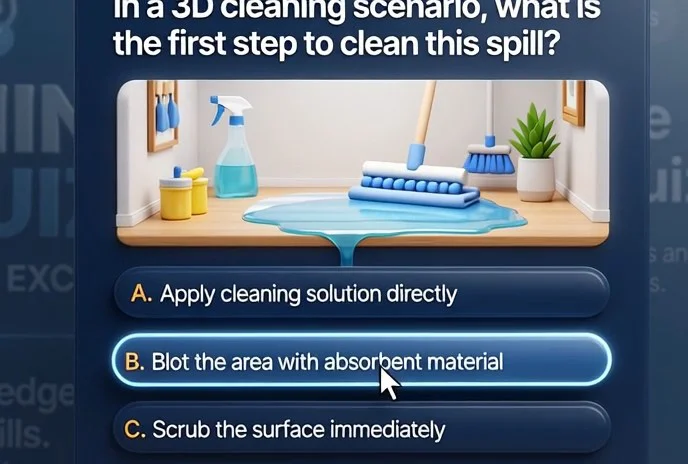
We decided to solve the problem not with reminders but with the format. We replaced text modules with an interactive quiz: the employee is placed into a familiar work situation, chooses a solution, and immediately sees its consequences.
Mistakes are reviewed inside the game with hints, so knowledge is absorbed through action rather than theory. We packaged the finished game into a SCORM-compatible container and connected it to the existing LMS — no infrastructure changes were needed.
We measured the results two months after launch. The share of employees who fully completed the mandatory course was raised by 40%. The average score on the final test increased from 62% to 84%.
Managers also noted a decrease in typical errors: support requests on recurring issues became noticeably fewer.
After the first launch, the company ordered two more quiz scenarios — for new hire onboarding and for annual certification. The interactive format became part of standard training, and the team got a simple way to update questions without involving developers.
The key thing for the client is the measurable result: the quiz fit into the existing process, required no purchase of new software, and delivered a growth in course completion that is visible in LMS reports.
For us, this is confirmation that training works when it addresses employees' real tasks rather than existing for the sake of a checkbox.
How to Choose a Quiz Format for Different Learning Goals?
When choosing a quiz format, it's important to start not from trends but from the specific learning goal. If you need to check knowledge of regulations and instructions, a classic multiple-choice test is enough.
If the priority is teaching an employee to act in a non-standard situation, a scenario-based case is needed. That's why we don't start with "what quiz to make" but with the question: what should the employee be able to do after training?
For checking facts and regulations, a short test of 10-15 questions works best: it takes minimal time, gives clear statistics for each participant, and shows which topics were poorly mastered.
For developing communication, sales, or objection-handling skills, scenario-based cases are more effective: the employee gets into a realistic situation, makes a decision, and immediately sees the consequences.
And if you need to prepare staff for complex dialogues, a branching quiz is a good fit — the story changes depending on the answer, and each participant goes through their own path.
A common client question is how to choose a quiz if training is already running in Lessonly. In practice, the format isn't tied to the system: what matters is that the quiz launches easily inside your LMS and automatically transfers results to the training log.
We prepare a SCORM-compatible quiz that works correctly in Lessonly and other platforms, so you can freely choose the test type based on the task, and we handle the technical integration.
In short: for mass knowledge checks, go with a classic test; for new hire onboarding, a scenario with action options; for certification, a combined format with several question types.
If you're unsure, send us a description of your training task — we'll recommend a format that delivers measurable results and help you implement it in your learning process without unnecessary hassle.
What If the Quiz Won't Launch? And Other Frequently Asked Questions
Any new system is a matter of trust, especially when it comes to employee training in Lessonly. A quiz failure disrupts the plan, an integration error undermines the authority of L&D. We've collected answers to clients' main concerns — about stability, integration, and updates.
What if the quiz won't launch for an employee?
Before launch, we test the quiz on different devices and browsers. If a failure still occurs — there's a dedicated support channel, and we'll resolve the issue within a business day without stopping the training.
How does the quiz integrate with Lessonly?
We use the SCORM format — Lessonly understands it without additional settings. You upload the file, assign it to employees, and results automatically appear in the report. No manual data collection.
What happens when Lessonly is updated or requirements change?
We monitor platform updates and check compatibility in advance. If something changes after an update, we adapt the quiz within the support framework — without extra fees or long downtime.
Who is responsible for technical support after launch?
We assign an engineer to your project who knows its details. Critical issues are resolved on a priority basis — you focus on training, not on technology.
Order a Quiz for Lessonly — Get Results in 2 Weeks
Leave a request for quiz development — we'll figure out the best way to integrate it into your training system and prepare a plan for your tasks.
You don't need to dive into technical details: you describe which employees need to be trained and what they should know, and we propose a ready-made solution.
What you get when you contact us:
- Expert consultation: we'll help you choose the quiz format and create questions that truly test knowledge.
- Analysis of your scenario and a proposal for suitable mechanics — from a simple test to a game quest.
- Transparent cost calculation: you know in advance what makes up the price and what you're paying for.
- Clear timelines: we'll set a launch date so you can plan the training.
- Ready-made integration with Lessonly — after launch, all results automatically flow into your system.
We work remotely, so you don't need to arrange meetings or waste time on logistics. All discussions happen via email or a convenient messenger, and we deliver the result on time — most often within two weeks.
Leave a request on the page — we'll discuss the task, propose a solution, and give you the timeline. It's free and non-binding: you'll get a concrete proposal and can evaluate it at your leisure.