


Art and UX for quiz games: why do employees drop out of training?
Companies invest time and budget in corporate training, but employees drop courses halfway through or complete them just "for show." The reason is rarely the content — more often it's a boring interface and unconvincing graphics that kill interest within the first minutes. Employee engagement drops, and training money is wasted.
When a training quiz looks like an outdated presentation, the brain perceives it as an obligation rather than an opportunity for growth. The employee gets distracted, answers at random, and forgets the material within a day.
Corporate training thus turns into a formality that doesn't change skills or affect work results. Which means — lost time and company resources.
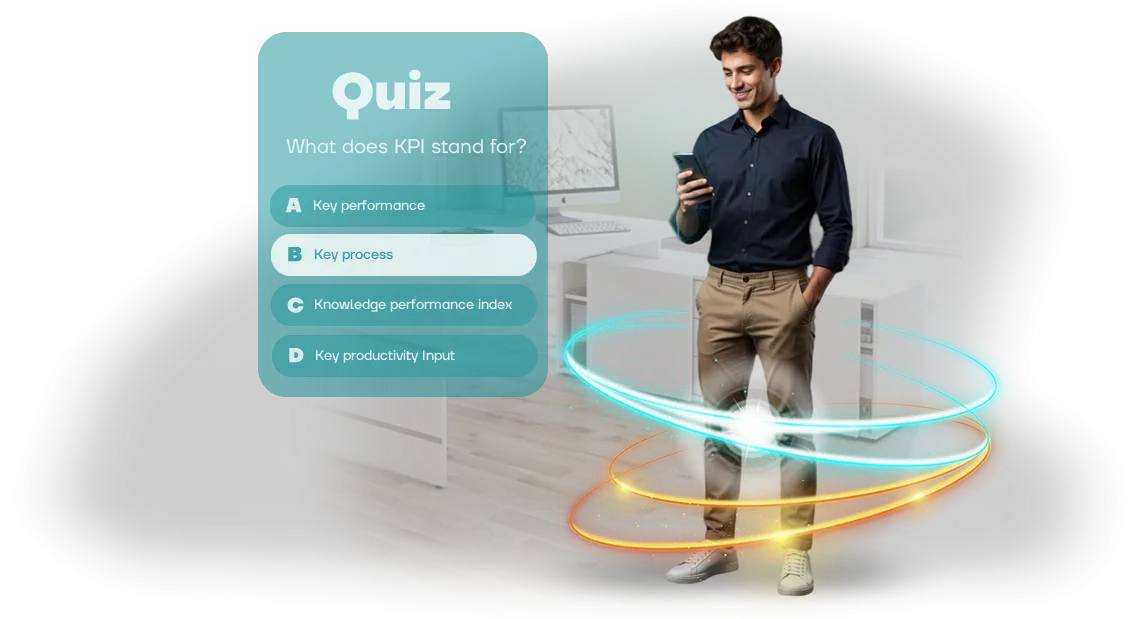
The solution is art and UX for quiz games. Thoughtful quiz design removes the perception barrier: a clear quiz interface guides the user without hints, and vibrant graphics evoke emotion and the desire to finish.
When training looks like a game, employee engagement grows, they return to courses voluntarily, and they absorb material better.
We help clients close this gap: we develop art and UX so that the training quiz works for business results. You get a tool that doesn't just test knowledge, but actually boosts engagement in corporate training and builds employee skills without coercion.
What quality art and UX give a corporate quiz
A quiz for employees is not just a knowledge check, but a format that brings the team together and delivers business results. When art and UX are designed with corporate culture in mind, training becomes a live event rather than a mandatory duty.
Brand recognition
Quality quiz art echoes the company's brand identity. The employee sees familiar colors, the logo, and brand attributes across questions, animations, and the final screen — this strengthens the sense of belonging to a common cause.
The quiz becomes part of corporate identity. After completing it, participants are left with an image of the company as modern and attentive to detail — such an approach increases loyalty and retains valuable specialists.
Live reaction and engagement
Thoughtful game mechanics and clear navigation keep attention from the first question to the finale. Employees don't get distracted by "where to click" — they immerse themselves in the scenario and complete tasks in one sitting.
Smooth transitions, pleasant sounds, and visual feedback on correct answers create the effect of a game. Instead of a boring test — excitement and the desire to finish the training, which directly affects how well the material is absorbed.
Learning aesthetics and loyalty
When a quiz looks polished and well-crafted, employees perceive training as care from management. Beautiful graphics and attention to detail evoke positive emotions, making the company more attractive in the team's eyes.
Many employees share their results in work chats on their own — this creates an additional wave of interest and turns training into a topic of conversation. That effect is hard to achieve with a regular presentation or PDF instruction.
Increased quiz performance
Clear UX lowers the entry threshold: even those who aren't tech-savvy can start and complete the quiz without help from colleagues. The fewer obstacles, the higher the completion rate, and the faster employees apply new knowledge in practice.
The result — the business gets not just entertainment, but a tool that genuinely raises staff competence. Our team bring art, game mechanics, and UX together into a single system that works for your corporate culture and learning outcomes.
Work formats: art and UX for quiz games tailored to your scenario
A corporate quiz is not just questions and answers, but a training and engagement tool. If employees see plain text slides, attention drops by the third question.
The right visual style and a well-thought-out interface turn a test into a game people want to finish — and remember the material. That means better training results and less time lost on repeated explanations.
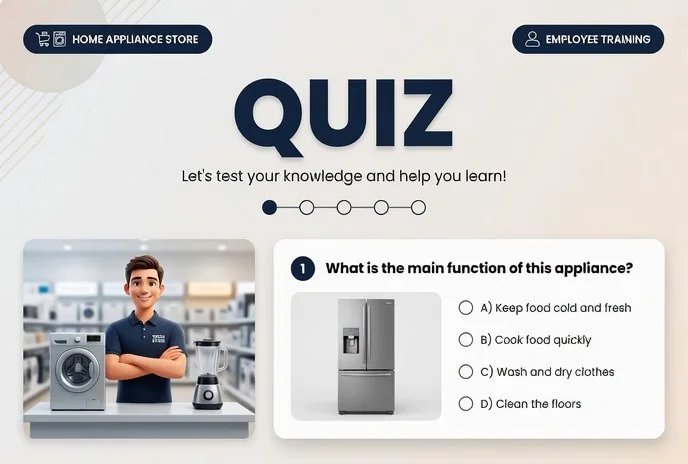
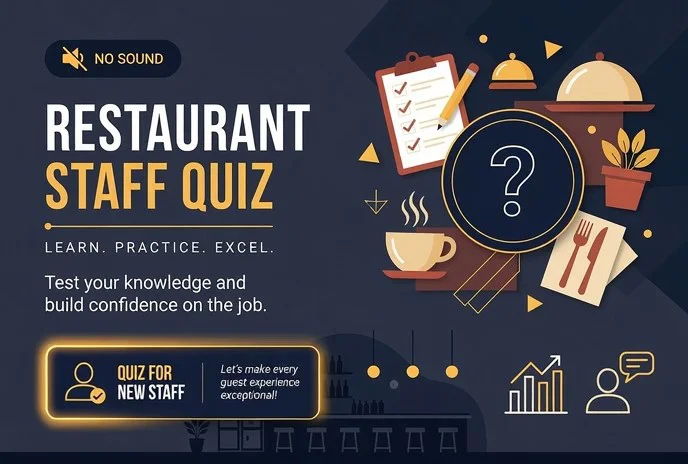
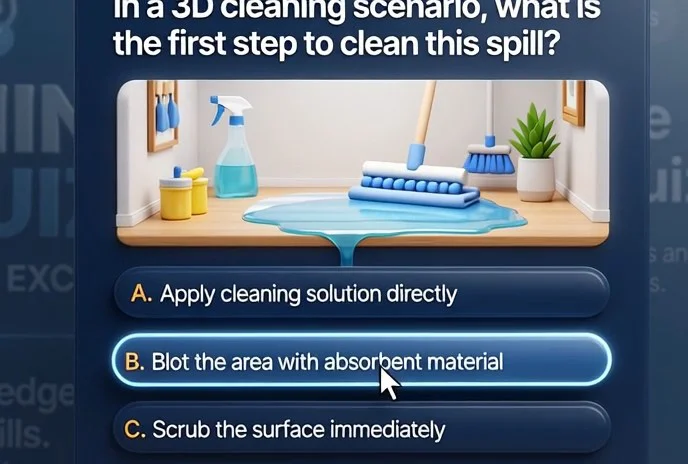
We select the visual style to match your goals: from light abstract forms to photorealistic scenes, from cozy 2D illustrations to volumetric isometry. Each style solves its own task: relieve tension, emphasize the brand's seriousness, or surprise with an unconventional look.
We adapt the interface to any screen — from smartphone to stage projector — so the quiz looks equally good for all participants. We plan button, font, and animation placement in advance so the quiz is easy to control even on small devices.
Below are the main visual style formats for quizzes. You can choose one or combine them across different game blocks, and we'll adapt the design to your brand identity and launch platform.
| Format | For whom | What it gives the client |
|---|---|---|
| Low-Poly | For dynamic team quizzes at events | A neutral style that doesn't distract from the meaning of questions; loads quickly and works equally well on any computers |
| Stylized | For training quizzes with a friendly tone | Reduces anxiety around knowledge checks, makes material more memorable through vivid imagery |
| Realism | For product presentations and high-profile corporate events | Emphasizes seriousness and status, looks expensive and appropriate for official occasions |
| Isometry | For quizzes about processes, company structure, and product lines | Helps clearly show schemes and details — complex corporate logistics and instructions become easier to grasp |
| Interface adaptation | For hybrid teams, offsite events, and different device types | Large controls, undistorted text, participants easily complete the quiz from a phone, tablet, or demo screen |
How we create quiz design: stages of work
Starting a project is always the hardest part: it's unclear what to order, how long to wait, and how the quiz will look in the eyes of employees afterward. Wehave built a transparent, step-by-step process so you can see the result at every stage and influence it. No "magic" in office silence — just clear work with you and your materials.
-
Brief and immersion in the task. You are the expert in your field, we are in design. At the start, we define the goals: what employees should remember, which rules to reinforce, how their behavior should change.
We collect your regulations, presentations, and training courses — and turn them into the foundation of the future quiz.
-
Design concept. We define the visual style: color solutions, characters, graphics, fonts. We propose 1–2 concept options tied to your corporate culture and training topic. You can see how the quiz will look and feel before content production begins.
-
Mockup approval. We show screen drafts, question and answer layouts, and the interface. You make edits — we make them. Mockups are approved before full production, so there are no surprises at the finish line.
-
Art production and content filling. We create all visual elements: illustrations, animations, icons, backgrounds. In parallel, we fill the quiz with your content: questions, answer options, explanations. You receive ready screens that can be shown to the first test participants.
-
Training launch. We assemble the quiz into a single product, set up access for the team, and test it across different devices. We launch together with you and stay by your side at first — answering employee questions and quickly fixing any issues.
-
Support and development. After launch, we collect feedback: which questions cause difficulty, what can be simplified. We update art and content when rules change or new topics appear. The quiz remains a living tool, not a one-off file.
This approach gives the client the main thing — predictability. You know in advance what you'll get, in what timeframe, and what you're paying for. Your employees get a clear, engaging format instead of another "dry" presentation. We handle everything: from idea to launch and support.
What's included in the delivery: art and interface package
When ordering a corporate quiz, it's important to understand exactly what you'll receive. We deliver not just "pictures," but a working package your team can use without us — changing questions, updating the design, adding new rounds.
Here's what's included in the delivery:
- Design package — all quiz screens in a unified style: from the splash screen and welcome to the final results table. Your quiz looks like a cohesive product, not a collection of random slides.
- Art source files — editable files with all layers and elements. When you need to update the quiz for a new season or promotion, your designer simply changes texts and colors — no need to redraw everything from scratch.
- Interface guideline — rules for using elements: fonts, spacing, button colors, tooltip behavior. This is protection against chaos when different people refine the quiz — everything stays consistently neat.
- Adaptive screens — versions for computer, tablet, and smartphone. Employees can complete the quiz from any device, and the interface remains readable and convenient everywhere.
- Project handover — a structured archive and a short instruction: what's where, how to make edits, which files to use for print and which for screen. You don't spend weeks sorting through unfamiliar folders.
This approach saves your budget in the long run. In a year, you'll be able to update questions and design with your own team without ordering design from scratch. All materials remain your property — no restrictions on modification or reproduction.
Case study: visuals raised quiz completion to 87%
Clients often share stories where their training quiz falls short: employees open it, get lost, and close it. That was the case with a retail chain — they needed to quickly train several thousand people on new service standards.
Ordinary PDF memos didn't work, and meetings couldn't gather even half the staff. We proposed a quiz-based training format with a strong focus on visuals — like in mobile games.
What we did
We developed art and interface in a style familiar to employees: a friendly mentor character, lively illustrations of work situations, and large buttons visible even on a small phone screen.
The tasks looked not like a test, but like a game — with rewards for progress and short feedback after each answer. The GoodStore brand remained recognizable, but the format became so light that employees completed the quiz right on the sales floor between customers.
Result
Quiz completion rose to 87% — meaning almost all employees made it to the finale and retained the material. Training time was cut threefold, because there was no need to gather groups or pull people away from their workstations.
After the first launch, employees started replaying the quiz voluntarily: people returned to beat their own record or earn an extra reward.
The training manager shared the numbers: "Previously we spent weeks monitoring knowledge and still didn't understand where the gaps were. Now we see real-time statistics: which topics are lagging and which are mastered perfectly.
Most importantly — employees engage on their own instead of waiting for reminders." Since then, the company has ordered updated versions of the quiz for each season and for new product lines — it became part of their ongoing employee onboarding and development program.
How to choose the right art format for your corporate quiz?
When choosing an art format for a corporate quiz, it's important to base the decision not on personal taste, but on the tasks you're solving.
There is no universal style: what works perfectly for an entertainment game at a corporate event may fail in a training quiz about regulations or new products.
So the first step is to define the quiz's goal: engage employees, test knowledge, or introduce a new topic for discussion.
The second criterion is the audience and corporate style. If the company has a brand identity, the art should match it: use the same colors, fonts, and recognizable elements. This isn't a formality, but a way to make the quiz an organic part of internal communication.
Employees subconsciously perceive the game as an extension of the brand rather than an external entertainment service, so engagement and trust are higher.
The third point is the platform and format of delivery. If the quiz runs in an offline format with a projector, the art can be rich and detailed.
If employees play on smartphones or tablets, it's better to choose large elements and high-contrast images so content isn't lost on a small screen.
The number of participants also matters: a large group needs a simpler, more readable style, while a small group allows for more context.
Finally, document the requirements in the design brief. This isn't a bureaucratic document, but a way to avoid rework and get art that solves your task. The brief captures the quiz goal, audience, platforms used, style examples, and constraints. After that, the contractor can propose 2–3 options, and you choose the right one.
Weselect the style and platform for your business goals: we'll advise which solutions work best in training and adapt the art to your corporate style.
The key is that the game not only looks beautiful, but brings measurable value: information is absorbed faster, engagement grows, and the connection with the brand stays strong.
Common concerns: timelines, revisions and compatibility with your content
Any development project raises questions: how fast will you deliver, what if we don't like the design, how well will the quiz fit our brand identity. That's normal — you're responsible for the outcome to employees and management, so you want certainty.
We work in a way that leaves no room for these doubts. At the start, we lock in timelines, show mockups aligned with your brand book, and test the scenario on real content. In the end, the quiz looks like it was made by your internal team and launches right on schedule.
How long does quiz development take?
A typical project takes 2–3 weeks. We fix the timeline in the contract and break it into stages: you see intermediate results and know exactly where we are.
What if I don't like the design?
At the first stage, we prepare 2–3 design options, then refine the chosen one until full approval. Revisions are included in the cost — you say "yes" only when everything works for you.
What if we already have our own materials and corporate style?
That's a plus. We take your texts, presentations, logos, and brand colors — and build the quiz around them. No improvisation, only your brand and your wording.
What guarantees that the quiz will run without issues?
Before launch, we test on different devices and scenarios. After delivery, we stay in touch: if something goes wrong, we fix it within a few days, not "eventually."
Let's discuss art and UX for your training game?
Art and UX determine whether employees will complete the quiz or drop out at the third question. We'll help make your training game one they want to play — from the first screen to the final results.
Leave a request for quiz design — we'll show you how to style the game for your brand and goals. We'll provide an art consultation: we'll present style options that drive engagement, not just "look pretty." Then we'll calculate the cost and timeline for your scenario.
After you reach out, you'll receive:
- A quiz design request — we'll contact you within one business day.
- An art consultation: we'll select a style that strengthens the training effect instead of distracting from the material.
- A cost estimate based on your scope: number of questions, levels, and formats.
- Examples of our work in similar topics — so you can see the result before we start.
- UX recommendations: how to improve question presentation and make the experience intuitive.
- A clear launch plan: from brief to a finished game tested with your employees.
Fill out the form or write to us — let's discuss how to make your training game engaging and your employees involved. We'll start with a free consultation and a transparent estimate.