


Unity Game Platforms in Corporate Training: An End to Boredom
Managers know the drill: employees sit through mandatory courses, formally pass tests, and a month later can't remember the key rules. Training budgets go to waste because the format doesn't engage. The problem isn't people—it's the boring way material is presented.
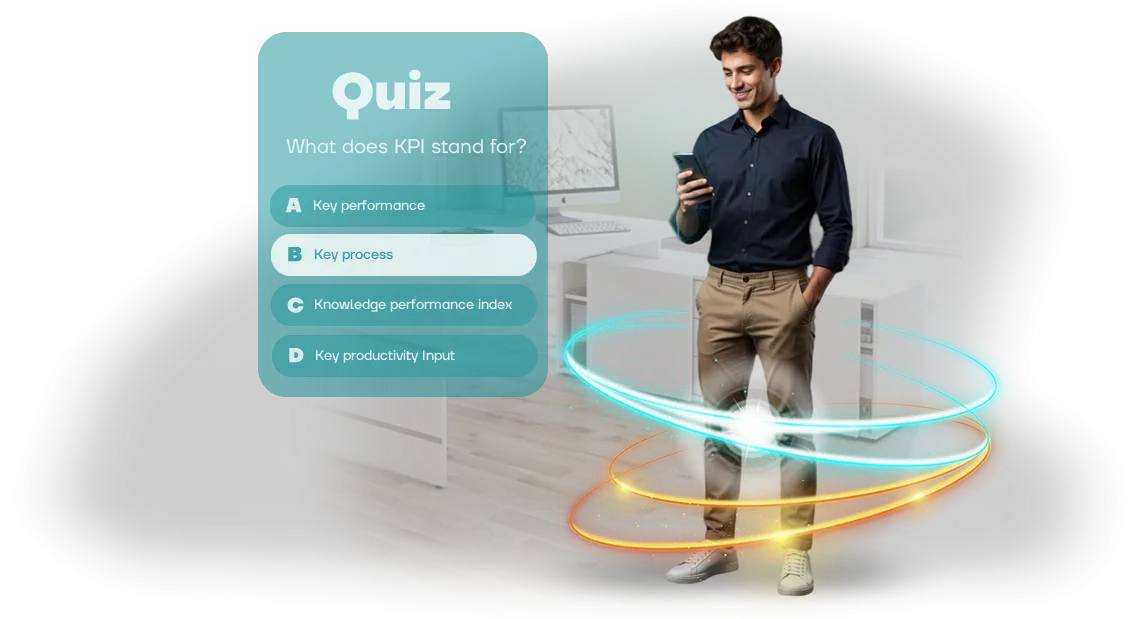
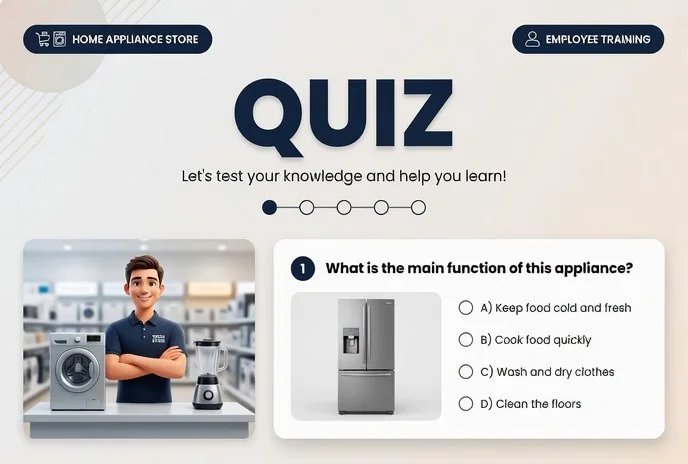
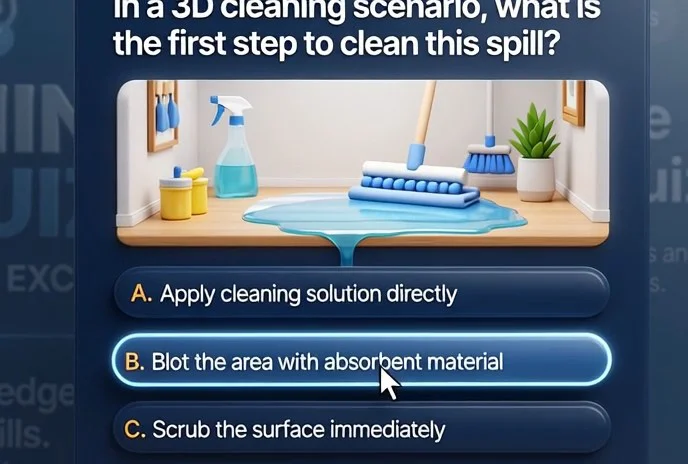
That's why more and more companies are looking at Unity game platforms for corporate training. They can be used to build a lively interactive quiz—with a storyline, levels, points, and competition.
Employees don't just go through the motions; they get into the game, strive to answer, and compare their results with colleagues.
Gamification of learning isn't entertainment—it's a way to improve business performance.
An emotionally engaged person remembers material more deeply and therefore applies knowledge faster in practice: a salesperson knows the script better, an operator knows the algorithms, a manager knows the service standards.
For more than ten years, we at our team have been creating training quizzes on Unity game platforms for companies across various industries. We tailor the format to your task: onboarding quests for new hires, competitions for experienced employees, simulations for managers. The quiz easily integrates into your current training and works on any device.
Instead of boring lectures—an engaging game that people talk about for another week. Instead of formal checkmarks—real growth in competence. If your training needs that same level of engagement, Unity game platforms are a reliable tool for it.
What a Unity-Based Quiz Delivers: Higher Engagement and Results
A quiz on a game platform is not just a test; it's a scenario you want to win. We use our expertise in Unity to turn standard training into a live game: employees engage on their own instead of sitting through the course.
What Changes After Implementation
- Higher engagement. The competitive format, points, and rewards create excitement. Employees complete the training and even come back to the quiz again to improve their score.
- Better absorption of material. Learning through play is practice instead of passive reading. Knowledge sticks deeper: employees apply it at work the very next day instead of forgetting it right after the briefing.
- Transparent analytics for managers. Every answer is recorded, and you see who found it easy and where the team "failed." This helps you review difficult topics in time and adjust the training program.
- Instant feedback for participants. A person immediately finds out whether their answer is correct and gets an explanation. A mistake becomes a reason to dig in, not just a loss of points.
- Visible progress. Overall rankings and personal achievements show success in real time. The manager sees the leaders, and employees see their own growth relative to colleagues.
The effect is visible after the first round: interest in training grows, and results show in numbers—through reach, completion speed, and repeated attempts.
The quiz easily integrates into your existing training and works on any device, so launching it doesn't require stopping work processes.
Quiz Formats on Unity: Browser, Mobile, PC
Choosing a format is just as important as the content of the questions. Some employees prefer doing an assessment in the browser from their workspace, others on the go, and certifying a whole department calls for a full-screen PC quiz. All three scenarios are covered by a single Unity development.
| Format | When to Choose | What It Gives the Company |
|---|---|---|
| Browser-based quiz | Mass rollout without installing software | An employee opens a link and takes the test; results appear immediately in the shared dashboard |
| Mobile training | Field employees, frequent business trips | Training at a convenient time, reminders about an unfinished course, high completion rates |
| PC quiz | Certifications, training rooms, large screens | In-depth scenarios, rankings, intra-team competition |
A browser-based quiz requires no special preparation—just send a link via messenger or email. The mobile version rounds out the picture: employees take short 3–5 minute rounds on the go, and these mini-checks stick better than long lectures.
A PC quiz with a leaderboard suits final certification: the team sees colleagues' progress, and the manager gets an objective picture across the entire department.
We combine formats into one system: a warm-up on the phone, a detailed review on the computer, a final pass in the browser. Content is edited once and automatically updates in all versions.
How Quiz Development Works: From Idea to Launch
We've structured the development process so you see the result at every step and control the timelines. No "black boxes": you understand what's happening with the quiz at any moment and can influence the final product without sacrificing quality or extra costs.
- Brief and immersion into the task. We discuss what knowledge needs to be reinforced and which audience to involve. We review your materials, formats, and assessment criteria—and pin down quiz goals that are clear to all participants.
- Concept and scenario. We think through the storyline, question mechanics, and difficulty levels. You receive a description of the quiz: what an employee will see, what earns points, and how it drives motivation.
- Prototype and approval. We assemble a working sample with key screens and logic. You test it with 3–5 employees from the target audience and make edits before full-scale development starts.
- Turnkey development. We build a full-fledged quiz in your corporate style on a professional game engine. At this stage, you see regular demo versions—no surprises at the end.
- Testing on real users. We run the quiz with a group of employees, collect feedback, and fix issues. You gain confidence that the launch will go smoothly and without failures.
- Launch and support. We publish the quiz on your internal platform or connect a link for employees. We help configure access and answer participant questions in the first days.
- Maintenance and evolution. We monitor completion, collect statistics, and quickly make edits when needed. If business tasks change, we adapt the content and mechanics to new goals.
Thanks to this order, you don't get stuck on approvals and receive a working tool with clear business value. The result is a launch-ready quiz, already tested on real employees and used in training from day one.
What's Included in the Delivery: A Kit for Quick Start
We've put everything in the delivery kit so you can launch training without developers or long approvals. You don't need to dive into the technical side—we hand over ready-made tools that employees will figure out within a day.
We work on the Unity platform, so the quiz opens equally fast on computers, tablets, and smartphones without installing additional software. After the final release, you receive:
- A ready-made quiz on your topic: questions, answer choices, explanations, and point-scoring mechanics.
- An admin panel with a clear interface: change questions and access dates yourself, and see complete statistics for each employee.
- A step-by-step launch guide: how to open access, connect employees, and run the quiz without your technical team.
- A training webinar for your administrators: we show real scenarios for managing the platform.
- Operations documentation: procedures, typical employee questions, rules for storing results, and data protection.
- A 6-month warranty: free edits and prompt support on all questions during that period.
Such a kit covers all stages: from handover to everyday use. You get a system that HR and internal communications teams run independently, while we stay in touch to help in non-standard situations.
Case Study: How a Quiz Raised Interest in Courses by 80%
For a large retailer with a branch network, we developed a training quiz—and it became a growth point for the entire internal training system.
The client faced a typical problem: employees formally opened courses but didn't complete them, and knowledge was checked just for the sake of ticking a box. Interest in training declined even though management invested in content and platforms.
We proposed turning a boring knowledge check into a game. Instead of standard tests—a quiz on the Unity game platform with competitive elements: points, levels, leaderboard, and a time limit.
Employees took it on their phone or computer, and results automatically went into the corporate system. Nothing needed to be installed—just open a link.
The result exceeded the client's expectations. Interest in training courses grew by 80%—that's what launch statistics and time spent in the system show. The share of employees who fully complete a course doubled.
And the average score on assessment tasks rose by a third: knowledge truly stuck instead of being skimmed over.
For the business, this means direct savings of time and money. Less spent on retraining and error reviews, faster adaptation for new hires, and higher team manageability.
The quiz can be updated for new products and regulations—it already works as a ready-made tool that easily scales to any department.
We often cite this case as an example of gamification solving a practical, not entertainment, task. If you have a similar situation—training exists but results don't—tell us about your challenge. We'll pick a quiz format that engages your employees and show measurable growth in metrics.
How to Choose Unity Game Platforms for Corporate Training Tasks?
Choosing a training format on Unity game platforms starts not with technology, but with the question: what problem are you solving? If you need to quickly check knowledge of regulations, short quizzes are suitable.
If practicing a skill in a safe environment is important, interactive scenarios and simulations are the way. Unity lets you build any of these formats in a single environment, and employees get a clear game interface instead of a boring test.
Here are three typical solutions we most often take as a starting point.
| Format | When to Choose | What It Gives the Business |
|---|---|---|
| Quick quiz | Assess knowledge after training or briefing | Instant snapshot of the whole team's knowledge |
| Scenario trainer | Practice actions in a non-standard situation | Employee confidence without business risk |
| Comprehensive quest | Unite a department or launch a new product | Engagement and long-term material retention |
When choosing a platform, focus on three criteria. First—ease of launch: the solution should integrate into your learning management system without lengthy integration. Second—adaptation to the audience: mechanics, difficulty, and interface adjust to the employee level.
Third—analytics: you see who completed it, where they make mistakes, and which section needs to be strengthened.
Unity game platforms give flexibility: the same project can easily be reused for different departments and updated without restarting the entire course. That's why even a seemingly expensive trainer pays off over time—it works for years and scales with the company.
Common Doubts: Addressing Pre-Purchase Fears
Before ordering a training quiz, many clients have similar fears: will the launch fall through, will employees understand the mechanics, who will support the game after delivery. This is normal—a new format seems riskier than a familiar presentation.
We've been working in corporate training for 10 years and address these doubts as early as the briefing stage.
Below are the most common objections and honest answers. If your question isn't here, ask it—we'll get back with a solution within one business day.
Won't employees take the game seriously?
The quiz is built on real work situations, and the competitive mechanics drive engagement. Employees see their progress immediately, so even those who are usually skeptical about training get involved.
Will implementation take a lot of time?
A typical project takes 2–4 weeks: brief, scenario, build, testing. The Unity platform works reliably on computers and tablets without installing software—you don't need to assign a special employee to manage the launch.
Who will support the game after launch?
We stay in touch: we help update questions, adapt scenarios to new tasks, and promptly fix issues. You always know who to contact and are never left alone with the tool.
Doubts before choosing a new format are normal. We'll show live quiz examples and discuss possible risks on your case so you can make a decision with complete clarity.Submit a Request to Develop a Quiz for Employees
Employee training often becomes a formality: long presentations and briefings get skimmed, and after a week the key rules are forgotten.
A quiz in game format solves this problem—it holds attention, gets people involved, and helps them remember important things through competition and emotion.
We develop training quizzes on the Unity game platform that fit your corporate style and work on any device, from computer to smartphone. You don't need to understand the technical side: we handle everything from idea to launch. After you contact us, you receive:
- Request intake — we record your goals, topics, and number of employees to understand the scope of the task.
- Consultation — within 1–2 days, we offer a quiz scenario, duration, and difficulty level suited to your audience.
- Quiz development — we create questions, design, and game mechanics, taking into account corporate standards and your team's wishes.
- Testing — we run a pilot version with a group of employees, collect feedback, and make edits before the official release.
- Post-launch support — we help with administration, update questions, and accompany you throughout the entire usage period.
An average project takes 2–3 weeks, and the result is visible immediately: engagement is higher than with lectures, and repeat attempts reinforce the material.
Submit a request via the form or by phone—we'll call back within one business day, schedule a consultation, and on the first call propose the concept for your future quiz. We'll start by reviewing your tasks, and then you just follow the plan.