


Why doesn’t training in Teachbase deliver results?
You launch a course in Teachbase, employees dutifully complete the modules, pass the test — and a week later they have forgotten the material. You ask them at work — and get silence or vague answers. Does this sound familiar?
This happens not because employees are bad, but because the training format does not reinforce knowledge.
A regular video course or presentation is passive information consumption. A person watches, nods, but does not apply the knowledge right away. The brain does not consider the material important and quickly discards it.
And the tests at the end of the course are often formal: an employee can peek at answers or guess — the result does not reflect real understanding.
Because of this, a business pays for training but gets only the illusion of results. Mistakes repeat, managers explain the same things again, customers suffer from incompetent staff. Implementation of new processes drags on, and the return on training investment remains zero.
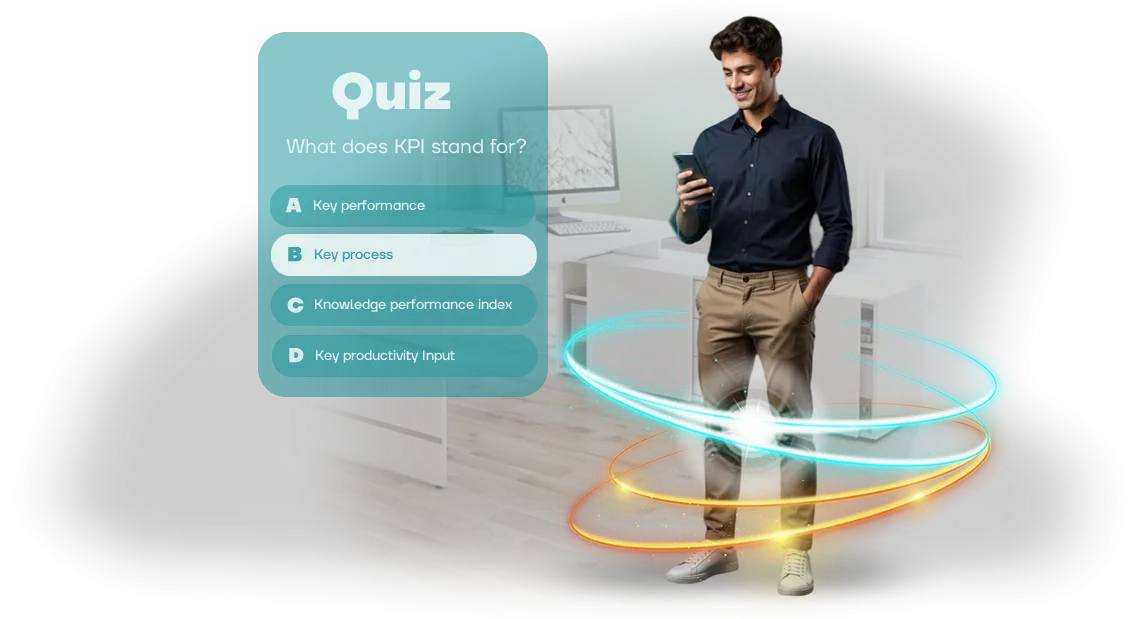
The solution is to make employees actively work with the material instead of just watching. We develop interactive quizzes that integrate into your training in Teachbase.
They force people to recall, apply, and reinforce knowledge in a game format — so the information stays in their heads for a long time.
Quizzes can be adapted to any topic: from onboarding to sales techniques. And in the results, you see the real picture — who has absorbed the material and who needs additional work. Training stops being a formality and starts delivering measurable value to the business.
What a corporate quiz gives a business
Corporate training often comes down to watching lectures and checking boxes in reports. Employees go through the material formally, knowledge is not reinforced, and budget and time are spent with no visible return.
A ready-made quiz turns passive completion into active practice: a person immediately applies knowledge, sees their mistakes, and remembers the correct answers.
Gamification adds a competitive element. The team returns to the quiz to improve results — training becomes a regular habit rather than a one-time event.
The system itself collects statistics for each employee: who has mastered the material, which topics are weak, who needs extra attention. Training effectiveness becomes measurable and transparent for the manager, instead of “seems like everything went fine.”
Integration with Teachbase makes the process even easier: the quiz runs inside already familiar courses, and results automatically appear in the overall report. The manager sees team progress in real time — without manual data collection, spreadsheets, or additional briefings.
At the same time, built-in learning scenarios can be created for any role: from sales staff and support teams to line managers.
Professional development stops being a formality. Instead of repeated in-person training and expensive webinars, you quickly update quizzes to reflect changes in the product, policies, or sales scripts.
Employees practice at their own pace, and you see results in numbers: higher correct-answer rates, fewer typical errors, and faster resolution of work tasks.
In the end, a corporate quiz solves three tasks at once: makes training practical, engages the team through competition, and gives the manager objective data for decisions.
This is a case where the training budget works not for a checkbox, but for real growth in competencies and business metrics.
Quiz formats: test, quiz, simulation
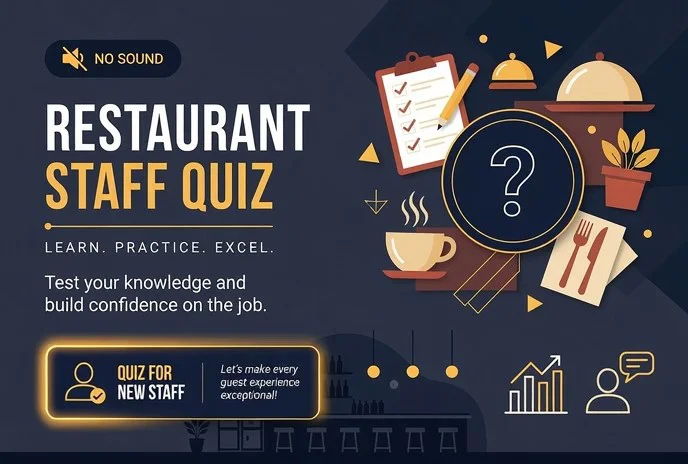
Each training task is solved by its own format. Knowledge assessment requires a precise test, new-hire onboarding benefits from an engaging online quiz, and skill practice benefits from simulating real situations. Choose the mechanics based on your goal — and the quiz will deliver results.
We develop all three formats and help you understand which one suits you best. Quizzes can be customized to match your corporate style, duration, and complexity.
The finished material is easily uploaded to Teachbase and other learning management systems — employees complete it from any device, and you see the results immediately.
Format comparison
| Format | For whom | What it gives the client |
|---|---|---|
| Test | Knowledge assessment after training, certification | Quick verification of results — it’s immediately clear who has absorbed the material and who needs additional training |
| Online quiz | New-hire onboarding, introductory courses, team events | Engages employees, creates a positive impression of the company, helps remember key information |
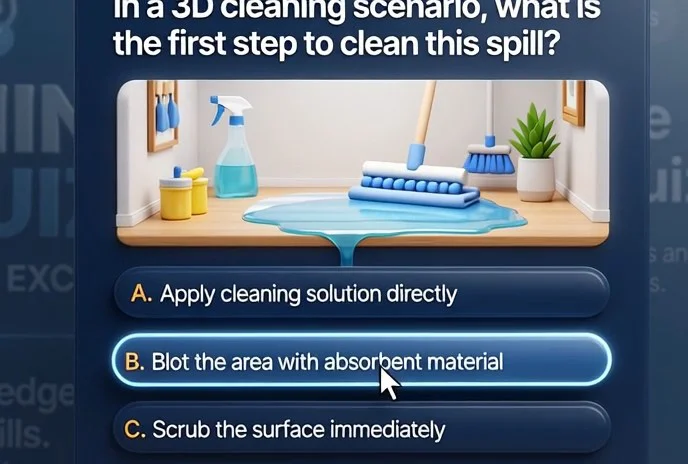
| Simulation | Practice of practical skills: sales, negotiations, safety procedures | Safe practice in conditions close to reality — the employee is ready for difficult situations, and you reduce the risk of errors |
Formats can easily be combined in one program: a quiz sparks interest, a test reinforces knowledge, a simulation checks practical skills. We will build such a program for your goal and budget, and the results of all employees will be in a single statistics report. This allows you to identify gaps in time and strengthen training where needed.
How the development of a quiz for Teachbase works
Developing a quiz for Teachbase is a clear process that does not require technical knowledge from you. We handle all the project work: from the initial brief to launch and support. You always see what stage the project is at and control the timeline.
- Brief. We discuss your task: who the target audience is, what knowledge needs to be checked, and in what format they will complete it. We set deadlines and expected outcomes.
- Plan and cost estimate. We prepare a work plan, team composition, and schedule. We show what will be ready at each stage — so you understand what you are paying for.
- Scenario approval. We develop the quiz structure: questions, answer options, explanations, difficulty levels. You make edits before development begins — this saves time and budget.
- Quiz development. We build the quiz on a professional engine, fully compatible with Teachbase. At every stage, we show intermediate versions so the result matches your expectations.
- Testing and launch. We check that it works on all devices, publish the quiz in your Teachbase account, and run a test completion. We make sure employees can see it and complete it without technical support.
- Support. After launch, we stay in touch: we help with uploads, edits, and add new levels to the quiz.
This workflow makes the process transparent and the result predictable. You get a ready-made training tool without surprises or delays, and employees take the quiz directly in Teachbase.
What is included in the quiz delivery
As part of the quiz delivery, you get not just a finished file, but a full package that your team can use independently. All materials are tested and packaged — after the handover, all you need to do is give employees access.
- Quiz scenario. A detailed structure with questions, answer options, scoring rules, and navigation logic. You see the full picture of the game and can add new questions if needed.
- Design and branding. A visual style for the quiz adapted to your brand. The design is approved with you at each stage so the final look matches your company’s interface.
- Software implementation. Interactive mechanics that work stably in any modern browser and support the SCORM e-learning course standard. This ensures compatibility with Teachbase and other learning systems.
- Integration with Teachbase. We configure the upload of the quiz to your account ourselves, check that it launches correctly, and verify that results are recorded. You don’t have to deal with the technical side.
- Administrator guide. A short document with images: how to give employees access, track completion, export the results report, and relaunch the quiz.
- Employee instructions. A simple one-screen guide — how to complete the quiz, how long it takes, and how to see the result.
- Source materials. Open source files of the game so your internal developer or any contractor can make changes without losing quality. You are not locked into one particular studio.
The key point is that the entire delivery is documented and handed over with an acceptance certificate. Internal documentation records the contents, versions, usage rights, and launch procedure.
You receive a turnkey quiz with a complete package: scenario, technical setup, integration with Teachbase, and clear documents for your team.
Case study: how a quiz in Teachbase improved certification pass rates
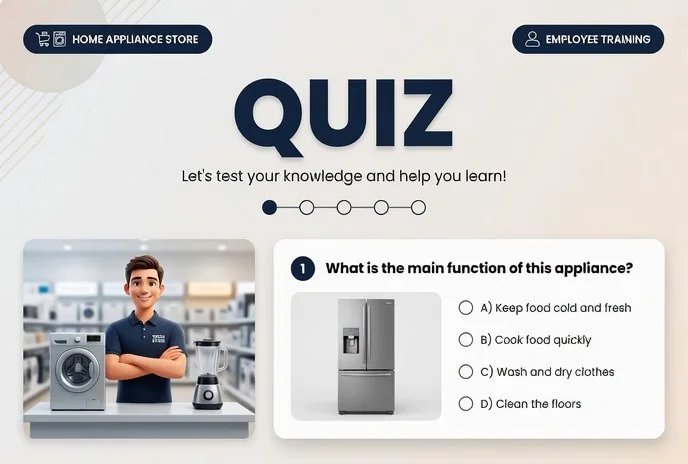
A home equipment sales company faced a typical problem: after an online course, employees took the certification just “for the sake of a checkbox.” Only about half completed the regular test in Teachbase — the rest gave up halfway because the questions were boring and disconnected from practice.
We suggested replacing the test with an interactive quiz. Instead of standard questions — a scenario based on real work situations: a customer comes in, and you need to choose the right response.
The quiz works in SCORM format, so results automatically flow into Teachbase without manual transfer — the employee opens it in a familiar interface, and the system collects statistics on its own.
What changed after launch
In the first month alone, the share of successfully passed certifications increased by 38%. Most importantly, the number of retakes dropped: employees began to understand the material better instead of just clicking through answers. Many returned to the quiz voluntarily to improve their weak areas.
Why this works
Game mechanics hold attention and turn rote memorization into practice. At the same time, the manager doesn’t need to configure anything: all statistics — who completed, where they made mistakes, how many attempts — are visible in Teachbase. This removes the question of “who actually knows the material.”
The case showed that certification becomes not a formality, but a tool for growing sales. The company continues to use the quiz for new employees and has already ordered a second one — for the service department.
Frequently asked questions about developing quizzes for Teachbase
Clients often hesitate before ordering a training quiz: how will it fit into the existing system, how long will development take, and who will help after launch. We answer the key questions — without technical details, only what affects your result.
How does the quiz integrate into Teachbase?
The quiz is packaged in the SCORM standard and runs directly inside Teachbase. Employees see it as a regular course, and nothing needs to be installed. Results — completions, scores, response times — automatically appear in the platform’s reports.
For your team, that means easy launch and full control over progress without manual data collection.
How long does development take?
A typical project takes from one to three weeks, depending on the number of questions and the complexity of the mechanics. For a basic quiz of 20–30 questions with results and a certificate, 7–10 business days are enough.
At the start, we agree on a clear plan and do not change deadlines without your knowledge. You always see what stage the project is at and when the test version will be ready for review.
What if edits are needed after launch?
After the quiz is delivered, you get technical support: we will help replace questions, update the design, or fix the scoring logic. Changes are made quickly — usually within one or two business days.
If new training materials appear, we can easily add them to the quiz so it stays relevant without new development.
We deliberately structure the process so that you feel confident: we set deadlines, show intermediate versions, and stay in touch after launch. The goal is simple — the quiz works in Teachbase, employees complete it without confusion, and you get clear learning statistics.Let’s discuss your quiz project?
Leave a request for development — and we will come back on the first business day with a cost calculation, timeline, and integration plan.
You don’t need to dive into technical details: we will sort out the quiz scenario ourselves, advise on how to package the questions for your task, and prepare a solution that easily fits into employee training.
- Development request — send a short form: the quiz topic, audience, and desired outcome.
- Consultation — we’ll discuss which question format and approach will work for your team: from quick knowledge checks to full-scale competition.
- Cost calculation — we’ll send a transparent cost estimate without hidden extras: you understand what you are paying for and what you get in return.
- Integration plan with Teachbase — we’ll show how the quiz will fit into your training course, how results will be collected, and where the manager will see them.
- Timeline and stages — we’ll give you dates: brief, development, testing, launch. You control the process but don’t have to handle it.
- Format selection — we’ll include examples of quizzes and scenarios that have already produced results for other clients.
Send a consultation request — we’ll respond within one business day, and at this stage it will already be clear how much time and effort the quiz will take. We’ll make it a working training tool, not just a page with questions.
How to choose the right quiz format?
There is no universal quiz: what works great for onboarding new hires will bore experienced employees. You should choose a format based on three criteria: audience, material complexity, and how often the quiz is run.
If a training quiz is launched monthly, a lightweight template with quick question replacement is convenient. For final certification, a deeper game with a story and scenarios that depend on the employee’s answers is better.
The key criterion is the audience. Younger employees are more willing to take short quizzes with instant feedback, while experienced specialists value practical cases and mistake analysis.
The second criterion is complexity: basic rules can be checked with a quick survey, while complex processes are better reinforced with tasks that include explanations.
The third is frequency: regular micro-quizzes keep people sharp, while rare large-scale games are memorable and create an event.
| Format | For whom | What it gives the client |
|---|---|---|
| Quick survey of 5–7 questions | New hires in onboarding | Engages from the first days, checks basic knowledge |
| Quiz with explanations after each answer | Line employees | Reinforces material without separate review |
| Competitive quiz with a leaderboard | Teams and departments | Increases engagement and motivation |
| Final test with mistake analysis | Certification after a course | Shows gaps and reduces the risk of mistakes at work |
In practice, the best results come from combining formats: regular quick surveys keep attention, while a large quiz once a quarter becomes an event people talk about.
We help you choose the optimal option for a corporate quiz and implement it turnkey: we develop the scenario, questions, and design, then integrate it into Teachbase so results automatically flow into reports. You get a clear picture of employee progress and save your training team’s time.