


Employees Forget Training: How Quizzes on macOS Solve the Problem
Employees go through training, nod along during presentations, and a couple of weeks later forget almost everything. It's not the staff's fault — that's how memory works: without active repetition, material fades within days.
The company invests hours and budget into courses, yet in practice employees keep doing things the old way.
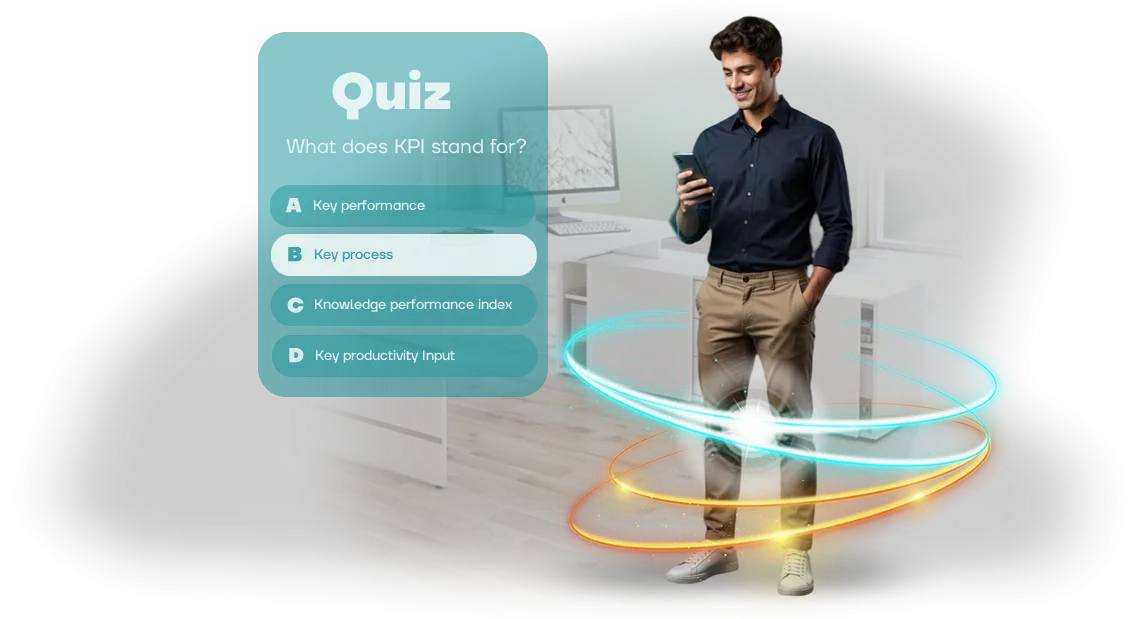
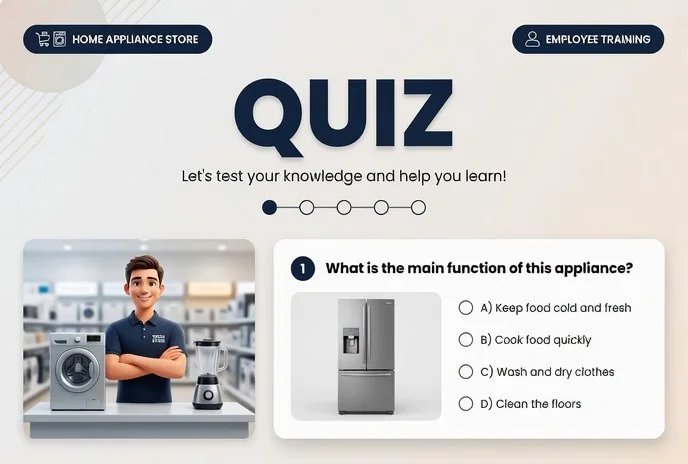
Training quizzes solve this problem differently. Instead of passively watching slides — short interactive rounds where people recall answers themselves and get immediate feedback.
This kind of "active recall" improves retention several times over, and regular repetition reinforces knowledge until it becomes automatic. Employee quizzes turn a dull obligation into a quick game people actually want to play again.
The format is especially convenient on macOS. Employees train right on their work computers, in a familiar environment, without installing extra software or configuring anything.
The quiz interface is fine-tuned for macOS — everything opens instantly, runs stably on any configuration, and doesn't distract from work with unnecessary steps. This means training fits into the workday without resistance or downtime.
The effectiveness of this approach is visible immediately: higher engagement, better test results, and — most importantly — knowledge actually gets applied on the job.
Managers see the progress of each employee and the whole team, while participants get clear statistics on their own success. As a result, training stops being a formality and starts delivering measurable value to the business.
What You Get from Employee Training Quizzes
Employees retain only a small fraction of information from ordinary lectures and briefings. A training quiz changes the approach: instead of passively viewing slides — active participation, excitement, and competition.
Game mechanics are what hold attention and bring employees back to the material until it's fully absorbed.
Employee engagement is the main result you'll notice right away. A quiz turns training into short, engaging sessions: employees get into the game, discuss questions, and compete for a spot in the rankings. This kind of training doesn't feel like routine, so it happens regularly and with interest.
Thanks to active recall and instant feedback, knowledge is absorbed more deeply: mistakes are addressed immediately, and correct answers are reinforced through repetition.
The quiz can be taken from any device, including a Mac, at a convenient time — just 10–15 minutes a day, without interrupting work.
For business, this also means a transparent result: you see who has mastered the material and which topics are causing difficulty, and you can adjust the program in time.
Employees get a clear goal and feel their progress, while the company gets a uniform knowledge standard without the cost of in-person training.
We'll build a quiz around your needs: from new employee onboarding to regular skills checks. You'll get a tool that truly works for engagement and results.
Training Quiz Formats for macOS and Their Capabilities
The quiz format is an engagement tool, not just a way to test knowledge. For companies where employees work on macOS, it's important that training runs on any device without issues.
We build quizzes on Unity — this gives us freedom of formats and stable performance across all Mac models.
Typical Quiz Formats
| Format | Best for | What it gives the client |
|---|---|---|
| Classic test | Checking knowledge after a course | Quick assessment of results for each employee |
| Speed and rating quiz | Engagement and competitive spirit | Increased interest in the topic, memorization through excitement |
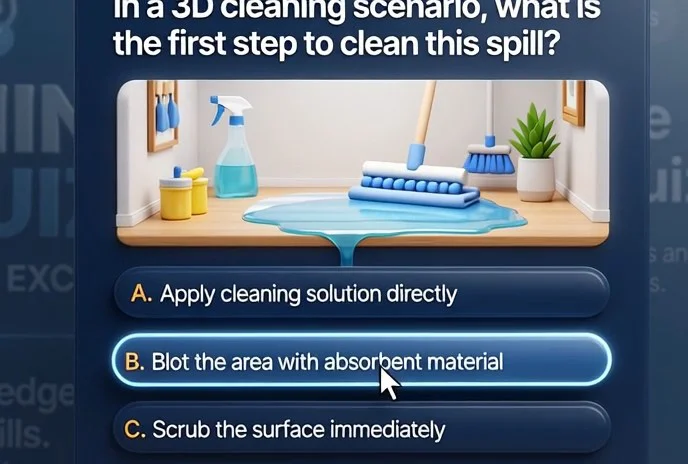
| Scenario-based quiz | Complex material and new products | Memorization through story and associations, better retention |
All formats work on macOS — no additional modules to install and on any device model. We adapt the interface to screen size and control style. You can combine formats or choose one for a specific task: a test for control, a quiz to warm up, a scenario to reinforce.
You don't need to get into technical details: we'll select the optimal format for your company's processes and show you how it will work for employees. Training will launch quickly and produce measurable results — without lengthy setup.
All formats are easily adapted to your corporate style and can be adjusted for different skill levels.
Stages of Developing a Quiz for Your Company
You already know the result you need: employees absorb material faster, and you see real numbers. To make sure the quiz works exactly that way, we've built a transparent six-stage process — you're involved at every step, see intermediate versions, and make key decisions. Below is exactly how the work goes from idea to launch and support.
-
Brief — we capture goals and audience. You fill out a short questionnaire or have a call with us: we discuss what knowledge needs to be tested, who the employees are, and what devices they'll use to play. This is the foundation for the entire project.
-
Scenario and structure design. We put together the question list, branching logic, and scoring system. We decide how to present the material: a test, situational tasks, or a competition between departments. You receive a text document and approve it before design begins.
-
Interface design concept. We design the look of the screens: brand colors, fonts, animations. We show you mockups — and adjust the style until it feels comfortable and recognizable for the team. This is the stage where you see what the game will look like for employees.
-
Implementation and technical build. We assemble the interactive version: we program the answer logic, connect the scoring and logging system. We optimize it for your hardware — it's important that the quiz launches equally fast on macOS computers and other work devices.
-
Test run and approval. We give you demo access to the finished quiz. You take it as an employee and make edits to wording, question difficulty, and design. After final approval, we make the last changes.
-
Launch and support. We install the quiz on the required number of workstations or distribute it through your internal network. We give administrators a short walkthrough and, if needed, support the first runs and collect completion statistics.
Each stage ends with a clear deliverable — a document, a mockup, or a working version. You always know what's happening and what comes next. That's why the project stays on schedule, and the quiz fits your exact task.
What's Included in the Delivery: A Complete Package for Launch
We deliver the quiz turnkey — all you have to do is run it. The package includes scenarios, design, the game itself, and all instructions. The solution runs on macOS and requires no technical knowledge from your team.
Here's what you get:
- Quiz scenario tailored to your needs. Ready-made questions on your topics, with answer options and difficulty levels. We adapt the text to your corporate style — for onboarding new employees or checking knowledge.
- Interface design in your corporate style. We'll design the screens in your brand colors: menus, questions, results. Employees see familiar branding — this boosts engagement.
- Unity build for macOS. One file, no installation or configuration. Runs on workstations and a standalone laptop — you can hold the quiz anywhere.
- Instructions for the administrator and facilitator. How to start the game, control the flow, and end a session. Plus a facilitator cheat sheet: when to show questions, how to count points.
- A training session for the team. We'll get your employees up to speed in one hour: we'll show a live example and answer questions. After that, they work confidently on their own.
- Support after launch. We're always available: we'll help update questions, add rounds, or solve any issue. You're never left alone with the software.
This package covers the entire cycle — you get a ready-made tool for training and knowledge assessment. Hand over the file, run the briefing, and you're ready for the first quiz without involving developers.
Case Study: How Quizzes Boosted Training Engagement
When employees complete training just to check a box, knowledge doesn't stick, and time and budget go to waste. The retail chain «Территория вкуса» came to us with this problem — they needed to train more than 300 employees on a new service standard in three weeks.
We developed a training quiz with a game interface for macOS — these were the computers the managers and cashiers used. Employees didn't have to learn a new system: the quiz launched with one click, and the rules were clear from the first minute.
The result exceeded expectations: engagement grew from 40% to 92%, and the average final test score increased from 61% to 87%.
The secret is in the mechanics, not the technology. The quiz shows progress immediately, includes competition elements, and provides instant feedback. Employees voluntarily returned to it to improve their results — repeat attempts averaged 2.7 times per person. This is many times more effective than rereading instructions.
The main metric for business isn't scores, it's behavior. A month after implementation, a follow-up check showed that 78% of employees were following service standards, compared to 35% before.
The quiz turned mandatory training into a habit, and the client extended the engagement for another year. Now, when new rules need to be communicated to a team, we know what works.
How to Choose a Quiz Format for Your Employees' Training Task
The quiz format is not a decoration or a way to entertain employees — it's a working tool that must solve a specific training task.
So before choosing quiz options, you should define exactly what you need to achieve: check knowledge of regulations, practice action algorithms in non-standard situations, or simply increase interest in the topic.
The structure and mechanics of the quiz depend on this: for knowledge checks, short multiple-choice questions with time limits work well; for skill practice, case-based scenarios with branching paths, where each choice brings the employee closer to or farther from the correct solution.
It's also important to consider the specifics of your audience: how employees are used to absorbing training, how much time they're willing to spend, and how comfortable they are with competition.
A young team is easier to engage with a team format featuring rankings and speed of answers, while experienced specialists more often need realistic situations and mistake analysis rather than a race for points.
We discuss all these details at the brief stage and offer formats that have already proven effective in similar tasks across different industries.
Training tasks also dictate different approaches. For regular testing of new employees, a quiz with automatic question rotation and clear feedback after each answer works well — it speeds up onboarding and reduces the load on mentors.
For annual qualification confirmation, scenario-based quizzes with non-standard situations that require reasoning rather than rote memory are better suited.
In both cases, it's important that the interface is intuitive and runs reliably on any device, including corporate macOS computers — this removes unnecessary questions for employees and simplifies launch.
In short: there is no universal format, but there is a selection method based on business requirements and real training tasks.
We help define result criteria — for example, the share of correct answers, a reduction in errors, or shorter onboarding time — and then choose a suitable quiz variant based on those criteria.
This approach guarantees that you don't pay for unnecessary functionality and get a tool employees will use productively rather than see as yet another mandatory chore.
Answers to Questions About Developing Employee Quizzes
Developing an employee quiz is not a "black box." We set the timeline, scope of work, and cost in advance, and you get a clear macOS game that runs on any current Mac in your company's fleet — from laptops to all-in-ones. our team supports the project from the first brief to administrator training.
The most common question is about timelines: a typical project takes 3–4 weeks. If you need a simple quiz with questions and statistics, it's faster. Complex mechanics with levels, roles, and internal CRM integration will add a week or two.
We set exact timelines in the contract, not "by feel," so delays are our problem, not yours.
A guarantee isn't just a word. After delivery, you get technical support, bug fixes, and revisions within the agreed scope. We build the quiz so it doesn't break after macOS updates: we check compatibility and adapt in advance for new system versions. You focus on training, not on software setup.
We state the cost before starting — it depends on the number of questions, the scenario, and integrations. The estimate includes interface design, quiz logic, question content, and employee training. No hidden fees or "as-we-go" surcharges.
What does our team guarantee?
We fix the timeline, cost, and scope of work in the contract. After launch, support and warranty maintenance are provided for an agreed period. If you find a bug, we'll fix it on a priority basis.
How is the cost of a quiz calculated?
At the brief, we define the goals, the number of employees, and the required mechanics. Then we prepare an itemized estimate by stage — you see what you're paying for. Payment is milestone-based, after each block is accepted.
If you still have questions about employee quizzes, write to us. We'll explain exactly how we'll solve your macOS task, show examples, and suggest the optimal format for your budget and timeline.Let's Discuss Your Quiz Development Task?
When developing employee training quizzes, many questions usually come up: where to start, how long it will take, and whether the result will meet expectations.
Especially when the game needs to run on macOS work computers — it's important that everything works without glitches and doesn't require technical knowledge from employees.
We handle this task completely: all that's left to you is defining the goal, and we take care of the entire technical side.
Leave a request on the website — that's the first step toward a quiz that truly engages your team and delivers measurable results. We'll audit your task for free and offer a turnkey solution: from scenario to launch, with clear timelines and a fixed cost. You won't have to dig into details or talk to contractors in development jargon.
What happens after the request:
- We have a call and discuss the goals and employee audience.
- We analyze the scenario and game format — what suits your team specifically.
- We check the technical side for macOS and other platforms you use.
- We prepare a transparent commercial proposal with a fixed price and timeline.
- We agree on the interface concept — how the quiz will look to the user.
- We develop the game, run testing, and launch it.
- We train administrators and stay available for refinements.
This format saves your time on two levels at once. You don't have to wade through technical details — you immediately get answers to the key questions: whether the quiz can be ready by the required date, how it will hold employees' attention, and what it will cost.
Ordering a quiz means handing the task to a team that has already delivered dozens of similar projects for business. You don't need to prepare a detailed technical specification — describe the task in your own words, and we'll propose the optimal approach.
Leave a request, and in response we'll send you options for a free consultation and an audit of your task. This is not binding in any way, but it will help you make an informed decision.