


Bored during onboarding? A Microsoft Teams quiz will fix that
The first weeks at a new job are the most important, but often the most boring. New employees receive dozens of instructions, regulations, and presentations that are impossible to remember at first glance. As a result, interest in the company wanes and onboarding drags on.
When onboarding is sluggish, employees feel disconnected from the team and leave sooner. The company loses time on recruiting and initial training, and the team loses a potentially valuable colleague.
Early engagement directly affects how long a person stays with the business and how effectively they start working.
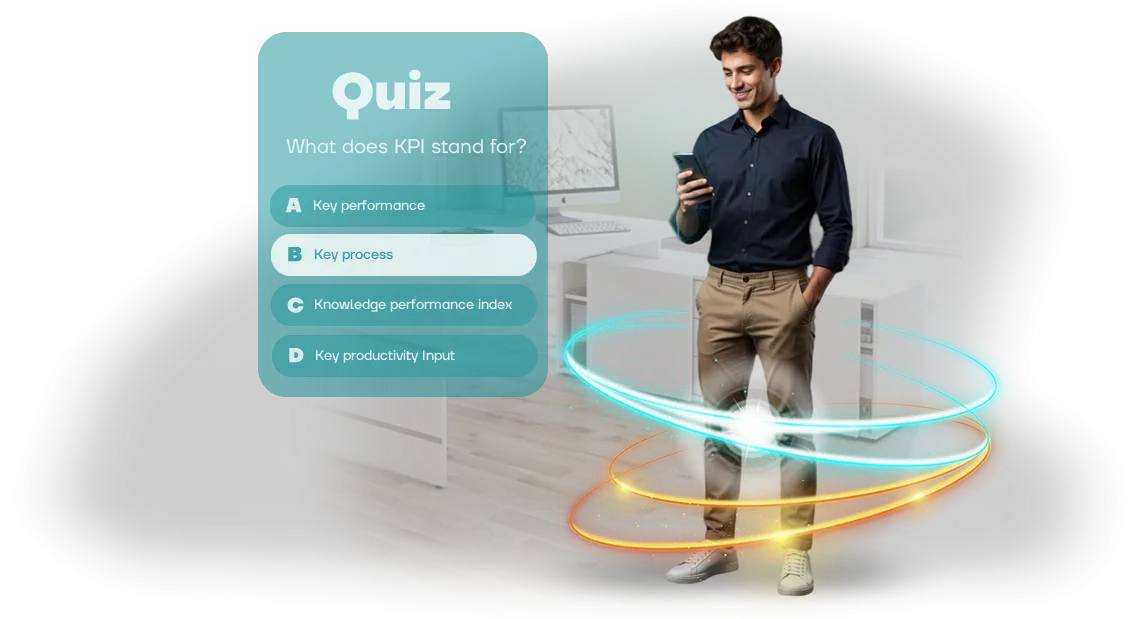
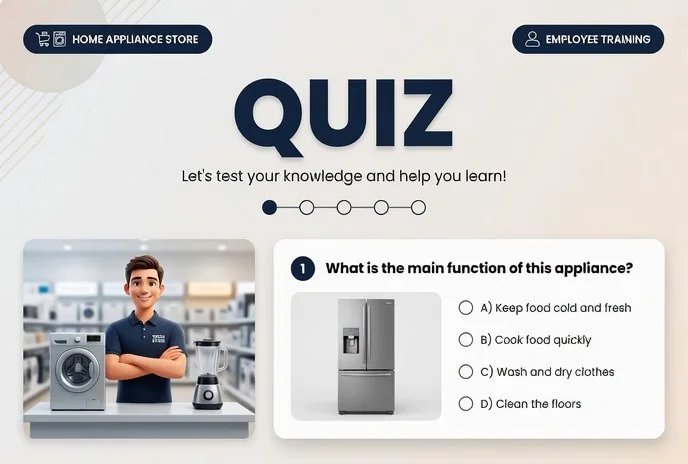
A corporate quiz in Microsoft Teams turns a boring introduction to the rules into a lively trivia game. Employees answer questions about the company, product, and internal processes right in the familiar Teams interface.
The game format with points and competition keeps attention and helps retain key information without rote memorization.
The quiz requires no additional software installation and works on any device with Teams. Managers can see each participant's progress and understand which topics are less understood.
This knowledge check takes 10–15 minutes and can be conducted individually or as a team competition.
Team engagement increases: instead of passively reading documents, employees actively participate in learning. The quiz helps them get to know colleagues and the corporate culture faster, meaning a new person more quickly becomes part of the team.
It’s a simple way to make onboarding useful and interesting—and this is exactly what we help implement.
What benefits do educational quizzes bring to business?
Employees rarely finish long instructions and quickly forget material after boring lectures. Educational quizzes turn learning into a game: colleagues return to questions on their own, compete with each other, and get instant feedback.
This isn’t entertainment for its own sake, but a working tool that boosts engagement and makes learning regular without coercion.
The main benefit for business is better knowledge retention. When a person answers a question and immediately sees the correct answer, the information sticks more firmly than with passive reading.
Short rounds in a convenient format allow key rules, standards, and scripts to be repeated until they become automatic. As a result, the number of errors on the job decreases and the time spent on onboarding newcomers is reduced.
Gamified learning also delivers a measurable effect for the team. The quiz runs directly in the familiar Microsoft Teams interface, with no additional software installation, and the competitive element boosts activity even among those who usually stay quiet.
Managers see who has completed the training, which topics cause difficulty, and can quickly adjust the program. This way, training stops being a “must-do” and becomes a tool for improving performance.
An additional plus is employer brand recognition. Modern training formats show employees that the company invests in their development and keeps up with trends.
This increases loyalty and reduces turnover, and also becomes a topic of conversation: colleagues share results and invite each other to play a round. In the end, the quiz works simultaneously for knowledge, team spirit, and the company’s image in the labor market.
Quiz formats: trivia, team tournament, or onboarding game
Employee quiz formats are not interchangeable: launching a new product requires one set of mechanics, onboarding newcomers another, and team building a third. That’s why we don’t sell a “boxed product”; we select a format to match your goal.
For example, a product knowledge quiz helps train the sales department quickly, while a team-building quiz in the form of a team tournament brings departments closer. And everything happens right in Microsoft Teams—employees don’t need to switch between windows.
| Format | For whom | What it gives the client |
|---|---|---|
| Product and policy quiz | Sales department, support, new employees | Quick knowledge check and rule reinforcement in a game format |
| Team-building quiz (team tournament) | Departments, teams, project groups | Brings the team together, relieves tension, reveals leaders |
| Getting-acquainted game | Newcomers during onboarding | Gentle immersion in corporate culture and getting to know colleagues |
| Company championship | All employees at corporate events | A bright show reaching the whole company with unforgettable emotions |
We work through the script, questions, and design to match your brand, and after the game we collect analytics: results by department, average score, and areas where knowledge is lacking.
This way the quiz becomes not just checkbox entertainment, but a tool for learning and team management. Tell us about your task—and we’ll offer a format that delivers results.
Developing a quiz in Microsoft Teams: stages and timelines
You get a quiz integrated directly into Microsoft Teams—employees don’t need to switch between services; everything happens in a familiar interface. But before the game reaches your team, we go through a clear six-stage process.
Each step is coordinated with you, and timelines are set at the start—no surprises or “creative delays.”
-
Brief. We discuss the task: which team will play, what topic or rules need to be reinforced, and what mechanics will motivate your employees specifically. You receive a questionnaire and recommendations on the quiz format.
-
Plan and estimate. We lock in the scope of work, timelines, and team composition. You approve the plan—we start developing the Microsoft Teams quiz without getting sidetracked.
-
Script approval. We prepare questions, answer options, explanations, and a scoring system. You make edits before launch—the script is approved once and remains manageable.
-
Development and assembly. We build the game in a browser format adapted to work inside Microsoft Teams. We check the scoring logic, interface stability, and correct display across different employee devices.
-
Launch and test. We run a control test with a limited group, fix any issues, and give you the link for launch. After that, you independently activate the quiz for the whole team with a single message.
-
Post-launch support. We monitor the game’s stability in the first days, answer employee questions, and promptly fix issues. If desired, we add new rounds—this is cheaper than building a game from scratch.
A standard cycle takes 2–4 weeks depending on the scope of the script. The result is a ready-made quiz in Microsoft Teams that works without any technical specialists on your side. You get a tool, not a project stuck in endless development.
What’s included in a ready-made quiz for employees
You receive a launch-ready quiz—it’s not just a set of questions, but a full-fledged tool for learning and team building. The script, game logic, design, and technical setup have already been thought through and tested in projects for dozens of companies.
The package includes everything needed to run a quiz from scratch, without involving developers or spending weeks on preparation. Here’s what you get:
- A ready-made quiz script: rounds, rules, duration—from greeting to awards.
- A question bank on your topic (from 30 to 100) with answers and explanations—we can expand it to fit your policies if needed.
- Branded design: logo, color scheme, team names—so the game feels like a corporate event.
- Simple instructions for the organizer and participants—how to launch the quiz in Microsoft Teams and how to play.
- Technical support at every stage: we help with setup, test on your devices, and stay in touch after launch.
- Results report: statistics on questions and participants, so you can see which topics were mastered and which need review.
All of this works directly in Microsoft Teams: employees take the quiz in the browser, with no software installation or access configuration. You get a ready-made learning tool that can be launched in one day and requires no technical expertise from your team. All that’s left is to pick a time and invite employees.
Case study: how a quiz helped unite distributed teams
Distributed teams often lose their common ground: employees see each other only on video calls, and corporate culture gets diluted. Regular online meetings don’t engage, and managers notice people only half-listening.
A quiz solves this problem—it turns the routine of a meeting into a lively event where everyone wants to show what they can do.
For example, a project for a logistics company with offices in three cities. The client wanted to liven up a quarterly online meeting and also introduce newcomers to the brand’s history.
We developed a browser-based quiz on the Microsoft Teams platform: colleagues from different branches played in teams, answered questions about the company and professional standards, and saw their offices’ ratings on a leaderboard in real time.
The result exceeded expectations: more than 80% of employees took part, and over four hundred game sessions were played in two weeks.
Screenshots of wins, discussions of disputed answers, and even memes appeared in the common chat—informal communication among remote colleagues came alive. Managers noted that employees began asking each other for help more often, and newcomers joined work processes faster.
As a bonus, the quiz received many positive reviews in an anonymous survey—9 out of 10 participants called it the best part of the meeting. Within a month, the client returned for a new season with additional questions from each regional office.
This case shows that a corporate game delivers measurable growth in engagement and helps a remote team feel like a single unit.
How to choose a quiz format for your task?
Choosing a quiz format isn’t a matter of taste; it’s a business decision. The same content works differently depending on the goal: onboarding newcomers requires one approach, skills training another, and team games a third. That’s why before development we always ask: what do you need this quiz for?
If the goal is onboarding, short quizzes about company knowledge are optimal: history, values, rules, structure. This format helps a newcomer quickly get up to speed, and helps HR see which topics are weakly understood. It’s essentially a quick, unobtrusive way to immerse an employee in corporate culture.
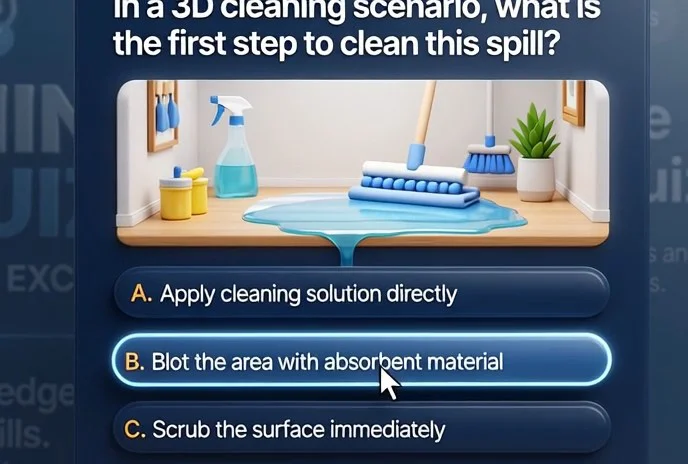
For product or workflow training, scenario-based scripts with situational breakdowns work better. An employee gets a situational question, chooses an answer, and immediately sees an explanation—why it’s correct and how to apply it in practice. Such a quiz works as a trainer, not an exam, so material retention is higher.
If you need a team game for building cohesion, choose a competitive format with team scores and a leaderboard. Excitement, quick reactions, and the spirit of competition engage even those who are usually passive. It’s an excellent tool for team building, celebrations, and wrap-up meetings.
How do you choose a quiz for your task? We help with the selection at the start: we analyze the goal, audience, and preferences, and suggest a format that will deliver the desired result.
The quiz runs directly in Microsoft Teams with no additional software installation—employees can take it from any device. You get a tool that solves a specific problem, not just something that entertains.
Frequently asked questions about quiz development
Before launching an educational quiz, the most common questions are about timelines, edits, and technical aspects. That’s expected: clients need to understand how quickly they’ll get results and what happens after launch. Here are short, to-the-point answers to frequent questions about quizzes.
Developing a quiz for employees is a process with clear stages and transparent terms. That’s why our answers focus on timelines, flexibility, and quiz support: these are the factors that determine a project’s success.
How long does quiz development take?
A typical timeline is two to four weeks, depending on the number of questions and difficulty levels. At the brief stage, we lock in the scope and provide a schedule so you know the launch date before we start. If you need a simpler version by a specific date, we can discuss an accelerated option.
Will we be able to make edits after launch?
Yes, you’ll be able to update questions, answers, and hints. This is convenient if regulations change or new topics appear—there’s no need to redo the entire game. Just send us the changes, and we’ll update the content promptly.
Will the quiz work in Microsoft Teams?
The quiz runs in the browser and opens directly in a Teams tab—employees don’t need to install anything extra. We check compatibility during the preparation stage, so there are no access issues.
What does quiz technical support include?
After launch, we stay in touch: we help organize sessions, resolve access issues, and make quick adjustments. Support is included in the base package, so you’re never left alone with the product.
If your question wasn’t covered, write to us: we’ll discuss your task and find a convenient format.Order a quiz for your business and get a ready-made tool
For a quiz to deliver results, the launch matters as much as the script. That’s why we start with a consultation: we find out what knowledge needs to be reinforced, who your employees are, and how you’ll measure success.
Then we assemble a complete solution—a browser-based quiz that runs directly in Microsoft Teams and requires no installation.
After ordering, you get a fully tested product and support, not just a set of questions. Here’s a checklist of what you’ll have in hand:
- Pre-launch consultation: we break down goals, audience, and question format.
- Ready-made quiz: user-friendly interface, works in the browser and in Teams.
- Test session: we verify all questions and the script before the official launch.
- Launch recommendations: we advise on how to announce the game and motivate employees.
- Support during the game: we help at the start and resolve issues promptly.
- Final report: you see which topics were mastered and which are worth reviewing.
This way you get not just a game, but a manageable learning tool. It saves your team time and removes the need to deal with technical details. You can order the quiz turnkey—we handle development, testing, and preparation. All that’s left is to invite employees and collect results.