


Employees Don't Retain Material in Schoology: You're Losing Time and Money
Your employees complete training in Schoology, but a week later they remember almost nothing. Standard courses with text and video are skimmed "for the record": attention wanders, the material never sticks.
The result: the LMS is full, but knowledge is absent — training doesn't work, and it repeats itself every time.
This hits the business hard: time spent on training is wasted, content development costs never pay off. Mistakes repeat, customers suffer, turnover rises. Every unmastered topic means lost money and a damaged company reputation. Managers spend hours tracking completion but never see the real picture of knowledge.
The problem with corporate training in Schoology isn't the platform — it's the format. When an employee simply flips through slides, their brain never switches on. There's no challenge, no competitive element, no instant feedback. The material never becomes a skill; it stays a line in the gradebook.
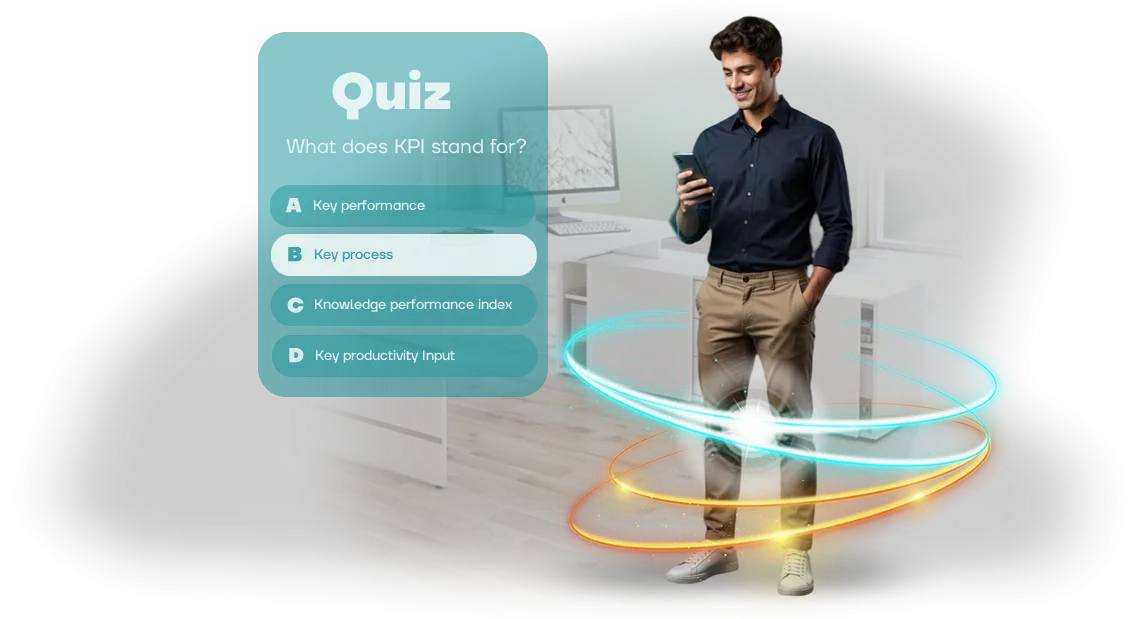
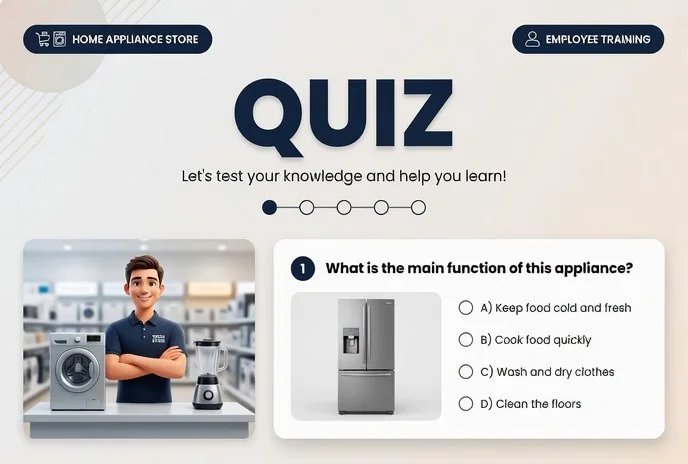
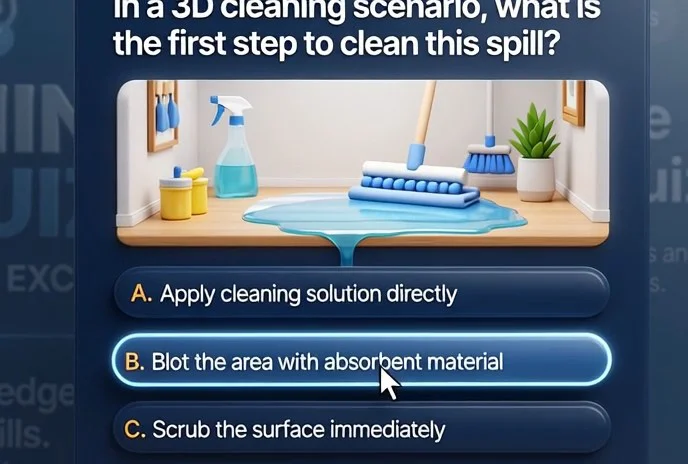
We solve this with a training quiz for employees: instead of passive viewing — active participation. Short questions close to real tasks, scenario-based decision-making, and instant error breakdown. Employees test themselves, see their progress, and remember what matters.
Engagement grows, and with it — results: fewer mistakes, faster onboarding for new hires, higher quality of work. Training in Schoology stops being an obligation and becomes a tool that pays off.
And all this without replacing the platform you already use — the quiz integrates easily into your LMS, and managers see honest learning analytics.
What You Get: Engagement, Knowledge Retention, Analytics
The employee quiz isn't just entertainment — it's a tool that drives business results. Instead of dull lectures and static instructions, you give the team a scenario where learning happens through play and healthy competition.
This format boosts engagement: employees complete the material from start to finish rather than putting it off.
The first thing you get is higher training engagement. The browser-based quiz works inside Schoology, so employees don't need to switch between windows or learn a new interface.
They open the familiar system, complete a short game scenario, and get straight back to work — no friction, no extra steps.
Second — knowledge retention. The game format, clear questions, and instant feedback help employees absorb the material for the long term.
The employee immediately sees where they went wrong and remembers the correct answer, while you see what works in training and what needs improvement.
Third — transparent analytics for HR and managers. You see who completed the quiz, which topics caused difficulty, and how knowledge is distributed across departments. This data lets you adjust the training program and make decisions based on facts, not guesswork.
In the end, you get not just a test, but a complete solution: engagement, material retention, and clear statistics in one product. We handle development from idea to launch, so all that's left for you is to see the result and use it to grow your team.
Quiz Formats for Business Goals and Schoology Integration
A quiz can be a light warm-up, a strict exam, or a team game — what matters is that the mechanics serve your goal. We match the format to the task: new-hire onboarding, regular knowledge checks, certification, or engagement in corporate life.
All options run in the browser with no installation and integrate easily into your LMS — including Schoology, where employees train in the familiar window and see their results right away.
| Format | For Whom | What It Delivers to the Client |
|---|---|---|
| Quick quiz of 5–7 questions | Regular knowledge checks, new-hire onboarding | Employees spend 2–3 minutes, and the manager sees the trend |
| In-depth branching scenario test | Certification, work authorization, post-course assessment | Objective evaluation, automatic grading, protection against "guessing" |
| Game-style quiz with timer and points | Team tournaments, corporate events | Higher engagement, competitive spirit, repeat attempts |
After the quiz is completed, results automatically appear in the Schoology gradebook. No manual answer collection or score recalculation: the system itself shows who passed, who didn't hit the threshold, and which questions caused trouble.
Thanks to LMS integration, training stops being an "external asset." Employees don't hunt for a separate link or enter an extra login — everything is available through the single Schoology window. And if a report is needed for management or an audit, it's generated in a couple of clicks.
How Development Works: 6 Steps from Brief to Launch
The development stages are structured so you understand what's happening from day one through to the quiz launch. No surprises: every step includes approval and a control point, and the final result is verified before employees ever see it.
-
Brief and goals. We get on a call and find out who needs to be trained, what knowledge should be reinforced, and what outcome counts as success. Based on that, we lock in the objectives and propose the mechanics.
-
Strategy and script. We define the quiz structure: questions, difficulty levels, hints, feedback. The script is approved before development begins — this eliminates late-stage revisions.
-
Design and prototype. We create a visual style true to your brand and show you screen mockups. You see what the game will look like before it's even built.
-
Development and Schoology integration. We build the quiz on a professional engine — it runs in the browser and opens right inside the Schoology course. Employees don't need to install anything; they just follow the link.
-
Testing and approval. We run the quiz on different devices, check answer logic and score calculation. You receive a test link, review the game, and approve the final version.
-
Launch and support. We publish the quiz, prepare a short employee guide, and stay in touch. If you want to change questions or add new levels — we'll do it promptly.
What's Included in the Deliverable: Script, Development, Reporting
When a client receives the quiz, it's not just "a link to a game." The deliverable includes a full package — from script to reporting — so you can launch training without juggling multiple contractors and evaluate the result immediately.
What exactly is included:
- Quiz script tailored to your task: questions, answer options, explanations, and scoring logic. You approve the copy before development and know exactly what employees will learn.
- Design in your brand style: corporate colors, logo, screen styling. The quiz looks like part of your learning environment, not a third-party service.
- A ready browser-based quiz that works on any device — computer, tablet, smartphone. Participants don't install anything, and integration into the existing learning process happens without complex setup.
- Instructions for administrators and participants: short guides on how to open the quiz, complete it, and where to view results. "What do I do?" questions disappear immediately.
- Results reporting: you see who completed it, how many correct answers they gave, how much time they spent, and where they made mistakes. This data can be exported and used to plan the next training session.
- Launch support: we help place the quiz, verify it's accessible to all employees, and quickly resolve organizational issues.
All reporting is collected automatically — no manual employee surveys. You get clear numbers: completion rate, average score, typical mistakes. That's the basis for deciding which topics need to be revisited in live sessions.
The delivery is organized as a project: script, design, and technical work are approved at every stage, so you know in advance what you'll get at the finish. The result is a working tool, not a "box" with a game.
Case Study: Quiz for Schoology Doubled Engagement
The client — a manufacturing company with 300 employees — used Schoology for mandatory staff training.
Formal text-based courses went virtually unread: engagement was falling, and knowledge checks turned into mechanical "skimming." Managers could see training was going nowhere but couldn't tell who had actually absorbed the material and who had just checked the box.
We proposed turning knowledge assessment into a browser-based quiz game built on Unity WebGL and embedding it directly into Schoology — so the familiar workflow wouldn't change.
The quiz looks like a dynamic game with a timer, points, and a department leaderboard — employees play from their phones or computers, and results sync automatically with the Schoology gradebook. The company gets objective data without manual collection.
Results the Company Saw in the First Month
Training engagement doubled: 92% of employees completed the full course with the quiz, versus 45% before implementation. Average completion time increased from 6 to 12 minutes — people thought through the questions, debated answers, and revisited course materials.
A quarter of employees returned to the quiz repeatedly to improve their scores and climb the department leaderboard.
The case confirms: the quiz isn't an entertainment add-on but a working tool that turns training from a formality into a deliberate process.
Schoology integration gives managers transparent statistics on every individual, and employees get an engaging format they actually want to complete. For the business, it's a measurable increase in training effectiveness without changing established processes.
How to Choose a Quiz Format Without Overpaying?
Clients most often start with "how much does a quiz cost" — and immediately hit a price range spanning from simple tests to complex game-style simulators.
In reality, the right order is different: first the training objective, then the audience, and only then the budget.
A quiz for quickly introducing new hires to regulations and a knowledge check after a year-long course are different formats, different mechanics, and different levels of polish.
If employees need to quickly absorb standards and rules, a concise quiz with questions, explanations, and visible progress is enough.
Such a game is built fast, costs moderately, and integrates easily into an existing Schoology course — employees complete it in 10–15 minutes and get straight back to work.
But if the goal is to engage the team in longer training, boost motivation and retention, it's worth adding narrative, levels, competitive elements, and rewards. These features drive most of the result — but they also increase the budget.
It's important to understand what you're paying for. The price is built from mechanics, design, content volume, and integration with your learning system. We break down the estimate honestly across these items and recommend only the features that genuinely serve your goal.
For example, if training already runs in Schoology, the logical move is a browser quiz that launches right inside that platform — without extra transitions or instructions for employees. That's not a luxury; it's how you get results fast without losing engagement.
Check yourself before discussing the budget: how many people will take the quiz, how often the material is updated, whether per-question statistics are needed, and who will administer the game. The answers to these questions immediately cut out unnecessary features.
We help draft the technical specification and pick the right format for your situation for free — without pushing "extras" that don't bring you closer to the training goal.
Choosing the right format isn't about picking the most expensive or the cheapest option — it's about how well the format fits your objective.
Come to us with a description of the problem — we'll propose a quiz that delivers the needed result at a sensible cost and show you where you can save without losing effectiveness. That way you get not just a game, but a training tool that pays for itself.
Frequently Asked Questions About Employee Quizzes
When ordering a quiz, you're not thinking about technology — you're thinking about how employees will react. What if they don't like it? What if something breaks on launch day?
These are normal concerns, and it's better to address them before the start rather than scramble in a panic.
We've been building corporate quizzes for a long time and know exactly where the fears come from. Below are honest answers to the most common questions — including that big one: "what if they don't like it?"
What if employees don't like the quiz?
We design the scenario around your audience: an easy entry point, a competitive element, growing interest. After launch, we monitor completion stats and engagement — if any block is underperforming, we quickly refine the mechanics and questions.
What if something doesn't work on launch day?
We don't leave you after project delivery. During the quiz run, an engineer monitors the system in real time. If an issue occurs, we activate a fallback scenario and restore access quickly — employees won't lose interest.
What guarantees do you provide?
We guarantee stable quiz performance for an agreed period. If an error on our side is found, we fix it for free and on a priority basis. Launch timelines are fixed in the contract so you can plan the event with confidence.
Can the quiz be updated after launch?
Yes, the quiz lives and evolves. You change questions, add blocks, tie content to seasonal campaigns or company changes. Small edits typically take up to a day; larger updates are scheduled in advance.
Will our team be able to handle the setup?
We handle the entire technical side. Your side receives a simple guide, and if needed we briefly train the administrator — so you can launch the quiz without us and make quick edits on your own.
Ready to Get a Quiz That Works in Schoology?
Employees waste time when training is scattered across different systems: theory in one, test in another, results in a third.
A quiz embedded directly in Schoology removes those transitions — employees complete their knowledge check without leaving the familiar environment, and you see the results in the unified analytics.
We cover the full cycle: from developing the browser-based quiz game on a professional game engine to implementing it in your LMS.
You won't have to dig into the technical details of integration — we configure the launch, verify compatibility, and hand over the administrator guide.
What you get right after placing an order:
- Cost and timeline estimate within one business day — no hidden fees.
- A quiz prototype demonstration before full development begins.
- Design adapted to your corporate style and course logic.
- Turnkey Schoology integration — employees launch the quiz in one click.
- Administrator training and a short user guide.
- Technical support guarantee after launch — we help with questions and refinements.
Leave a request for a cost estimate — and we'll prepare a solution that will be up and running in your system within a few weeks. Just write to us, and we'll discuss the details of your training scenario.