


SharePoint Quizzes for Training: Motivation and Metrics
Old approaches to training in SharePoint no longer work: employees skim PDF instructions, complete courses "just for show," and quickly forget the material. Managers see low engagement but don't understand what has actually been absorbed and what needs reinforcement.
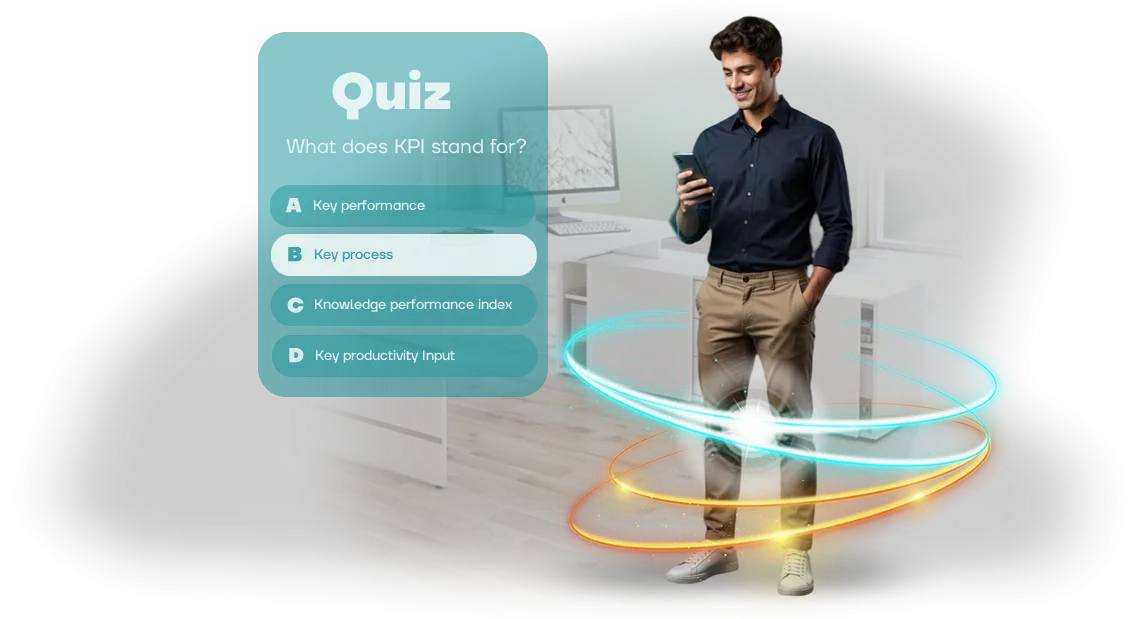
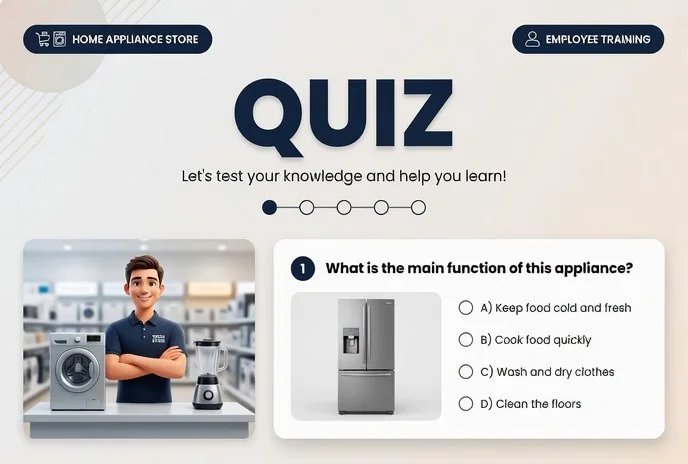
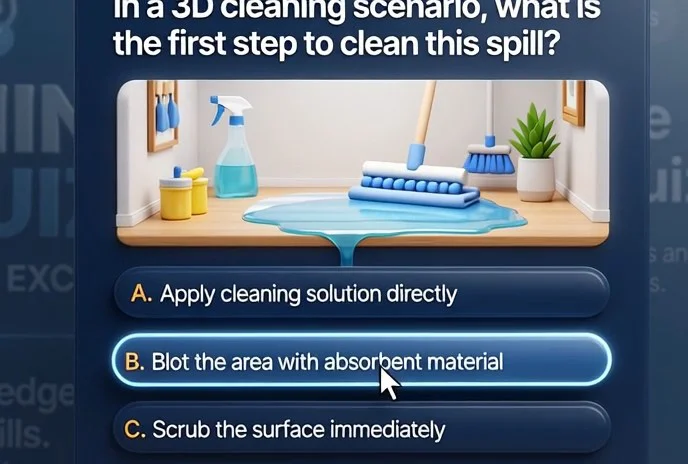
A corporate quiz transforms training from passive document viewing into an active game — with questions, points, and visible progress for each participant.
SharePoint quizzes are embedded in the familiar environment — employees don't need to master a new system or remember extra passwords. They open their usual portal, complete short rounds, and immediately see their results.
Game mechanics add excitement and healthy competition between colleagues, which boosts employees' motivation to keep coming back to training.
Managers get transparent statistics: who completed the quiz, which topics caused difficulties, and what knowledge has already been retained.
This training system solves the biggest pain point — the lack of objective metrics. Instead of "it seems everyone read the instructions," you see concrete numbers for each employee and department.
This allows you to quickly adjust training materials, focus on weak spots, and prove training effectiveness to leadership.
We develop quizzes on professional equipment and integrate them with your SharePoint so employees don't notice the technical side — only a convenient interface and instant feedback.
You get a working employee training tool that requires no complex administration and scales easily to new topics and departments. As a result, training stops being a formality and becomes a driver of skill growth and, consequently, business performance.
Five Measurable Benefits of Quizzes for Business
Employee training is an investment that must deliver measurable results. Ordinary presentations and tests don't give the full picture, while a game format turns the process into engaging practice.
Engagement grows without coercion
Employees get involved on their own because it's interesting. A quiz sparks healthy excitement and the desire to test knowledge — instead of boring mandatory tasks.
Transparent results for managers
Every answer is recorded automatically, and you see who has grasped the material and who is struggling. No need to collect reports manually — all statistics are available immediately.
Time saved on grading and administration
Preparing and checking tests is a thing of the past. The quiz grades answers and collects data on its own — you spend 15 minutes launching it instead of a whole day on bureaucracy.
Material is remembered better
In a game, knowledge is reinforced through practice and emotion. The interactive format multiplies retention compared to reading instructions.
A single access point — right in SharePoint
The quiz works within your corporate portal, with no switching between services. Employees don't need to install anything — just open a link and play.
Quiz Formats for Any Task in SharePoint
Every training task in a company requires its own format. Quizzes can be embedded directly into your SharePoint — right where employees are already used to working with documents and regulations.
No need to learn new systems: the game opens in a familiar environment, and results are immediately visible to those responsible.
We've identified three working quiz types that cover most requests and adapt easily to your specific needs. Choose the right one — we'll configure the rest to match your processes.
| Format | For whom | What it delivers to the client |
|---|---|---|
| Onboarding quiz | New employees and their mentors | Fast immersion in the product and company rules without boring lectures; mentors spend less time repeating the basics |
| Certification | Managers and HR specialists | Transparent knowledge checks that employees take with enthusiasm; automatic reports by topic and results |
| Team interactive | Event organizers and marketing | Live learning in game form; a reason to bring the team together, discuss results, and reinforce the material |
The format is chosen for the task, and embedding into SharePoint takes minimal time — all the mechanics are already fine-tuned and tested on dozens of projects, so you get a working tool without lengthy development.
How We Develop a Quiz: 6 Steps from Brief to Launch
A transparent process is what removes most of the risk before development even starts. You always see what stage the quiz is at, what has been approved, and what comes next. This lets you control timelines and budget with no surprises.
- Brief and objectives. We pin down who the quiz is for, what knowledge needs to be tested, and what outcome you expect. The result is a document with goals and success criteria so both sides speak the same language.
- Concept and script. We design the mechanics: questions, answer options, difficulty levels, scoring system. You receive the script text and quiz structure before a single line of code is written.
- Approval and revisions. We discuss the concept and make changes to questions and logic. At this stage, adjustments are cheap and fast — you approve "how it will be," not "how it turned out."
- Implementation and design. We build the quiz on professional tools, adapt it to your corporate style, and configure its placement in SharePoint. The interface will feel familiar to employees — nothing to install.
- Testing and launch. We check performance on different devices and browsers and make sure results are recorded correctly. Then we open access for employees and support the launch.
- Support and analytics. After launch, we collect feedback, review completion statistics, and adjust questions as needed. If you need to add new rounds or make levels harder — this is already a familiar system for us.
In the end, you get not just a game but a working training tool with a clear process at every step. All we need from you is participation at the brief and approval stages — we handle the rest.
What's Included in the Delivery: A Complete Quiz Launch Kit
You get not "just a game" but a fully ready-made training tool — from script to analytics. Everything needed for launch is already prepared and tested: you set the date, employees take the quiz, you see the results.
The delivery package includes:
- Ready-made quiz script. A well-thought-out structure: topic introduction, main section with questions, pauses for reinforcing the material. The script accounts for your specific needs and training goals, so the quiz doesn't need to be adapted — it already works.
- Question bank for the quiz. A set of questions at different difficulty levels that test understanding of the material rather than memory. Questions can be replaced, expanded, or shuffled — you decide what stays.
- Brand identity and design. The quiz looks like part of your brand: logo, colors, corporate wording. Employees perceive it as an internal company product, not a third-party template.
- Administration without a programmer. A simple control panel: you change the start time yourself, add employee groups, and enable or disable questions. Any HR specialist or marketer can figure it out in a day.
- Launch instructions. A step-by-step guide: how to place the quiz on SharePoint, how to send the link to employees, what to do if someone can't complete the game. No IT knowledge required from the administrator.
- Results reporting. Data on each employee: who completed it, who hasn't started, which questions caused difficulties. The report exports in a convenient format — ready to show to a manager or use for retraining.
- Post-launch support. We don't just "deliver the project and walk away." We stay in touch to help with configuration, update questions for new regulations, or add additional rounds when new material appears.
Each item in the package solves a specific problem: reduce the load on your team, speed up launch, and provide a transparent view of training. All you have to do is assign the task to employees — everything else is already done.
Case Study: How a SharePoint Quiz Boosted Engagement
When text instructions don't work, employees put off training and keep operating the old way. A large retail chain ran into this problem during the transition to new service standards: more than 2,000 people across 30 stores needed to be trained quickly.
We proposed a browser-based quiz embedded in the corporate SharePoint portal so employees could train in their familiar work environment.
The quiz consisted of short questions on the new regulations, with clear explanations for each answer. Employees didn't need to install additional software — just open the portal, complete the game, and immediately see their result. This format accelerated the training rollout and reduced the burden on internal trainers.
Project numbers
The results exceeded the client's expectations. Within two weeks, 78% of employees completed the quiz — with regular surveys, this figure rarely reaches 40%.
Thanks to game elements and instant feedback, the average test score was 4.7 out of 5, and the onboarding time for new employees dropped from two weeks to five days.
The number of HR support requests fell by 30%: employees found answers themselves through the explanations attached to each question.
Store managers got transparent statistics on every employee right in SharePoint, allowing them to provide targeted follow-up training for those lagging behind.
Scalability also proved important. A month later, the company ordered a second quiz to test safety knowledge and a third to train staff on new products.
The client continues to use the platform for regular assessments, since updating content takes just one day thanks to the quiz's open structure.
How to Embed a Quiz in SharePoint Without Losing Data?
Integration with SharePoint doesn't require replacing your system or restructuring your IT architecture. The quiz runs in a regular browser and embeds into your existing corporate portal — employees complete training without leaving their work environment. You get a ready-made tool that organically complements your internal platform.
Data security remains under your control with this approach. Access to the quiz is opened through corporate accounts, and results are stored in your SharePoint — they never end up on third-party servers.
We configure access permissions so only the right employees can see the results, and personal data stays protected.
Technically, deployment happens through standard SharePoint blocks, so no additional software needs to be installed on employee computers. All changes fit neatly into the existing portal structure without disrupting its operation. If needed, the quiz synchronizes with your organizational structure and HR data.
We handle all configuration and testing: from quiz placement to compatibility checks with your SharePoint version. Deployment typically takes a few business days and doesn't require long portal downtime.
After launch, you get support — we fix questions, update content, and work with you to keep everything running smoothly.
So the answer to the main question is: data is not lost, because it stays inside your system, under your control. And employees get a convenient training tool that's easy to find and use in everyday work.
Frequently Asked Questions About Developing Quizzes for Employees
Before ordering a training quiz, people most often ask about timelines, how difficult it is to deploy in SharePoint, and post-launch support. These are understandable concerns: a quiz is usually needed by a specific date — training, certification, or an internal event. We answer honestly.
How long does quiz development take?
A standard project takes 1–2 weeks from task approval; a simple quiz takes 5–7 business days. Complex scenarios with levels and different task types take up to three weeks. We lock the date into the contract: in all our practice, we've never missed a launch for a scheduled event.
Is it difficult to embed a quiz in SharePoint?
For employees — no: the game runs in the browser via a link, nothing needs to be installed. We handle the embedding into your corporate portal for you. If desired, we restrict access so only company employees can take the quiz.
What happens after launch? Is support included?
Yes, support is included: we help with questions, add new questions, and update mechanics. The quiz comes with a warranty period — we fix any issues on a priority basis at no extra charge.
Will employees figure it out without training?
Yes, the interface is intuitive: an employee opens the link, enters their name, and completes the game in 5–10 minutes. Results are saved automatically — you can see who completed it and how they answered, with no manual data collection.
Let's Discuss Your Corporate Test? Leave a Request
Corporate tests rarely bring joy — they're usually a boring obligation that employees complete "just for show." We make quizzes people actually want to open: with clear questions, lively delivery, and instant feedback.
The result is a team that genuinely engages with the process and retains the right information, instead of just closing the tab.
To achieve this kind of result, we start with a free consultation. We'll talk about your goals: check knowledge after training, introduce a product, or simply brighten the atmosphere in the team.
You'll get a clear plan and timeline estimate — no technical details, just what matters for business.
What you get after reaching out:
- Free consultation: we analyze your task and suggest a suitable quiz format.
- A clear commercial proposal with a fixed cost calculated after audit and timelines.
- A script prototype as early as the discussion stage — you see what the game will look like.
- Work with your content: we turn your materials into engaging questions and scenarios.
- Fast integration via SharePoint — employees log into a familiar environment and install nothing.
- Technical support at every stage: from launch to statistics collection.
- Room for revisions: we refine the result until you approve it, at no extra charge.
Leave a request — and at the next meeting we'll show you how a quiz will fit into your corporate portal. We'll advise on how to use it for onboarding, knowledge checks, and even non-financial motivation, so the test becomes a tool that works for you.