

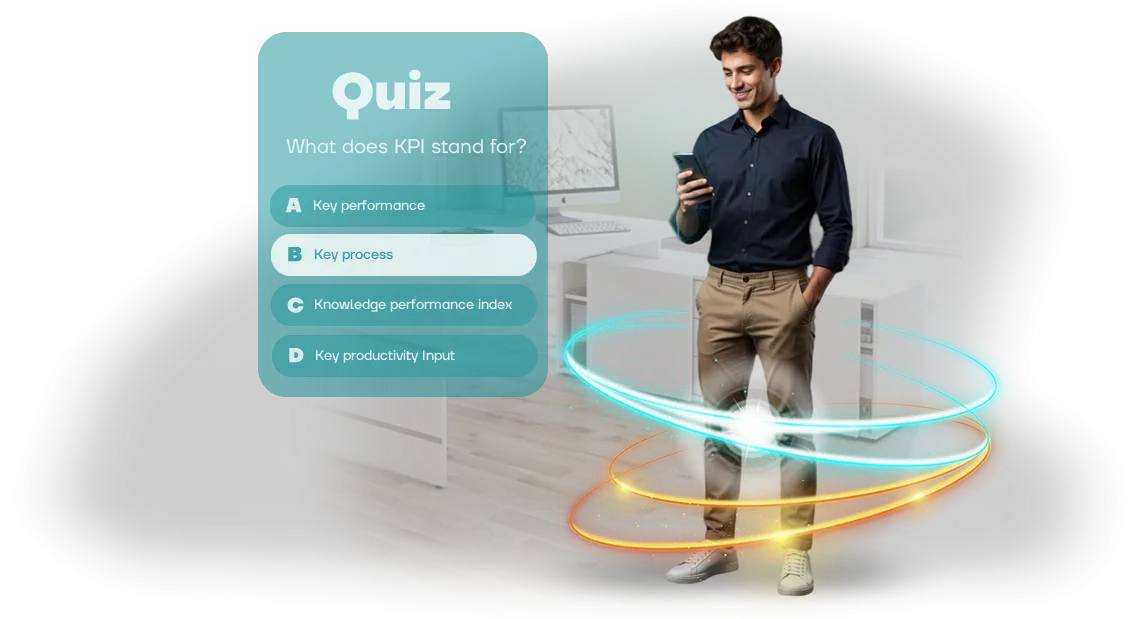
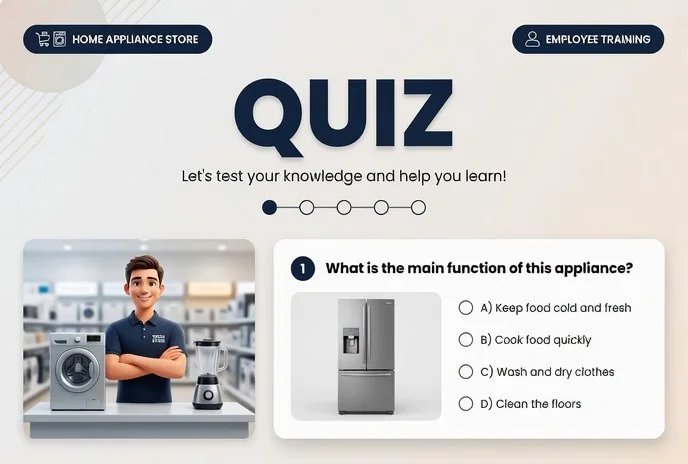

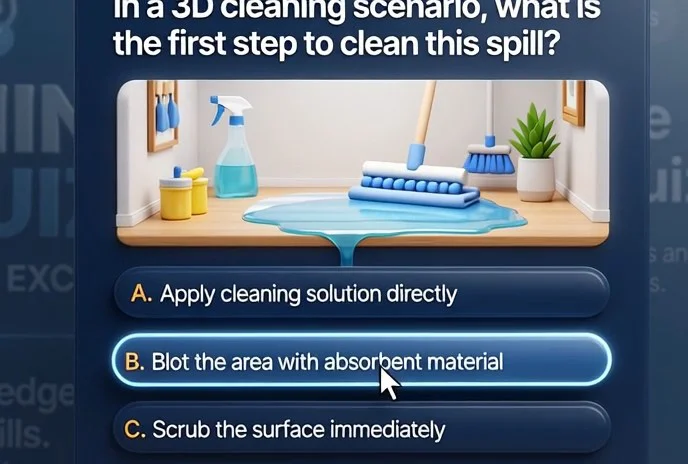
Why Boring WordPress Tests Don’t Engage Employees
Corporate training built on WordPress almost always revolves around boring tests: an employee opens a long list of questions, mechanically clicks through answer options, skims theory slides, and closes the tab with relief.
Formally, the course is complete, but real knowledge is not retained. Learning is perceived as a mandatory chore to get rid of as quickly as possible, not as an opportunity to grow professionally.
Ordinary tests ignore the context of the work, so employees see no point in the process. Employee engagement drops to zero, and training effectiveness declines rapidly: information is forgotten within the first few days, and new hires keep making the same mistakes.
For a business, this means direct losses: errors in processes, slow onboarding of new employees, increased workload for managers, and lower customer service quality. The company spends budget and working hours on corporate training but sees no measurable result.
Employees don’t apply what they learn, keep working the old way, and retaking the same WordPress tests doesn’t change behavior. We close this gap: we turn training into an engaging browser-based quiz that holds attention and delivers clear results for the business.
Learning stops being a checkbox—it becomes a tool that actually improves team performance and the quality of its work.
What Benefits Do Interactive Quizzes Bring to a Business
Higher Engagement and Sustained Attention
Employees get tired of lectures and regulations faster than they get tired of a game. A quiz turns learning into a competition: it’s exciting to answer, earn points, and compare results with colleagues.
That’s why attention is maintained throughout the whole session, and the material is remembered almost effortlessly.
In addition, the interactive format creates an emotional connection with the employer brand. The employee sees that the company invests in their development not formally, but through convenient, modern tools. This increases loyalty and reduces turnover.
Knowledge Retention and Practice Without Disrupting Work
The browser-based quiz works right inside WordPress—the employee doesn’t need to install apps or remember links to third-party services. They just open the page, and in 10–15 minutes they go through a scenario that reinforces key rules, products, or standards.
This format provides instant feedback: after each answer, the correct option is shown with an explanation. Mistakes are remembered better than correct answers, which makes training genuinely effective. Knowledge moves from short-term to long-term memory.
Training Cost Savings
An online quiz replaces part of the in-person trainings and webinars that require time, a venue, and a trainer’s fee. A scenario prepared once can be taken by an unlimited number of employees at a time convenient for them. The hours freed up are spent on work tasks instead of repeating the same materials.
Plus, onboarding costs go down: instead of a multi-hour introduction, new employees take a short game-based test and immediately see what they already know and what needs improvement. The company achieves cost reduction without losing training quality.
HR Analytics for Knowledge Management
The quiz collects objective data: who completed it, how many attempts were needed, and which questions are most often answered incorrectly. An HR specialist sees the picture by department and topic instead of relying on gut feeling. This makes it possible to update training materials or strengthen problem areas in time.
For managers, this is also a control tool: it’s always clear who has absorbed the new standards and who needs extra support. Instead of long surveys and tests—ready-made analytics in a personal dashboard that can be exported into a report with a couple of clicks. An interactive quiz becomes a knowledge measurement system, not a one-time entertainment.
Formats of Training Quizzes for a WordPress Corporate Portal
Employees take standard tests “just to check a box” and forget key regulations within a week. Yet it is precisely these regulations that affect work errors, response speed, and process safety.
A short quiz on a corporate portal solves the problem differently: it tests knowledge in a convenient format, reveals gaps immediately, and gives the employee quick feedback.
We develop quizzes that are embedded directly into your WordPress portal—no separate software installation and accessible from any device. The manager sees in the personal dashboard who completed the quiz, who made mistakes, and what material needs to be reviewed. Below are the typical formats we cover for business tasks.
| Quiz format | Who it’s for | What the client gets |
|---|---|---|
| New hire onboarding | New employees in their first weeks of work | Fast immersion into company standards, fewer questions to the mentor, and a clear checklist of “what the employee has learned” |
| Periodic assessment | Current staff, all departments | Objective picture of knowledge levels, automatic result collection, and a basis for the training plan |
| Gamification and tournaments | Large teams, retail networks | Increased engagement: employees take the quiz themselves for rankings, prizes, and team standings |
| New product training | Sales and support departments | Fast preparation for launch, fewer mistakes in customer conversation scenarios, team confidence |
This approach works at any stage: from a new hire’s first day to regular quarterly knowledge checks. Formats can be easily combined—for example, onboarding with gamification elements, or assessment with error analysis.
The result is the same: employees treat training as part of their work, and you get a measurable outcome instead of a formal “test passed.”
How a Quiz Development Project Works: 7 Steps
The development stages are structured so that you see a result at every step and can make changes without delays. A typical project takes 2–4 weeks and consists of seven steps, from brief to support.
- Quiz brief. We define the goals: which employees we are training, what knowledge we are testing, and what result counts as success. The output is a document with questions, scenario, and mechanics.
- Work plan and estimate. We determine timelines, team composition, and the interaction format. You receive a calendar plan with approval checkpoints.
- Prototype and scenario. We show how the quiz will look and work: question structure, levels, hints, scoring system. We approve this before development starts.
- Layout approval. The designer creates visual styling in your brand style: screens, buttons, illustrations, adaptation to the corporate style. You make changes before any code is written.
- Development and WordPress integration. We build the quiz on a professional engine and embed it into your WordPress site—without changing the site structure and preserving the design.
- Testing and launch. We test on different devices, fix errors, and launch. We provide instructions for administrators: how to grant access, share links with employees, and view statistics.
- Support and improvements. After launch, we monitor performance, answer questions, and update questions and scenarios as needed. You can always order a new quiz for the next course.
This sequence prevents misunderstandings: each stage ends with a concrete deliverable that you approve. The result is a working training tool that employees complete without being forced, and you see real numbers on material comprehension.
What’s Included in the Quiz Delivery: Complete Package
You don’t get an abstract game but a ready-made tool for staff training. The delivery includes everything needed to launch the quiz on your site and use it without involving developers. The full package is below.
- Administrative panel. You independently add questions, change answer options, and create new topics. No programming knowledge is required—the interface is clear to a manager or HR specialist.
- Result reports. The system collects data on each employee: who took the quiz, how many correct answers, and which questions were answered wrong. You see the training picture over time and can adjust the program in time.
- WordPress integration. The quiz is placed on your WordPress site and uses its structure. Employees don’t need additional applications—everything opens in a browser, saving setup time.
- Team training. We conduct a briefing for administrators: we show how to manage content, read reports, and what to do if questions arise. We also provide a short manual so that training new employees doesn’t depend on us.
- Guarantee and support. We fix the result in the contract: launch timelines, error-free operation, and improvements based on your feedback. After project delivery, we stay in touch and help if you need to change something.
- Corporate style adaptation. The quiz design matches your brand: logo, colors, fonts. Employees perceive the training as part of the company, not as an external program.
Case Study: How a Unity WebGL Quiz Improved Performance in a Company
Project Background
The client is a logistics company with distributed warehouses and more than 800 employees who need to regularly confirm their knowledge of regulations. Before the project, training consisted of long presentations and PDF tests: formal, without engagement. Performance stayed at 68%, and course completion barely exceeded half of the staff.
We proposed turning knowledge checks into a browser-based quiz on Unity WebGL. This solution ensured stable operation on any employee computer—from old office PCs to driver laptops.
The quiz was embedded directly into the company’s WordPress portal, so no software installation or additional training was needed.
What Changed in the First Month
These are the results the client saw:
- Course completion increased from 52% to 87%—even employees who previously ignored tests now take the quiz.
- The average score rose from 68% to 92%—employees actually absorb the material instead of just clicking buttons.
- Preparation time per employee was cut in half: instead of an hour of lecture, 15 minutes of gameplay with instant feedback.
The training manager noted: “For the first time, we see employees asking for access to the trainer themselves.
The competition for ranking spots has sparked an interest in regulations we could only dream of.” Two months later, the company ordered a second quiz for a new sales department, and kept the first one as a permanent new-hire adaptation tool.
Unity WebGL here is not just a technology—it’s a guarantee that the result will be identical on all devices. No “it didn’t open for me,” no failures—only stable operation and measurable business value.
Frequently Asked Questions About Employee Quiz Development
Before ordering a training quiz, clients usually ask the same questions: how much does it cost, how fast can we do it, and what happens if something breaks. We answer honestly, without technical details—about timelines, costs, and reliability.
How much does employee quiz development cost?
The cost depends on the scope: number of questions, scenario, design, and whether additional modules are needed (rankings, certificates, department statistics). That’s why we first discuss the task for free and offer an option that fits your budget. You receive a fixed estimate before the work starts—it doesn’t change along the way.
What are the development timelines for a quiz?
A typical project takes 1–2 weeks: from brief to a ready link for employees. Complex scenarios with animation and integration into your learning system take up to a month. We give the exact timeline after the brief, and as a rule we deliver earlier.
Will the quiz work with our WordPress or another CMS?
Yes, the quiz is placed as a regular page or pop-up block on WordPress, Bitrix24, Tilda, and any other systems. The employee doesn’t need to install anything—they open the link, take the test, and see the result. For a corporate portal, iframe embedding is also available.
What happens if the quiz stops working?
After launch, we stay in touch: we quickly fix errors and help with configuration. The work comes with a guarantee—if something breaks due to our fault, we fix it for free. You can also order an annual support plan with priority improvements and technical maintenance.
Can we update questions ourselves?
Yes, no programmer is needed. In the admin panel, you change the question text, answer options, images—and employees see the updates immediately. We’ll show you how to use it and, if necessary, train your specialist in one short call.
If you still have doubts—ask us directly, we’ll tell you the details for your task and prepare a commercial proposal.Order a Quiz for Your Employees Today
Employee training is not just lectures and tests, but a way to increase team engagement and reinforce the right skills quickly. A quiz turns routine training into a game: employees go through the material with interest, and you see the real level of knowledge retention.
We’ve already uploaded a demo quiz into WordPress—you can see how it looks before ordering. Leave a request, and we’ll send you a commercial proposal with options for your budget and goals.
Together we’ll define topics, number of questions, and difficulty levels—we’ll take care of everything else.
Why You Should Order a Quiz Right Now
- Fast launch—from brief to a ready game takes just days; you don’t wait for months.
- Simple WordPress integration—the quiz works in a browser and requires no additional software installation.
- Clear analytics—in the personal dashboard, you see who completed the quiz, the percentage of correct answers, and which topics are lagging.
- Any number of employees—train 20 or 2,000 people at the same time without losing quality.
- Reusability—change the questions and get a new game for the next course.
- Post-launch support—we help with setup, answer employee questions, and refine the mechanics if needed.
Take the first step: contact us by any convenient method and request demo access. See how the quiz looks in a real browser, and we’ll prepare a commercial proposal for your tasks. You can order a quiz for your employees today—just write to us, and we’ll start the work.
How to Choose the Right Quiz Format for Your Task?
Choosing a quiz format begins not with the question “what questions should we ask,” but with the goal: what should happen after completion? The mechanics, difficulty, duration, and how you use the results all depend on that.
There is no universal quiz, but there is logic that helps you decide without unnecessary experiments.
For onboarding, the main goal is to gently introduce a new hire to the product, rules, and team. Short scenarios with hints and instant feedback work best here: a person isn’t afraid to make mistakes and remembers key information faster.
What matters is not the score but engagement in the first days, so the format should be light and motivating.
Assessment is a different task: to test knowledge and record the result. Here you need clear passing criteria, limited attempts, and detailed statistics for each employee.
The format becomes a quality control tool: you see who has absorbed the material and who needs additional training. In this case, transparent results and easy report handling come to the forefront.
If your goal is team competition and higher engagement, a dynamic game format is the way to go: a shared score, timer, interactivity. Such a quiz turns training into an event, boosts loyalty, and creates healthy competition between departments. Here, excitement and atmosphere matter more than strict knowledge control.
We help you figure out which mechanics suit your task and adapt them to your WordPress site. At the audit stage, we discuss goals, audience, and expected results—and only then propose the optimal solution.
In the end, you get not just a game but a tool that solves a specific business problem: faster onboarding, objective knowledge assessment, or team building.