


Why regular tests don't motivate: training quizzes on WebGL
Corporate training often becomes a formality: employees open a test, answer the questions "for show" and immediately forget the material. Managers see high completion percentages, but a week later it turns out the knowledge isn't being applied at work.
The fault isn't employee laziness, but the format itself — static questions without context, feedback, or emotion don't hold attention and don't create motivation to dig into the topic.
When training doesn't engage, business loses not just time but money: mistakes repeat, standards aren't followed, new employees take longer to reach the required level. The problem isn't the volume of material, but how it's presented.
People remember through action and interest, not through reading instructions and "yes/no" answers.
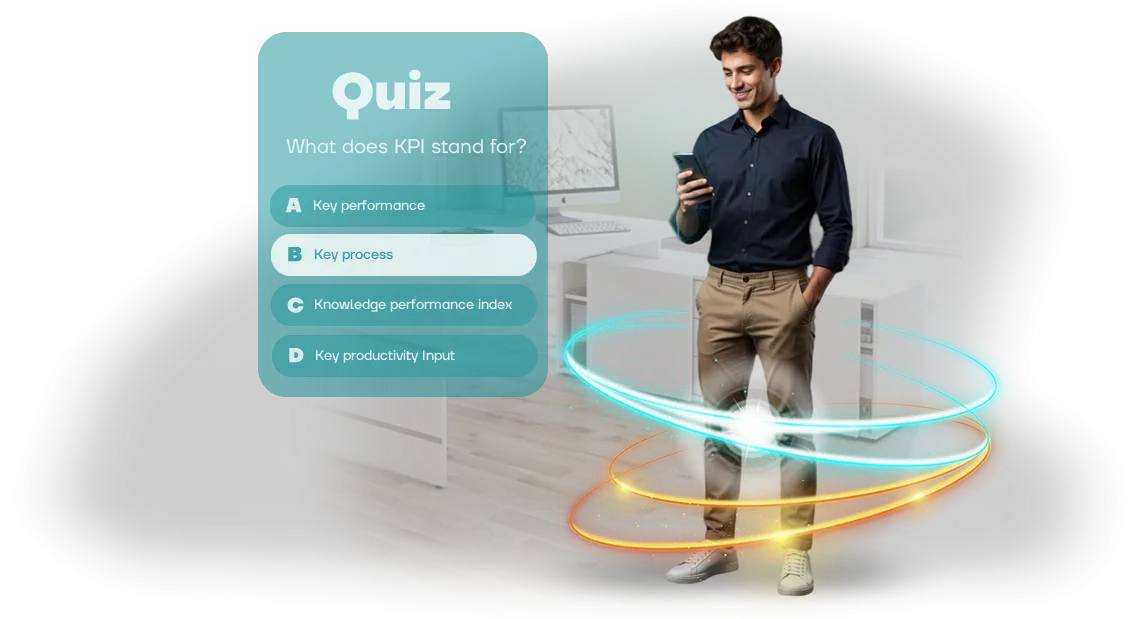
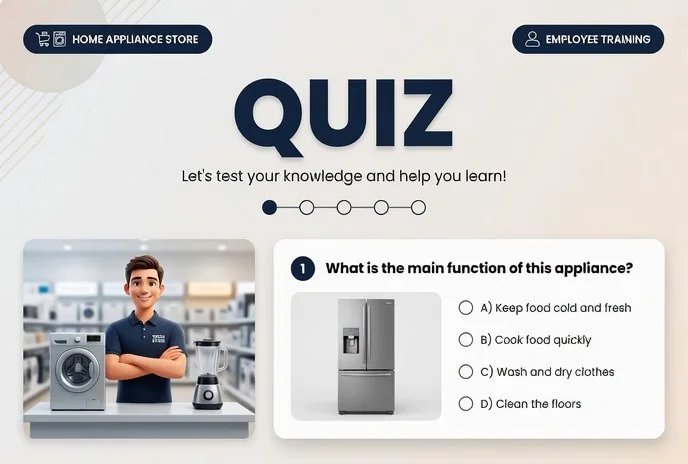
WebGL training quizzes change this. They work in any browser — an employee plays the game from a smartphone, tablet, or work computer without installing any software. Inside are game mechanics: points, levels, time limits, competition between teams.
This creates healthy excitement and a desire to finish, not just "click through the answers".
This very format holds attention and turns training from an obligation into an interesting challenge. The employee immediately sees the result of their decisions, understands mistakes, and remembers the correct answer through a vivid scenario rather than a dry line in a table.
The company gains higher engagement, real knowledge retention, and clear success statistics — for each department and each employee.
We develop WebGL training quizzes for your business goals: we take your training material and create game story and mechanics that will be interesting specifically to your team.
You don't need to understand technical details — you get a ready-made tool that employees enjoy completing, and managers see measurable results.
What the quiz provides: benefits for training and business
Game quizzes turn training from mandatory routine into a lively format that employees want to complete. our team develops such solutions for companies that care about more than just a "checkbox" for viewing material — real knowledge retention matters.
Benefit 1: Material retention 2-3 times higher
An employee watches a lecture or presentation — and a week later remembers only a small part. A quiz forces them to recall, reason, and apply information immediately.
The question-and-answer mechanics reinforce material in active memory — this knowledge stays on the job, not in the course archive.
The brain remembers better what triggered emotion and participation. Short rounds with clear "correct / incorrect" feedback create that very engagement after which employees themselves retell rules, standards, or product features to colleagues.
Benefit 2: Training completion rates reach 85-90%
Employee motivation is the biggest headache of any training. Long courses get abandoned halfway, but a quiz with interesting questions and competitive elements is completed to the end.
Game progress, points, and rankings trigger healthy excitement — even those who "don't like learning" come back to the questions again.
This is especially important for mass training: new hires, frontline staff, or branch networks. The higher the completion rate, the faster the team works by unified standards and the fewer mistakes related to not knowing processes.
Benefit 3: Employees get distracted less and get up to speed faster
Passive video or text is often watched half-heartedly — while also checking messengers and email. A quiz doesn't allow "just skimming": you need to answer, decide, and get results.
This way training feels shorter to the employee, and concentration during it is comparable to working on a real task.
The manager gets a predictable result: the team absorbed exactly what matters to the business, rather than spending hours on formally "completing a course." And most importantly — knowledge is immediately applied in daily tasks, without needing to retrain employees a month later.
Training quiz formats for company goals
Employees absorb material differently, and the same quiz won't suit both a newcomer and an experienced specialist.
We match the format to the specific task: reinforce knowledge after a training session, introduce a newcomer to company processes, or conduct certification without stress.
The quiz runs directly in the browser — on WebGL, so it requires no app installation. Employees complete it from any device: computer, tablet, or smartphone. This simplifies adoption and saves the IT department time.
| Format | For whom | What it gives the client |
|---|---|---|
| Post-training test | All training participants | Checks material retention and immediately shows gaps that can be closed with the next block |
| Onboarding quiz | New employees | Introduces the product, regulations, and team in a game format, reducing stress in the first weeks |
| Certification | Frontline staff, managers | Objectively assesses knowledge without paper tests and manual checking — results are collected automatically |
| Micro-quizzes | All employees | Keep knowledge fresh: 5–7 questions once a week keeps material in memory and builds a learning habit |
| Competitive formats | Departments, branches | Add gamification: rankings and team scoring boost engagement and healthy competition |
Each format is configurable to your logic: you can change questions, answer time, number of attempts, and scoring rules. Built-in statistics will show who succeeded and who needs additional support.
Stages of WebGL quiz development from brief to launch
The typical development ordering process often scares clients with uncertainty: when will the first results appear, who handles the questions, what happens after launch. We structured the work so that at every stage you understand what's happening and what result you'll get.
The WebGL quiz runs in the browser — employees don't need to install anything, and you don't have to change your usual workflows.
-
Brief and immersion into the task. We discuss what knowledge needs to be tested, who will take the quiz, and what result you want. We set timelines, question formats, and success criteria — you get a clear plan before work begins.
-
Scenario and question content. Based on your materials (regulations, instructions, presentations), we compose questions and answer options. You see the text before development and make edits — no surprises at the final stage.
-
Design and mechanics. We create visuals in your brand style and think through the interface: everything is intuitive even for those who rarely use such programs. We add competition and feedback elements — employees see their progress and motivation to continue.
-
WebGL build and testing. We build the quiz for the browser and test it on different devices and popular browsers. You receive a preview link, see how everything works, and approve the final version.
-
Integration into the training process. We embed the quiz into your learning management system or simply provide a link to send to employees. Nothing extra needs to be installed — just open the link. We help with integration if result tracking is required.
-
Launch and post-launch support. After launch, we monitor completion, collect answer statistics, and make quick fixes if needed. You're always in touch with the contractor, not left alone with the finished product.
-
Analytics and evolution. At the end, you receive a report: how many people completed it, which questions caused difficulty, which topics should be repeated. Based on this data, you can update the quiz and turn a one-off campaign into a regular training element.
This workflow allows launching a project in 2–3 weeks on average, including approvals, and all edits are made at early stages — when it's cheap and fast. You see results at every step and know exactly what you'll get by the target date.
What's included in the quiz delivery: a complete package for your project
You get not just a program, but a complete training package. The delivery includes everything needed to launch training: scenario with methodological materials, documentation, and instructions. You won't have to piece information together — everything is thought through and organized.
- Scenario and methodological materials. The full quiz text: questions, answer options, correct solutions, and facilitator notes. Use as-is or adapt to your specifics by adding corporate cases.
- Content and branding. All visual and textual materials: logos, images, videos, audio, styled in your corporate identity. Employees recognize the brand, not an abstract program — this builds trust and engagement.
- Admin panel. A simple interface with no programming required: add questions, change topics, configure rules. Updates take minutes and don't require contacting developers.
- Analytics module. Reports for each employee and group: completions, correct answers, difficult topics. You see the real knowledge level and can adjust the training program.
- Operational documentation. Clear instructions for installation, updates, and daily use. Written for an untrained user — your administrator will quickly figure everything out.
- Employee quick guide. A short manual: how to log in, complete, and view results. Employees won't ask extra questions on launch day.
- Warranty support. For an agreed period we're in touch: help with launch, answer questions, promptly fix issues. We work remotely.
Case study: how a quiz improved training results in a company
The case of the regional retail chain Myasnaya Lavka is a clear example of how a training quiz changes training outcomes. Before launching a new product line, 300 employees needed training: to learn composition, properties, and display rules.
Previously, PDF instructions were sent out, but just over half of the staff opened them, and the first test confirmed only 40% retention.
We proposed converting training into a browser-based WebGL quiz: it runs on any device without app installation and doesn't require powerful computers. Employees played from smartphones even during shifts.
The result exceeded expectations. Within two weeks, 87% of employees completed the quiz, and a retest recorded an increase in performance from 40% to 78%. The average score grew 1.6 times, while each location spent only 15–20 minutes per day on training.
The HR manager noted that employee preparation time decreased from a month to a week — meaning new hires reach the required sales level faster.
This case shows: gamification works not just on reach but also on depth of retention. Employees don't just glance through material — they memorize key points in a game format.
The company valued the result so much that it ordered quizzes for four more departments — from cashiers to store managers. Client return and metric growth are the best indicator of effectiveness.
How to choose the right quiz format for your training task?
Employees perceive training differently, and what works for one team may fail for another. Some easily absorb material through short post-lecture tests; others need scenarios with error analysis.
The quiz format determines whether employees remember the material or just go through it "for show" and forget it within a week.
If the goal is to test knowledge of regulations, safety rules, or corporate standards, classic multiple-choice tests work well. They're clear, take little time, and allow quick assessment of reach and results across the whole team.
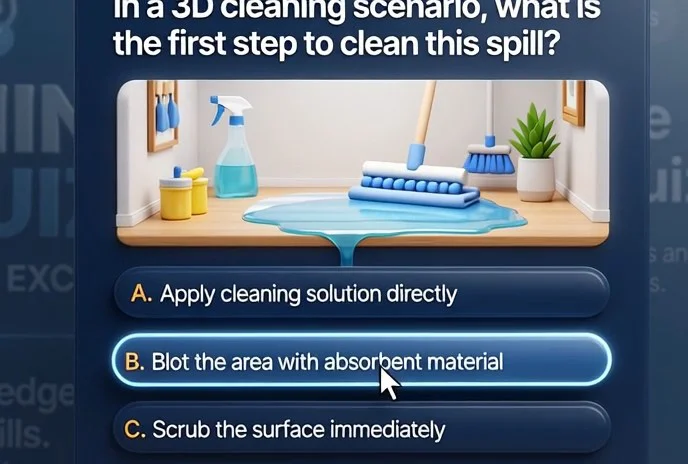
If you need to build a lasting skill — for example, negotiating, handling objections, or acting in unusual situations — use situational quizzes.
Here, the employee makes decisions as in real work and immediately sees the consequences, while mistakes are analyzed on the spot, without stress or loss of motivation.
Consider your audience's specifics: beginners need explanations and support in every question; experienced employees need challenge and pace. If training happens remotely or across different devices, choose a format that opens in a browser without app installation.
WebGL quizzes launch in one click and work on any modern device — this removes the entry barrier and increases completion rates, which directly affects training outcomes.
In practice, the best result comes from combining formats.
Short tests after each block help consolidate the base and maintain discipline, while a final quiz with real cases develops critical thinking and shows the team's experience "in action." The main advice — don't chase question volume and don't choose a format out of habit. Determine what task the training solves, and the right format parameters will become obvious.
Frequently asked questions about quiz development: answers and doubts
Doubts before launching a training quiz are normal. Most often, clients worry about timelines, how the game will work for employees, and what happens after release. We answer these questions directly — without technical details, straight to the point.
How long does quiz development take?
Usually two to four weeks — depending on the number of questions, formats, and design. We set milestones and show intermediate results, so you always understand where the project stands and when it will be ready.
Employees use different devices — will the quiz work for everyone?
Yes. We build the quiz on WebGL, so it runs directly in the browser — no app installation or settings required. The employee simply opens the link from a computer, tablet, or smartphone, and everything works consistently. The only requirement is an internet connection.
What about support after launch?
We don't disappear after project delivery. The cost includes a warranty period: we fix bugs, help with launch, and answer employee questions. If anything goes wrong — you always know who to contact.
How often can questions be updated and material changed?
As often as you need. You can order a one-time update — for example, for a new season or product launch. Or you can hand updates to your own staff: we build a simple admin panel through which you can change questions yourself without developer involvement.
We understand that training is part of the work process, and downtime here is unacceptable. That's why we set deadlines, provide a warranty, and stay in touch after launch. Transparent cost estimates and clear stages — so you can make a decision calmly, without hidden surprises.Request a project estimate: free consultation and timeline calculation
Leave a request for a free consultation — we'll discuss your task, suggest which quiz format will truly engage your employees, and give realistic timelines. No obligations: you get an estimate, and the decision is yours.
On the call, we'll walk through how the training will look from the first brief to launch, which stages your project specifically needs, and what affects timelines.
We'll also talk about the modern WebGL format: the quiz runs in a browser without installation, so employees don't need to download anything — saving time and simplifying the start.
You'll save days of studying technical details — we translate complex topics into business language and give concrete recommendations.
What you'll get after ordering:
- A clear plan with stages and timelines — you always know what's happening
- Game mechanics that increase engagement and material retention
- A quiz adapted to your corporate style and training goals
- A simple administration system: add questions yourself and view results
- Technical support after launch and help developing the project
- Transparent reporting on employee activity and progress
You get not just a game, but a training tool that is measurable and transparent. Each item addresses a specific business task.
Submit your request for a free consultation — we'll contact you within one business day, answer your questions, and prepare a timeline estimate for your task.