


Employees Don't Retain Training: The Power of Microsoft HoloLens
Classic training rarely produces results: employees listen, take notes, and a week later forget most of the material. The reason isn't employee laziness but the format—passive consumption doesn't build skill.
Corporate training turns into a formality, and mistakes on real tasks continue to cost time and reputation.
Microsoft HoloLens changes the approach: instead of slides and lectures, an employee steps into an interactive environment where decisions must be made.
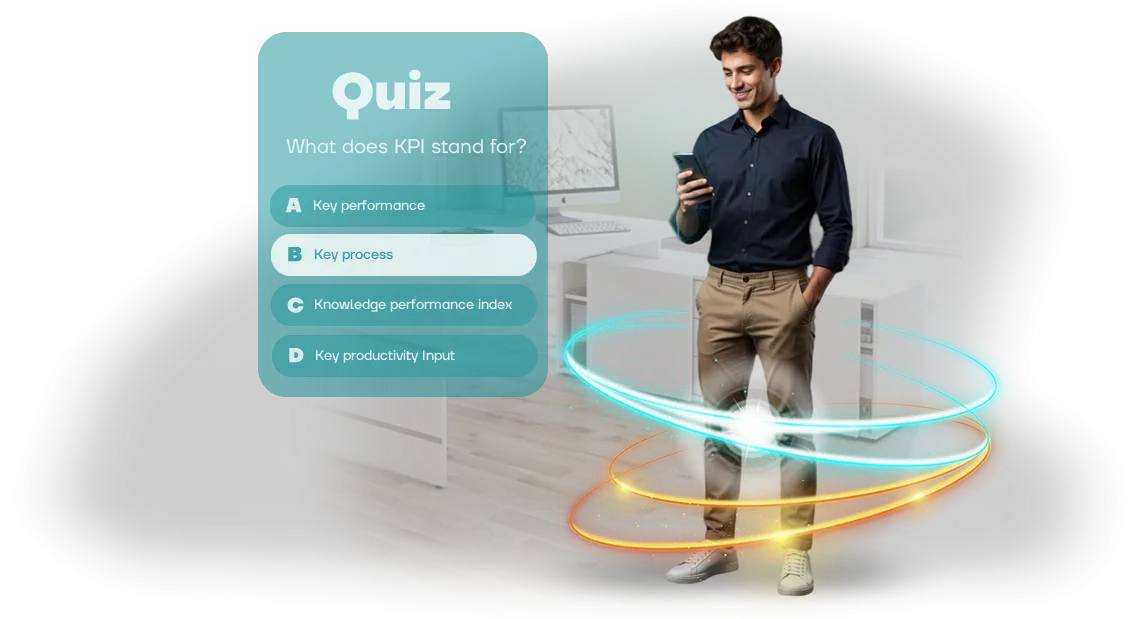
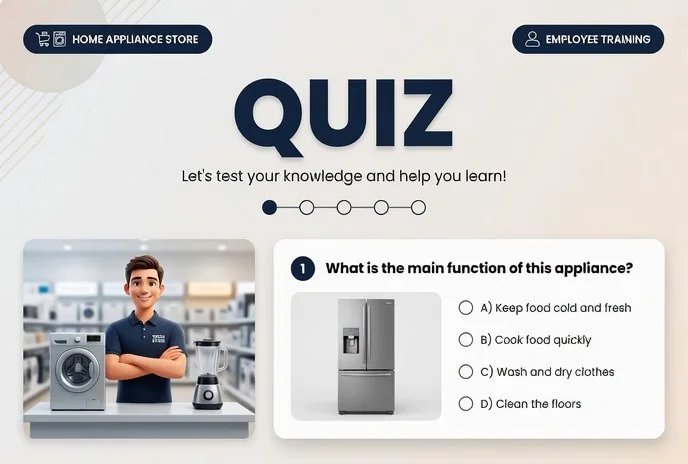
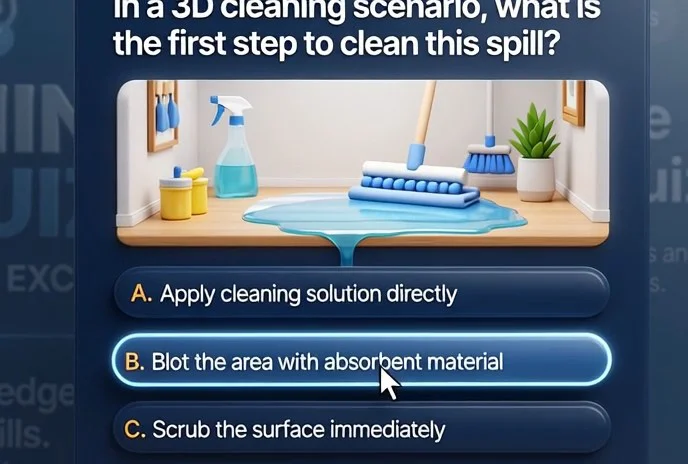
AR quizzes on HoloLens test knowledge in conditions close to real work: safety procedures, equipment handling, service standards. Training thus becomes practice—people remember not text, but action.
The game format makes learning engaging: employees run through scenarios multiple times because they want to improve their score. A manager sees an objective picture—who has absorbed the material and who needs extra practice.
This is effective staff training: without interrupting operations and with measurable progress for every participant.
Implementing HoloLens in training doesn't require restructuring HR processes. We develop quizzes according to your regulations and goals: from onboarding new hires to certifying experienced employees. Scenarios are easy to update when company standards change or new regulations appear.
As a result, you get people who truly know and can do their work, not just sat through a training session. Faster onboarding, fewer mistakes, and more confidence in the team's actions. Microsoft HoloLens turns training from a formal procedure into a business growth driver.
What Corporate Training on Microsoft HoloLens Delivers
Corporate training often hits one problem: employees complete the course formally and forget key rules within a week. Microsoft HoloLens changes the format itself—instead of passively watching slides, a person is placed inside a learning situation and interacts with it.
This keeps attention throughout the entire session and makes the brain work actively, not mechanically.
The result is a noticeable increase in engagement. Teams treat training as practice rather than a chore and actively join in.
Thanks to visual scenarios and interactive prompts, material is absorbed more deeply: an employee doesn't just read an instruction but immediately applies it under conditions close to the real ones.
That's why knowledge retention after AR training is significantly higher than after classic presentations.
For business, this means measurable results. We record every participant's actions: response speed, number of errors, success in completing scenarios. Based on this data, you see which topics are already mastered and where the team needs further work. Training stops being a "black box"—it becomes a managed process with clear metrics.
Higher engagement and retention directly affect performance: fewer process errors, faster onboarding, employee confidence in unusual situations.
Microsoft HoloLens helps turn one-off training into a systematic team development tool that pays for itself by reducing retraining time and lowering risks.
Quiz Formats for Different Company Goals
Each training goal requires its own format. A quiz that works well for introducing a newcomer to a role won't work for testing product knowledge or practicing emergency response.
If the scenario doesn't match the task, employees perceive training as a formality, and the collected statistics don't reflect the actual level of preparedness. That's why we don't just pile on questions—we design a scenario around the result the company needs.
For the tool to work, the format must match the goal. Below are typical quiz scenarios that we adapt to the client's objectives.
| Format | For whom | What it gives the company |
|---|---|---|
| Onboarding | New employees | Fast immersion in standards and regulations without long lectures, reduced time to productivity |
| Product | Managers, sales staff, support | Confident knowledge of the product range and arguments, fewer mistakes in customer communication |
| Safety | All staff | Hands-on practice of action algorithms in emergency situations, fewer violations and incidents |
These quizzes are convenient to complete on a computer screen, tablet, or right at the workplace via the Microsoft HoloLens AR headset. The employee sees virtual hints and models in the real environment, not abstract questions.
This turns knowledge testing into a short practical exercise that is better remembered and doesn't pull the person out of their usual environment.
We design scenarios in advance: the onboarding one is short and visual, the product one is close to real customer dialogues, and the safety scenario examines the consequences of a wrong decision.
In every version, the participant receives instant feedback, and the manager gets clear progress indicators for the whole group.
Together with you, we will choose one format or combine them into a common training program. The key is that each scenario solves a specific business problem, not just exists for the sake of a passed-test report.
Stages of Developing a Quiz for Employees
We structured the process so that you can easily control progress and understand what happens at each step. You won't be pulled into technical details—you get a ready-made tool for employee training. Below are the stages most projects go through.
-
Brief and task immersion. We study the training goals, the specifics of employees' work, and existing materials. We agree on what an employee should be able to do after the quiz and how to verify it.
-
Scenario and content. Together with you, we turn training materials into questions, cases, and scenarios. We choose formats: single choice, situational tasks, interactive elements. You approve the scenario before development starts.
-
Prototype and design. We show how the quiz will look and behave on the device using key screens. We align the visual style with the company brand and make changes before the main development.
-
Development and adaptation for HoloLens. Developers implement the quiz mechanics and adapt the interface for gesture and voice control. Employees will be able to take the training without special preparation.
-
Testing and refinement. We test the quiz on the device together with your employees. We collect feedback, fix issues, and bring it to a stable state.
-
Launch and deployment. We help roll out the quiz in your infrastructure, configure participant access, and train administrators. You get a manual and a short training session for the team.
-
Support and evolution. We stay in touch after launch: update questions, add new modules, and help with technical issues. The quiz can grow alongside your training programs.
We work turnkey: you don't need to find separate contractors or solve technical issues. You get a clear plan, fixed deadlines, and a result that fits into your current training processes.
What's Included in Project Delivery
We deliver not just an application, but a complete employee training system. You receive a full package: from a working quiz to methodology materials and trainer training—everything you need to launch without involving additional contractors.
The delivery includes:
- Training quiz for Microsoft HoloLens — an interactive application where an employee completes scenarios in augmented reality and receives instant feedback on every answer.
- Content base — questions, scenarios, and game mechanics adapted to your specific needs: from safety to service standards and internal regulations.
- Methodology guide — how to integrate the quiz into your current training program, how to run sessions, and how to interpret results for managers.
- Trainer training — a hands-on workshop after which your internal trainers can launch quizzes and analyze employee mistakes on their own.
- Administrator documentation — instructions for launching, updating, and resolving common issues without developer involvement.
- Analytical report — results for each employee and group: percentage of correct answers, completion time, progress on repeated tests.
After handover, we stay in touch for a month—help launch the pilot, answer questions, and adjust content if necessary. This way, you can confidently scale training across all departments and get measurable knowledge growth without downtime.
Case Study: How We Boosted Employee Knowledge Retention
A major retail chain, Mayak, faced a problem: new employees forgot up to 70% of information after training. Standard tests and briefings didn't work, and mentors were overloaded.
We proposed a different solution—a training quiz in augmented reality that employees complete through the Microsoft HoloLens headset.
Instead of abstract questions, a person answers while looking at a real storefront, warehouse, or checkout—so the material is remembered in the context of the work.
Project Results
Over three months, more than 500 employees in 12 store locations completed the quiz. Control measurements showed retention of regulations rose from 35% to 80%, and the number of errors in merchandising and customer service fell by 45%.
Repeated completion became voluntary practice: employees themselves return to the quiz to refresh their knowledge, and the time to onboard newcomers was cut in half.
Client Testimonial
The head of the training department summed it up this way: "For years we struggled with the formality of courses and didn't believe in novelties. The AR quiz surprised us: people genuinely got involved, and the results have held for months.
What's especially valuable is that we immediately see who is falling behind and can individually support those employees." After the first stage, the chain ordered an expansion for other staff categories—so the project became a permanent training system.
This case is not about technology; it's an example of measurable value. Quizzes on an augmented reality headset turn training from a checkbox exercise into a game that brings concrete numbers to the business: more knowledge, fewer errors, stronger engagement.
Frequently Asked Questions About Implementing Quizzes
Before ordering development, clients usually ask the same questions: is it too complicated, how soon can a quiz be launched, and will employees be left without support after the start.
We address these doubts directly—so you understand how implementation works before making a decision.
How difficult is it to implement a quiz into the workflow?
Implementation takes minimal time because we handle all stages: from preparing questions to deploying the quiz on the desired device—a computer, tablet, or AR headset. An employee just opens a link or scenario; no additional programs or complex settings are needed.
You get a ready-made tool that can immediately be used in training, onboarding, and internal communications.
How much time is needed to launch?
On average, it takes one to two weeks from concept approval to a finished quiz. If you need an urgent adaptation for a new team or an internal event, we can deliver faster—we'll give exact timelines after the brief.
The launch doesn't block your work: while you gather questions, we prepare the mechanics and scenario logic.
Employees are skeptical about training—how do we engage them?
The quiz is built on short interactive questions and instant feedback, so even an adult audience gets involved. We use game mechanics and visual results to make training feel like an interesting challenge, not a chore. Practice shows that completing a round takes just a few minutes and generates a lively response.
What happens after launch? Will there be support?
We support the quiz after launch: help update questions, add new scenarios, and break down the final statistics. If employees run into access or display issues, our specialists resolve them within one business day. You're not left alone with the tool—we're here for as long as the quiz works and delivers value.
Order Development for Your Task
Submit a request for the development of an educational AR quiz, and we'll handle the entire journey: from idea to launch. You don't need to understand technical details, design the scenario, or study how headsets work—we'll do it for you and turn the project into a working tool.
After you reach out, you'll receive a free consultation on the future quiz scenario plus a preliminary cost and timeline estimate.
As a gift with your order, we'll provide training for your employees on using the headset—plus methodology materials for running the quiz without developer involvement.
How We Work After Your Request
- You submit a request—we contact you within one business day.
- We conduct a consultation: clarify training goals, audience, and content specifics.
- We calculate the project cost and set deadlines in a commercial proposal.
- We agree on quiz content: questions, logic, and interface design.
- We develop an AR solution using a professional tech stack and test it with a control group.
- We train your specialists to use the headset (Microsoft HoloLens) and provide clear instructions.
- We provide support after launch: make edits, update content, and assist with any questions.
This workflow eliminates surprises: you know in advance what you'll receive, at what cost, and on what timeline. We're in touch at every stage, so you always know how far the project has progressed.
Submit your request—by the next day, you'll receive a specific proposal tailored to your task. Tell us about your training goals; we'll answer your questions and suggest a solution that delivers measurable results.
How to Choose a Quiz Format for Your Team?
A universal quiz format doesn't exist—the choice depends on the task you're solving. If you need to quickly test a large number of employees on regulations or standards, a text quiz on the internal portal is enough. It satisfies formal requirements but rarely changes behavior.
When training needs to affect skills and engagement, interactive formats work better. A quiz with game mechanics, scenarios, and visual situations holds attention and lets an employee apply knowledge right away in conditions close to actual work.
This is exactly where augmented reality on Microsoft HoloLens provides a tangible advantage: an employee sees the instruction or process right in front of them and answers questions in the context of a real object.
When choosing a format, consider three criteria: the nature of the material, the audience, and the desired outcome. Complex equipment and processes are better learned with AR quizzes, which provide visual clarity and hands-on practice.
For mass onboarding briefings, lightweight formats work well—they don't require special equipment and take 10–15 minutes.
Separately, think about how you'll measure the impact. It's important for us not just to count correct answers, but to understand whether employees' practical results improved after the game.
That's why we select a format based on your objectives and offer an option that solves the problem without wasting time or budget.
Send us a description of your task—we'll show you which format will work for your company and calculate the timeline.