


Quizzes for Continuing Education Centers and Online Courses
Learners on online courses and at continuing education centers quickly lose interest when the material is presented monotonously. Without engagement and feedback, a student skips through a lecture, gets distracted, and eventually drops out.
Without interactivity in a course, attention retention drops significantly—and with it, completion rates and the reputation of your educational program.
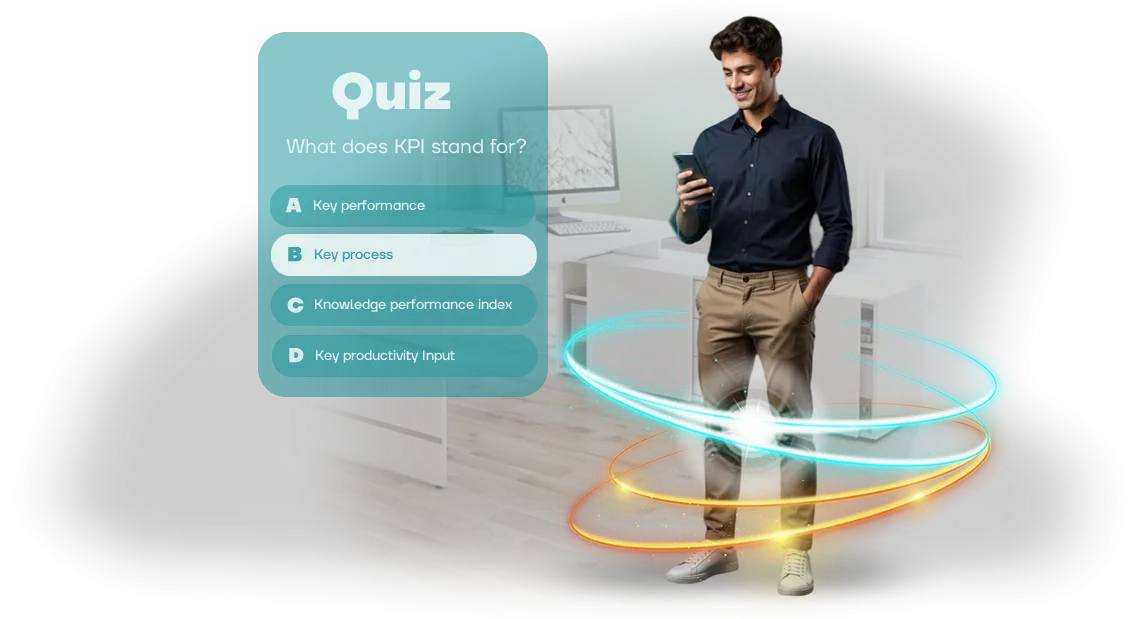
A training quiz for employees or students solves this problem: instead of passive viewing, there is active participation. The learner answers questions, sees the result immediately, and gets an emotional payoff.
This turns routine knowledge testing into a game people want to finish. We develop such quizzes as full-fledged PC quizzes that run directly on a computer—without complex setup or installing additional software.
For a continuing education center or online course, this is not just entertainment. It is a tool that keeps students on your platform, increases satisfaction, and gives the instructor a clear picture of how the material is being absorbed.
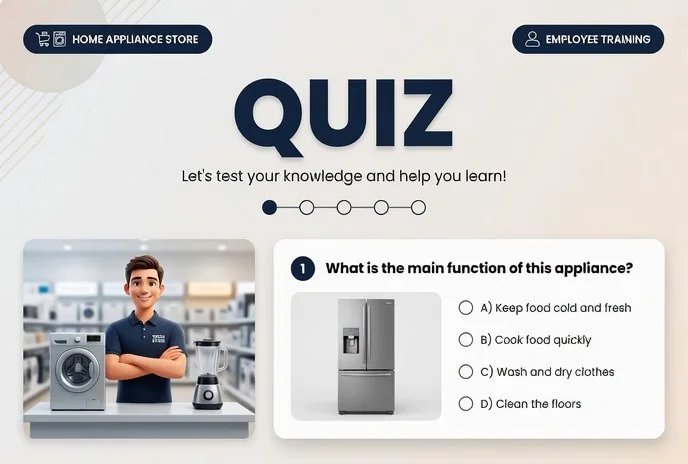
A quiz for employees can also be used for internal staff training—it accelerates onboarding and reduces the load on mentors. Such solutions are built on the professional platform Unity, which ensures stable performance and adaptation to any course program.
The result for you is more completed courses, loyal students, and more referrals. Learning speed increases, and knowledge control stops being a chore.
Below, we'll break down how quickly we can implement interactivity, what's included in the finished package, and on what terms you get a turnkey quiz.
What You Gain from Game-Based Learning
Employee training often turns into a formality: long presentations, text on a screen, passive listening. A week later, learners remember only a small part of the material, and the employer sees no return on the time invested.
A training quiz solves this problem—it turns learning into an engaging game where every participant is involved and interested.
The game format triggers healthy competition, rivalry, and curiosity. Employees go through the material not "just for show" but to score more points and outdo colleagues. Thanks to instant feedback, knowledge sticks better, and mistakes are reviewed on the spot. Training takes less time, while retention improves noticeably.
Beyond internal tasks, a quiz works for your brand. A corporate game with your logo and brand identity is memorable, and people share it on social media and with colleagues.
For continuing education centers and online courses, this is a chance to stand out from competitors and show that you keep up with the times. Every participant becomes a brand ambassador and brings in new people.
The most valuable part is that learning starts generating leads. A quiz can be opened to a new audience: placed on your website, in social media, or used as an entry test. Interested participants leave their contacts to get results, additional materials, or a consultation.
This way, educational content turns into a source of applications and expands your sales funnel without extra advertising costs.
Our task is to create a quiz that solves your business problems: increases engagement, strengthens brand recognition, and brings in new clients.
We develop the scenario, game mechanics, and visual style for your audience, and you get a ready-made tool that pays off and keeps working for you.
PC Quiz Formats for Your Needs
For continuing education centers and online courses, it's important that learning is actually absorbed, not just "completed." Regular tests on paper or in an LMS quickly become tiresome: students pick answers at random and forget the material a week later. The quiz format solves this—it turns knowledge checks into a lively activity, not a formal exam.
We develop PC quizzes for different learning scenarios. The same material can be delivered as a dynamic team game, an individual test on a PC with instant grading, or an exam simulator for certification preparation. Below is a table of formats and the task each one handles.
| Format | For whom | What it gives the client |
|---|---|---|
| Team quiz game | Group sessions, offline intensives, field modules | Engages the whole group, builds teamwork skills. The instructor sees gaps right away and can immediately review a difficult topic |
| Test on PC | Online courses, distance learning, self-study | The student gets automatic grading and instant results—no waiting for the instructor's response. You save time on manual grading |
| Exam simulator | Preparation for final certifications, olympiads, and accreditation | Learners work through real questions in advance and walk into the exam with confidence. The center tracks progress and group readiness |
Formats can easily be combined in one course: for example, team quizzes for intermediate lessons and a PC test for final assessment. We tailor the configuration to your program and the number of students—from a small group to a full online course enrollment. This way, you get a solution that scales to new topics without reworking the entire program.
How Development Works: From Brief to Launch
We've structured the process so you can see every stage of quiz development and influence the outcome. Each step ends with a clear deliverable: a document, a prototype, a test link—no surprises and no hidden work. We start with a game brief and end with launch and support.
-
Game brief. We discuss learning goals, audience, topic, number of questions, and desired tone. You get a plan, timeline, and approximate mechanics—before development even starts.
-
Concept and structure. We propose the quiz format, question types, scoring system, and completion flow. We define how the game fits into your curriculum or course.
-
Scenario approval. We prepare the full question text, answer options, explanations, and scoring logic. You make edits at this stage—it's faster and cheaper than redoing a finished game.
-
Development and design. We build the quiz: interface, visual style, animation, and sound. We set up administration so your team can manage content without a programmer.
-
Testing and acceptance. We run the scenario on different devices, fix errors, and verify scoring logic. You get a test link and play through the game yourself before launch.
-
Quiz launch. We place the game on your platform or connect it to your learning management system. We help run the first session with employees and collect initial feedback.
-
Support and evolution. We stay in touch after launch: update questions, add new seasons, and change the design to match current goals. The quiz grows alongside your training, and you don't pay for development from scratch every time.
What's Included: Launch Kit
Here is what you get in finished form—without having to hire developers or dig into technical details. It's a package that can be launched almost immediately after approval.
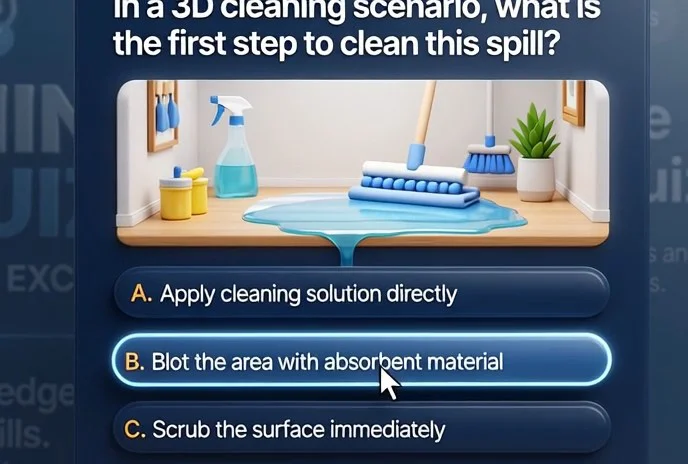
- Question scenario — ready-made quiz logic: a set of questions, answer options, and explanations for employees. The scenario adapts to your topic: product training, service standards, safety, or internal policies.
- Quiz interface — an easy-to-use shell that any employee understands from the first screen. It opens on a computer, tablet, or smartphone, so no special training is required.
- Quiz admin panel — a personal dashboard where you see statistics: who completed it, how many correct answers they gave, and which topics caused difficulties. This helps you improve training in a targeted way.
- Employee instructions — a short guide on how to start, how long it takes, and what to do if there are technical issues. Handed out together with the quiz link.
- Results database and reports — automatically saved answers and simple data export for managers or the training department. You can build progress charts by team.
- Repeat launch template — the ability to update questions and run the quiz again, for example, for new employees or after introducing new work standards.
The whole package is designed so that launch takes a minimum of time. We approve the scenario, upload the questions, send the link—and the quiz works. You don't need to buy separate services or keep a setup specialist on staff. We provide clear documentation, and if questions arise, we support you at every stage.
Case Study: Quiz Increased Learner Engagement by 60%
Regular courses and webinars lose the audience's attention within the first two minutes: employees skim materials but don't remember the key points.
That's the challenge the Profi Training Center brought to us—they were launching an online professional development program for 200+ specialists and wanted the material to be truly absorbed.
Instead of a final test, we proposed a training quiz: the same questions, but in a competitive format with points, levels, and instant feedback. Participants completed the quiz after each module, saw their ranking in the group, and got an error review.
Implementation Results
A month after launch, learner engagement increased by 60%: the quiz was completed not "twice per course," but regularly, after every lesson. Program completion rose to 85%—people came back to improve their score and climb the group ranking.
Nearly a third of participants also replayed the quiz several times—reinforcing the material became self-directed, without reminders from the coordinator.
The center's director confirms the result:
"We expected it to be interesting, but we didn't think employees would start waiting for the next module just to play again. The quiz became the best part of the course—that's clear both from the evaluations and from how much chat activity increased. Now we're embedding quizzes into all new programs."
The center's team now uses this format for regular knowledge checks—without bulky tests or excess manual grading.
For our part, we prepared the quiz around their content and learning process so that launch took a few days and administration didn't pull instructors away from teaching.
The same approach works for any educational product: from corporate academies to open online courses. The quiz adapts easily to your program, and the gamification mechanics deliver measurable results within the first few weeks.
How to Choose a Quiz for Online Course Learners?
Choosing a quiz for an online course starts with one question: what result do you want to achieve? If you need to reinforce material, a short poll is enough; for attention retention, a narrative game works better. An active group might suit a team battle.
We help you select the format for your task and adapt it to your scenario, so the game supports learning rather than being just entertainment.
Compare the main options:
| Format | When it fits | What it gives |
|---|---|---|
| Quick poll | After a module or webinar | Knowledge check in 5 minutes |
| Narrative quiz | For a whole course | Holds attention, creates emotion |
| Team battle | For live online sessions | Competition and increased activity |
| Quiz with levels | For long programs | Motivates learners to finish |
From there, adaptation to your course begins: we rephrase questions in the style of your program, add branding, and embed the quiz at the right points—after topics, before an exam, or as a final challenge. The interface stays clear for learners, and you get a tool that works for training.
That's why, when selecting, we always start from your goal, not technical details.
Send us your course materials, and we'll suggest 2–3 formats with sample questions—you'll see how each one fits into the learning process and choose the one that works for both you and your learners.
FAQ: Fears and Doubts Before You Start
Every project begins with questions—and that's right. We've collected the questions most often raised by directors of training centers and online courses before launching a training quiz. We answer honestly so you can see: customer concerns are solvable, and risks are under our control.
What if we don't make the deadline?
We set the timeline in the contract and break the project into stages with clear milestones. You see intermediate results and can adjust the process in time. In 10+ years, we have never missed a deadline—because we plan with a buffer.
What if questions need to be changed after launch?
Questions should reflect the current knowledge of employees. That's why we build the quiz with a convenient admin panel: you can add or edit questions and change answer options yourself, without a programmer. We also train your team so content management is simple.
What if the equipment fails at the worst possible moment?
We work with professional equipment and use proven tools that have been tested on dozens of projects. Before launch, we run testing, and on the day of the event we stay available. If anything goes wrong, we handle it ourselves.
Who will support the quiz after launch?
After delivery, you get a warranty and support. During the warranty period, we fix any issues free of charge, and afterward we stay available under a maintenance agreement. You won't have to find new contractors for every small change.
A quiz is not a "black box"—it's a transparent tool that works for your goals. If you still have a question, ask us—we'll tell you how we'd handle your specific situation.Let's Discuss Your Project? Leave a Request
We'll discuss your project in one meeting—a free consultation where we'll go over your center's goals and show how a training quiz fits into your current programs.
You'll receive the cost calculated after audit within a couple of days and see how much time and effort you'll save on preparing materials.
We've worked with continuing education centers and online courses for a long time, so we know how to turn a boring test into a game employees take on with interest.
You don't need to understand development: we handle the scenario, design, and technical implementation, while you control the result.
What you get after leaving a request:
- Free consultation: we discuss your project, audience, and learning goals.
- Format selection: from a short warm-up to a full-fledged quiz with levels and rewards.
- Custom design: the quiz in your brand's visual style.
- Adaptation to any platform: offline sessions, webinars, or your learning management system.
- Full support: we test, launch, and maintain the game after delivery.
- Clear statistics: you can see who completed the course, which topics were difficult, and how much engagement grew.
"We ordered a quiz for teacher professional development. All 120 employees completed it within a month, and one in two returned to the questions again. We got not just a test but a tool we now use for onboarding new staff," — head of a training center.
Progress Continuing Education Center
Leave a request for development, and we'll call you back at a convenient time. We'll discuss your project, suggest the optimal scope, and offer a solution that fits your budget. There's no obligation—you decide after you see the plan and estimate.